
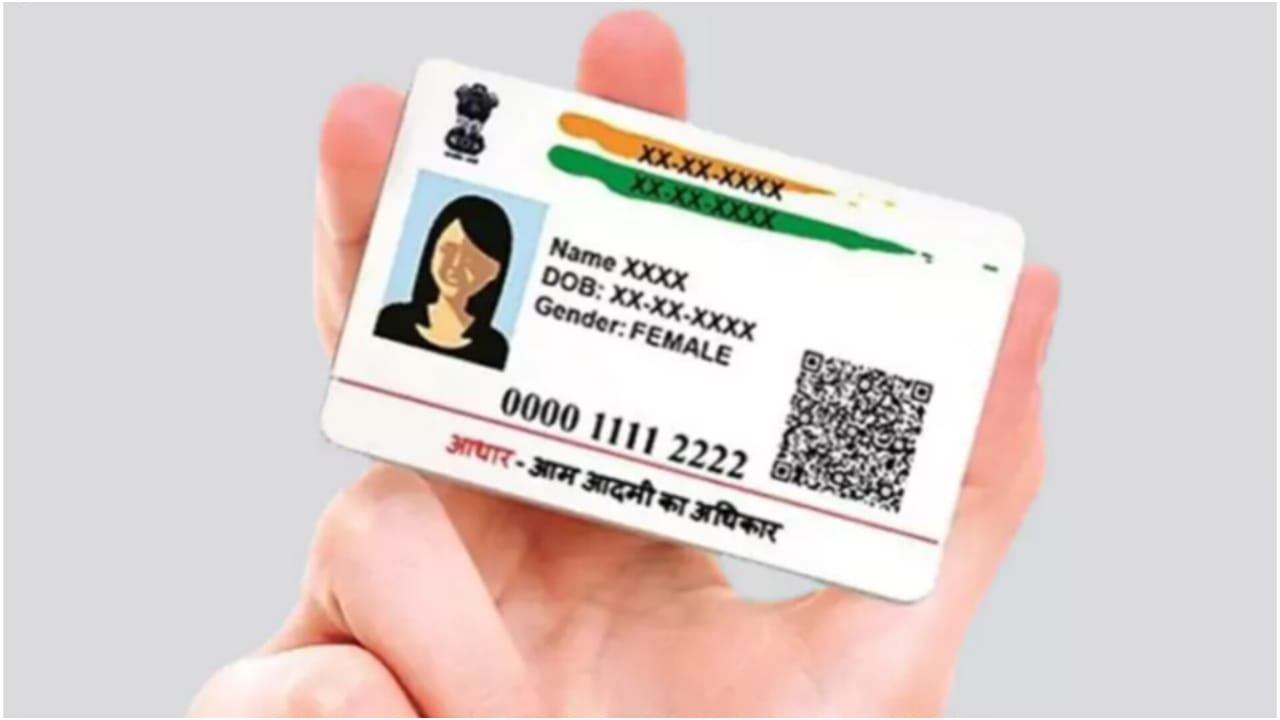

Aadhaar Name Update – If you need to update your Aadhaar details but are unsure how the process works, this guide will help you understand the process clearly. Updating your personal information on Aadhaar is now extremely important, as this unique identification number is widely used as a primary document for government schemes, financial services, bank KYC, and several official verifications.
Even a minor error in your Aadhaar name can cause issues in your KYC or banking processes. To avoid such problems, the Unique Identification Authority of India (UIDAI) allows citizens to update details such as Name, address, date of birth, and mobile number through both online and offline channels.
UIDAI’s New Faster Verification System Coming Soon
To reduce documentation and expedite the update process, UIDAI is developing a new system that will automatically verify user details by cross-checking them against existing government databases such as PAN, passport, and ration card.
This will eliminate the need to upload documents repeatedly for every correction. UIDAI is also expanding the list of accepted address proof documents and will now accept utility bills, such as electricity bills, as valid proof for address updates.
A new, upgraded mobile application is also expected soon, featuring QR code functionality and secure access to the digital Aadhaar. Once introduced, users will no longer need to share photocopies of their Aadhaar; instead, they can provide a secure digital or masked Aadhaar whenever required.
How to Update Your Name in Aadhaar Online?
For users who want to update their Name, the simNamet method is through UIDAI’s official Self Service Update Portal. To use this service, your mobile number must be linked with your Aadhaar so that OTP verification can be completed.
Start by visiting the UIDAI website and navigating to the Self Service Update Portal.
Enter your 12-digit Aadhaar number and the captcha code. Click Send OTP, then log in using the 6-digit OTP sent to your registered mobile number.
Next, select the Update Demographics Data option and choose Name.
Enter your correct Name exactly. Name appears on your supporting identity documents. It is important to note that UIDAI allows name correction only once, so ensure that the spelling and format are absolutely accurate.
Upload a scanned copy of a valid identity proof, such as a passport, PAN card, or voter ID card. Review all the details you entered and click on Submit.
After submitting the request, you will receive an Update Request Number (URN), which can be used to track the status of your Aadhaar name update.

Comments are closed.