
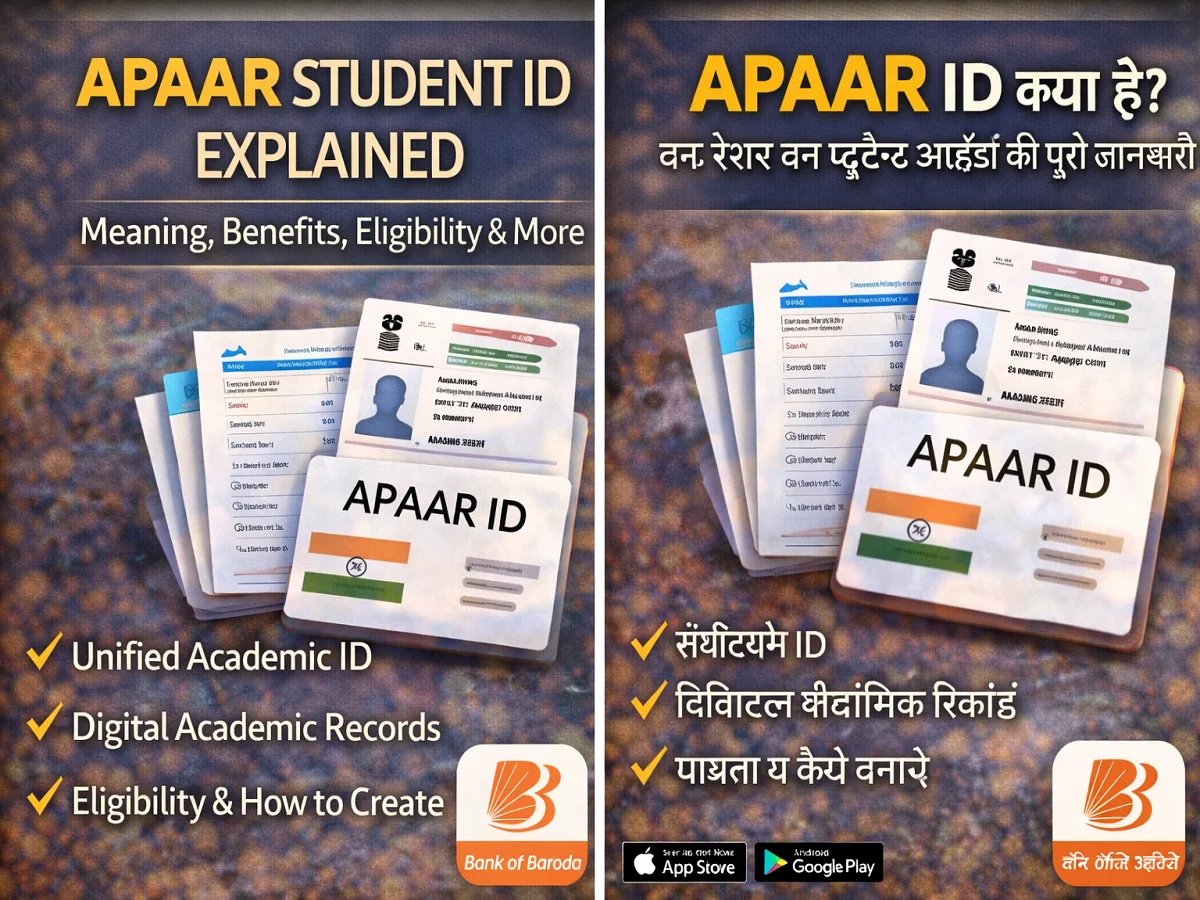

India’s education system is rapidly becoming digital. In this direction, the government has made arrangements for the students. APAR ID A new initiative has been started. This is a unique digital ID, in which the complete academic information of the student is kept safe.
APAAR ID (Automated Permanent Academic Account Registry) Ministry of Education on National Education Policy (NEP) 2020 And National Credit and Qualifications Framework (NCrF) Started under.
Its objective is to help students Keeping academic records, certificates and achievements safe on a single digital platform Is.
What is APAAR ID?
APAAR ID one 12 digit unique identification number Which is given to the students.
it often “One Nation One Student ID” It is also called because it unifies the academic identity of students across the country.
With the help of this ID, students can:
- All of ours Academic records stored in digital form can do
- At the time of admission in college or university You can share your information easily
- Can transfer your records to different institutions
Benefits of APAAR ID
1. All academic records at one place
of students Marksheets, Certificates and Achievements Remains digitally safe.
2. No need to carry documents
Only 12 digit APAAR ID number By giving, the institutions can see your records.
3. Flexibility in education
students easily Can change course or transfer institute।
4. No fear of losing documents
due to digital recording The risk of losing mark sheets or certificates is reduced।
5. Help with jobs and admissions
APAAR ID can be used:
- college admission
- competitive exams
- skill training program
- job application
Eligibility for APAAR ID
To create APAAR ID, certain conditions have to be fulfilled:
- Student Must be registered in UDISE+ system
- she has Permanent Education Number (PEN) should be
- student’s Name must match Aadhaar and UDISE+ record
How to create APAAR ID?
APAAR ID usually Formed through school or educational institution।
Step 1: School details verification
student should go to school and Personal information needs to be verified।
Step 2: Parental permission
If the student is a minor Parental consent is required।
Step 3: Identity Verification
School Verify identity based on Aadhaar and UDISE+ records।
Step 4: APAAR ID issued
After verification the student 12 digit APAAR ID Is issued.
Step 5: Available in DigiLocker
this id DigiLocker gets linked to the accountwhere students can view their records.

Comments are closed.