

Apple Resumes Card Payments in India After Five Years: How to Add Your Card for App Store and iCloud

Apple has restored credit and debit card payments for App Store and iCloud purchases in India after a five-year gap, marking a major change in how users can pay for the company’s digital services.
The feature is currently being rolled out to a limited group of users, with a wider expansion planned over the coming months. At present, Visa and Mastercard cards are supported, while RuPay and American Express (Amex) integration is expected to be added later.
Apple had stopped accepting card payments for App Store and iCloud transactions in India in 2021 after the Reserve Bank of India’s (RBI) card tokenisation rules came into effect. Since then, Indian users have primarily relied on UPI and net banking to make purchases within Apple’s ecosystem.
The company has now resumed card payments after complying with the RBI’s tokenisation and data localisation requirements. Under the regulations, only authorised card networks can store tokenised card data, and payment-related information for Indian users must remain within the country.
Globally, Apple stores tokenised payment data on servers in the United States, China and Denmark. However, the company is not expected to mirror that system for India as it does not currently operate a local data centre and is unlikely to build one in the near future.
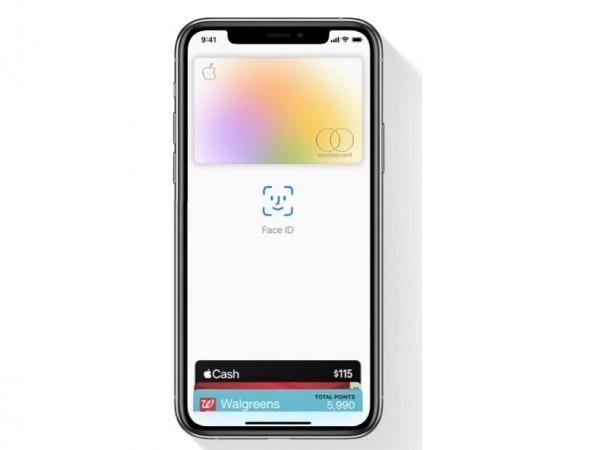
The move is expected to make App Store purchases and iCloud subscription payments more convenient for Indian users by bringing back credit and debit card options alongside existing payment methods.
Meanwhile, Apple continues to work on bringing Apple Pay to India. The company is reportedly in discussions with banks and card networks to meet regulatory requirements related to tokenisation and local data storage. Apple Pay is expected to support both UPI and card-based payments whenever it launches in the country, although no official timeline has been announced.
How to add your card for App Store and iCloud payments
Users who have received the feature can add a credit or debit card by opening Settings on their iPhone or iPad, tapping Apple Account at the top, selecting Payment & Shipping, and choosing Add Payment Method. Users can then enter their Visa or Mastercard details and complete the verification process.
Alternatively, users can open the App Store, tap their profile picture, go to Manage Payments, and add a new card from there.
Once the card is verified, it can be used to pay for App Store purchases, Apple Music, iCloud+, Apple TV+, and other Apple subscriptions. If the card payment option is not yet visible, users may need to wait as the rollout is being introduced in phases.

Comments are closed.