
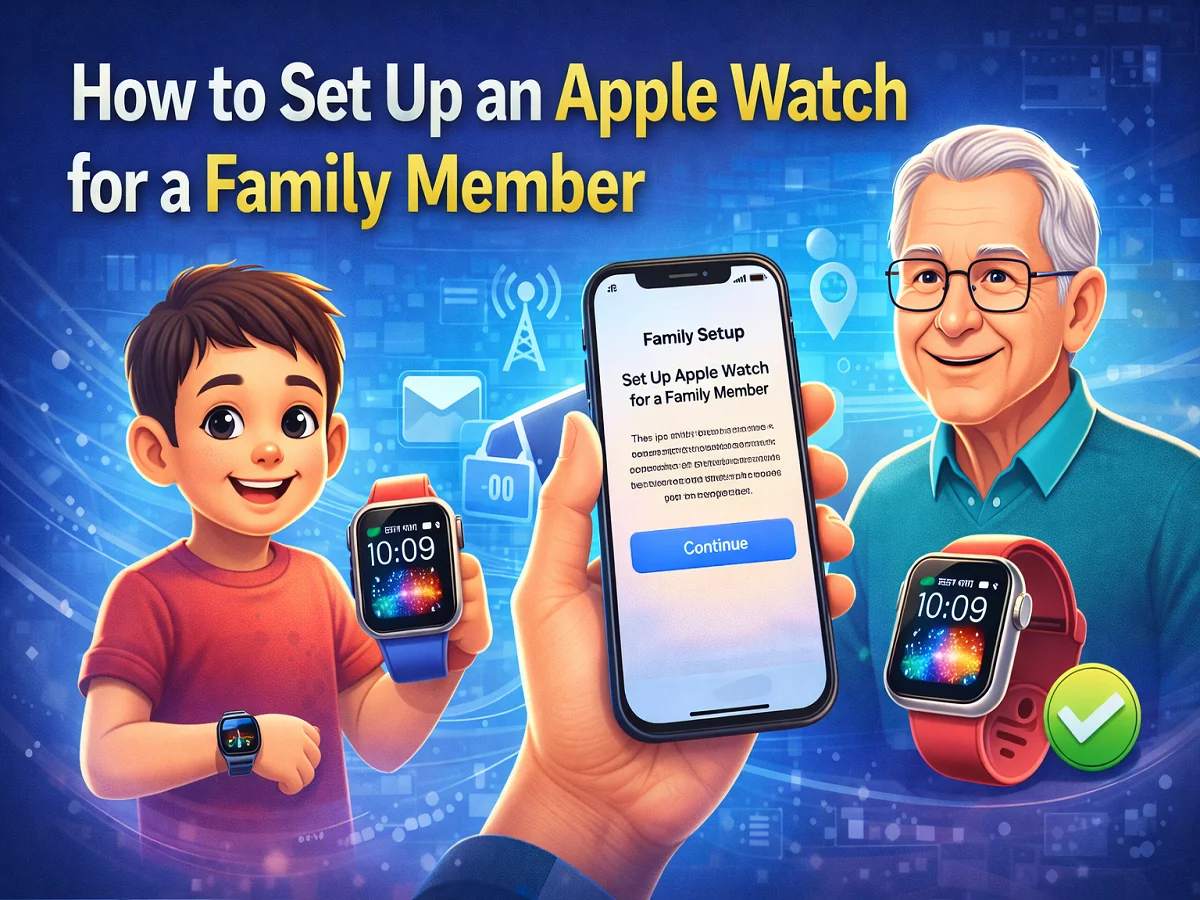
How to set up Apple Watch for children or the elderly? Know the complete method of Family Setup

The Apple Watch is no longer just a personal smartwatch. Apple has Family Setup A feature called Apple Watch has been introduced, with the help of which you can set up an Apple Watch for any of your family members, even if they do not have an iPhone.
This feature is especially children and elderly parents Is useful for. Through Family Setup, they can make calls, send messages, share their location and use many other features.
After setting up Apple Watch, you can also manage many of its features from your iPhone.
What is Apple Watch Family Setup?
Family Setup is a feature that allows you to configure Apple Watch for a family member with the help of your iPhone.
Through this feature users can:
- can call
- can send message
- Can share location
- Can track health and fitness activities
However, there are some features that require a direct connection to the iPhone.
Things you need to know before setup
Before you can set up Apple Watch through Family Setup, you must have the following:
Apple Watch
- Apple Watch Series 4 or newer (Cellular)
- Apple Watch SE (Cellular)
iPhone
- iPhone 6s or newer
- iOS 14 or newer
Apple ID
- An Apple ID for you
- An Apple ID for the person you’re setting up the Apple Watch for
In both Apple IDs Two-Factor Authentication Should be on.
Family Sharing
You should know about Apple’s Family Sharing Group Must be an organizer or parent/guardian.
How to set up Apple Watch for a family member
step 1
To turn on Apple Watch, press and hold the Side button until the Apple logo appears.
Step 2
Bring Apple Watch near the iPhone and Continue Tap on.
Then Set Up for a Family Member Select option.
Step 3
Scan the animation that appears on the Apple Watch screen with the iPhone camera.
If the camera doesn’t work, Manual Pairing Can choose option.
Step 4
Accept the Terms and Conditions and Set Passcode।
Step 5
Choose the family member who will use the Apple Watch.
If the name doesn’t appear, Add Family Member Tap on.
Step 6
for children Ask to Buy The feature can be turned on.
Step 7
Apple Watch if the network supports it Cellular Plan Can connect with.
Step 8
After this set features like Siri, Health Data, Emergency Contacts, Find My.
Step 9
At the end Contacts और Schooltime Set so that access is limited for children.
Apple Watch का Family Setup The feature helps family members stay connected and safe. This gives children and the elderly access to smartwatch features, while parents or family members can maintain control.

Comments are closed.