


Artificial intelligence is rapidly changing the way we browse the internet. What was once a simple tool for opening websites has evolved into an intelligent assistant capable of summarizing articles, comparing products, drafting emails, conducting research, and even completing online tasks on behalf of users.
OpenAI’s Atlas browser was one of the most ambitious attempts to redefine web browsing with AI. Built around ChatGPT, Atlas promised a future where users could interact with webpages conversationally instead of endlessly switching tabs and copying information between websites.
However, with OpenAI now retiring Atlas as a standalone browser and integrating its technology directly into ChatGPT and Chrome, many users are searching for alternatives that can deliver a similar—or even better—experience.
Fortunately, the AI browser market has grown rapidly over the past year. From research-focused browsers to privacy-first solutions and AI assistants embedded into existing browsers, users now have more choices than ever before.
Here’s a closer look at the best ChatGPT Atlas alternatives available today and what makes each one unique.
Credits: Donkey AI
Why Users Are Looking Beyond Atlas
Although Atlas introduced several innovative ideas, it also came with limitations that prevented it from becoming a mainstream browser.
Perhaps the biggest drawback was platform availability. Atlas was initially exclusive to macOS, leaving Windows, Android, and iPhone users waiting for versions that never fully materialized.
Another challenge was pricing. While the browser itself was available to users, its most impressive capability—Agent Mode—required a ChatGPT Plus or Pro subscription. For many users, that meant paying at least $20 per month just to unlock the browser’s flagship features.
Privacy also became a concern. AI-powered browsers inherently require access to webpages, browsing history, and sometimes sensitive information. While OpenAI implemented controls, many users remained uncomfortable granting an AI assistant access to everything they viewed online.
These limitations encouraged users to explore alternatives that offered broader compatibility, stronger privacy protections, or more affordable pricing.
Perplexity Comet: The Strongest All-Round Alternative
If there’s one browser that most closely matches Atlas’s vision, it’s Perplexity Comet.
Developed by the team behind the Perplexity AI search engine, Comet combines conversational AI with a full-featured browser designed for research-heavy workflows.
One of its biggest strengths is cross-platform support. Unlike Atlas, Comet is available across Windows, macOS, iOS, and Android, making it accessible to a much wider audience.
Comet also excels at understanding context across multiple browser tabs. Instead of answering questions about only the current webpage, it can synthesize information from several open tabs simultaneously.
Imagine researching a new laptop across ten websites. Rather than manually comparing specifications, you can simply ask Comet which option offers the best value, and it analyzes everything at once.
Its advanced AI agent, Perplexity Computer, can also perform multi-step online tasks, making it one of the closest competitors to Atlas’s Agent Mode.
For users focused on research, productivity, and cross-platform compatibility, Comet currently represents the most complete AI browser experience available.
Dia: Beautiful Design Meets Intelligent Browsing
The Browser Company earned a loyal following with Arc, and its AI-powered successor, Dia, continues that tradition with an emphasis on elegant design and intelligent workflows.
Rather than simply placing a chatbot beside a webpage, Dia integrates AI deeply into everyday browsing.
One of its standout features is cross-context search. Users can ask questions that span browser tabs, Slack conversations, and Google Workspace documents simultaneously.
For example, someone could ask:
“What pricing did our team agree on last month?”
Instead of searching manually through emails, Slack, and spreadsheets, Dia searches every connected source to generate a single answer.
Other features such as reusable AI workflows, personalized browser profiles, and AI-generated morning briefings make Dia feel more like an intelligent work assistant than a traditional browser.
The downside is accessibility.
Dia currently remains exclusive to modern Macs, and its free tier is quite limited, meaning most users will eventually need a paid subscription to unlock its full potential.
Still, for Apple users seeking a polished, premium AI browsing experience, Dia is among the strongest choices available.

Credits: Donkey AI
Brave Leo: AI With Privacy at Its Core
As AI becomes increasingly integrated into browsers, privacy concerns continue to grow.
That’s where Brave Leo takes a different approach.
Rather than collecting user information to improve AI responses, Brave focuses on minimizing data exposure. User requests are routed through privacy-preserving systems designed to hide identifying information from AI providers, while conversations aren’t retained on Brave’s servers.
For privacy-conscious users, this architecture represents one of Leo’s biggest selling points.
The browser also supports contextual webpage understanding, cross-tab summaries, and integration with Brave Search for real-time, cited responses.
Unlike Atlas, Brave Leo works across Windows, macOS, Linux, Android, and iOS, making it one of the most widely available AI browsers today.
Although it doesn’t yet offer the same level of autonomous AI agents found in Atlas or Comet, Brave Leo appeals strongly to users who believe privacy should remain a priority as AI becomes more deeply integrated into everyday browsing.
Microsoft Edge Copilot: The AI Browser You Already Own
Many Windows users may already have one of the most capable AI browsers installed without realizing it.
Microsoft Edge has evolved dramatically since the introduction of Copilot.
Its AI sidebar allows users to summarize webpages, answer questions, rewrite text, compare products, and analyze information without leaving the browser.
One particularly useful capability is multi-tab understanding. Users researching a topic across several tabs can ask Copilot to compare all of them simultaneously, saving significant time during research.
For businesses using Microsoft 365, the experience becomes even more powerful. Copilot can connect browser activity with Outlook emails, Teams conversations, SharePoint documents, and internal company data, creating an AI assistant that understands an organization’s broader workflow.
While some users feel Copilot’s responses can be more conservative than ChatGPT’s, Edge remains one of the most capable AI browsers available—especially considering many of its core features are available at no additional cost.
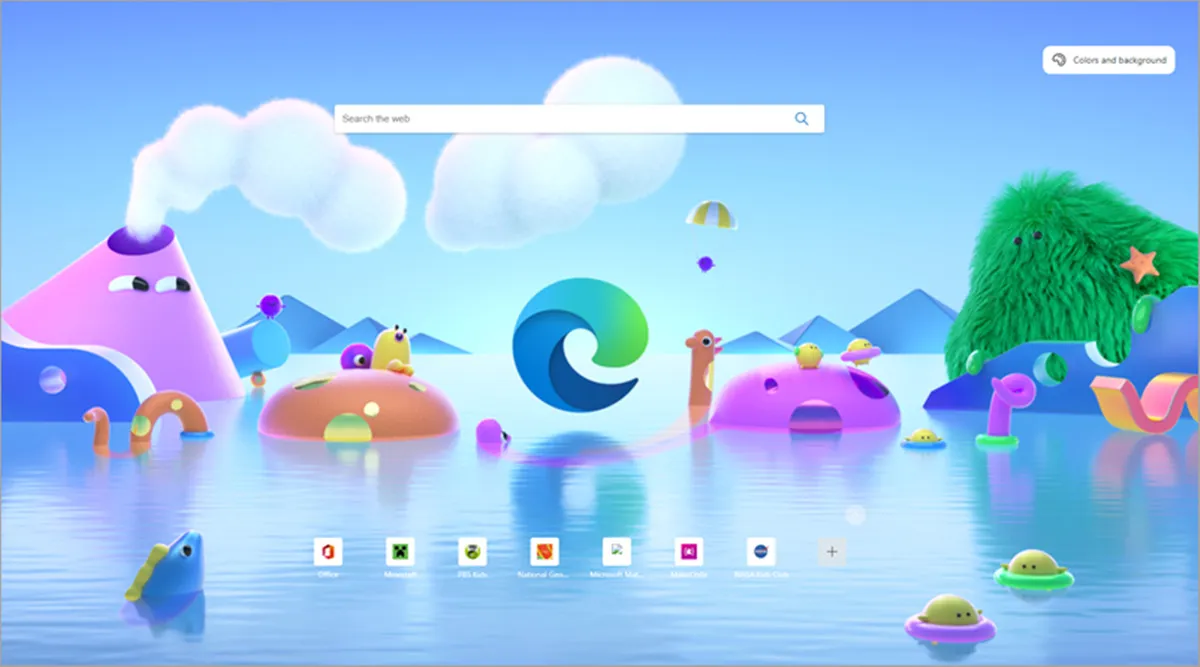
Credits: The Indian Express
Opera AI: Powerful Features Without the Price Tag
Not everyone wants to pay a monthly subscription for AI browsing.
Opera AI addresses that audience by offering an impressive collection of AI capabilities entirely free.
Users can summarize webpages, generate content, create images, ask contextual questions, and even leverage AI across grouped browser tabs.
Opera dynamically chooses between different AI models depending on the task, providing flexibility without requiring users to manage multiple services themselves.
Its “Tab Islands” feature is particularly useful for researchers. Related tabs can be grouped together, allowing the AI to analyze every page within the group rather than treating each webpage independently.
While Opera’s ownership structure has raised privacy discussions within parts of the technology community, its feature set makes it one of the most compelling free AI browsers currently available.
For students, casual users, and anyone exploring AI browsing without paying for subscriptions, Opera AI offers remarkable value.
Sometimes the Browser Isn’t the Right Place for AI
An interesting trend emerging across the industry is that productivity doesn’t always improve by making browsers smarter.
In many organizations, real work happens inside applications like Slack, Notion, Google Docs, Zendesk, or Microsoft Teams rather than browser tabs themselves.
Increasingly, companies are embedding AI directly into these tools instead of relying on browser-based assistants.
This reflects a broader shift in AI development.
Instead of asking users to adapt to entirely new software, developers are bringing AI directly into the environments where people already spend most of their time.
OpenAI’s own decision to retire Atlas in favor of integrating AI into ChatGPT and Chrome reflects exactly this philosophy.

Credits: ETV Bharat
Choosing the Right AI Browser
There is no single “best” AI browser for everyone.
Researchers who constantly compare sources may benefit most from Perplexity Comet.
Mac users looking for beautiful design and integrated workflows may prefer Dia.
Privacy-focused users will appreciate Brave Leo’s emphasis on protecting personal information.
Windows users already invested in Microsoft’s ecosystem can take advantage of Edge Copilot without installing another browser.
Meanwhile, users looking for a capable free solution will likely find Opera AI more than sufficient for everyday browsing.
The good news is that competition is driving rapid innovation. Every major browser maker now recognizes that AI will play a central role in the future of the web.
The Future of AI Browsing
Atlas may be disappearing as a standalone product, but its influence is likely to live on.
OpenAI’s decision demonstrates that the future of AI browsing isn’t necessarily about replacing browsers—it is about making existing browsers smarter.
As AI assistants become capable of understanding webpages, comparing information across tabs, completing online tasks, and working seamlessly alongside users, the distinction between browser and assistant will continue to blur.
In the coming years, users may no longer think about opening an AI browser at all.
Instead, AI will simply be part of every browser, quietly helping with research, shopping, writing, planning, and countless everyday tasks in the background.
The race to build the smartest browser is far from over. But increasingly, success won’t belong to the company that creates another browser—it will belong to the one that makes AI feel invisible, intuitive, and indispensable.

Comments are closed.