
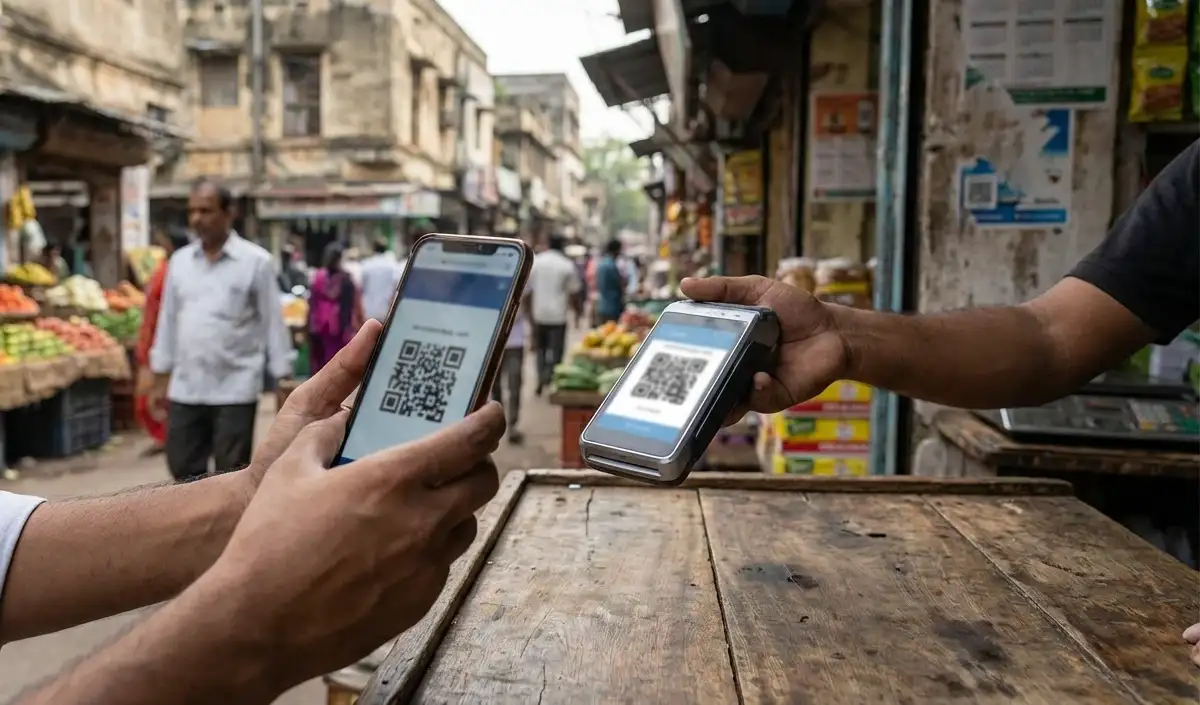

The secret of deducting money from UPI
Many times we get a message on mobile about money being deducted from UPI, and we start wondering where this money has gone. Neither have we made any online purchases nor have we transferred money to anyone. If this is happening to you again and again, the reason could be the auto-pay subscription linked to your UPI account, which automatically makes payments on time.
Use of auto-pay facility
Many times we turn on auto-pay for OTT apps, mobile recharge, music streaming or other digital services, and forget about it with time. By the time we remember that the payment is being made through auto-pay, the money has already been deducted. So it’s important to understand how auto-pay works.
The hidden game of auto-pay
The auto-pay feature is designed for the convenience of users, but it can sometimes cause harm. Subscription can continue even after the trial ends. Due to being active on many apps simultaneously, we are not able to understand from where the money is being deducted. In this situation, at the end of the month we come to know that unnecessary money has been deducted from our account.
Manage through government portal
To solve this problem, you can visit the official website of NPCI. Here, you can easily manage all the auto-pay payments related to your account. You will have to login with your phone number, and then you will not need to go to the settings of different UPI apps. All auto-pays will appear in one place.
Ways to Stop Auto-Pay
You can stop or end any auto-pay directly from here. If you want to stop auto-pay temporarily, you can pause it, while Revoke will completely end the associated subscription. This way, you can easily prevent unwanted deductions from happening without your knowledge.

Comments are closed.