
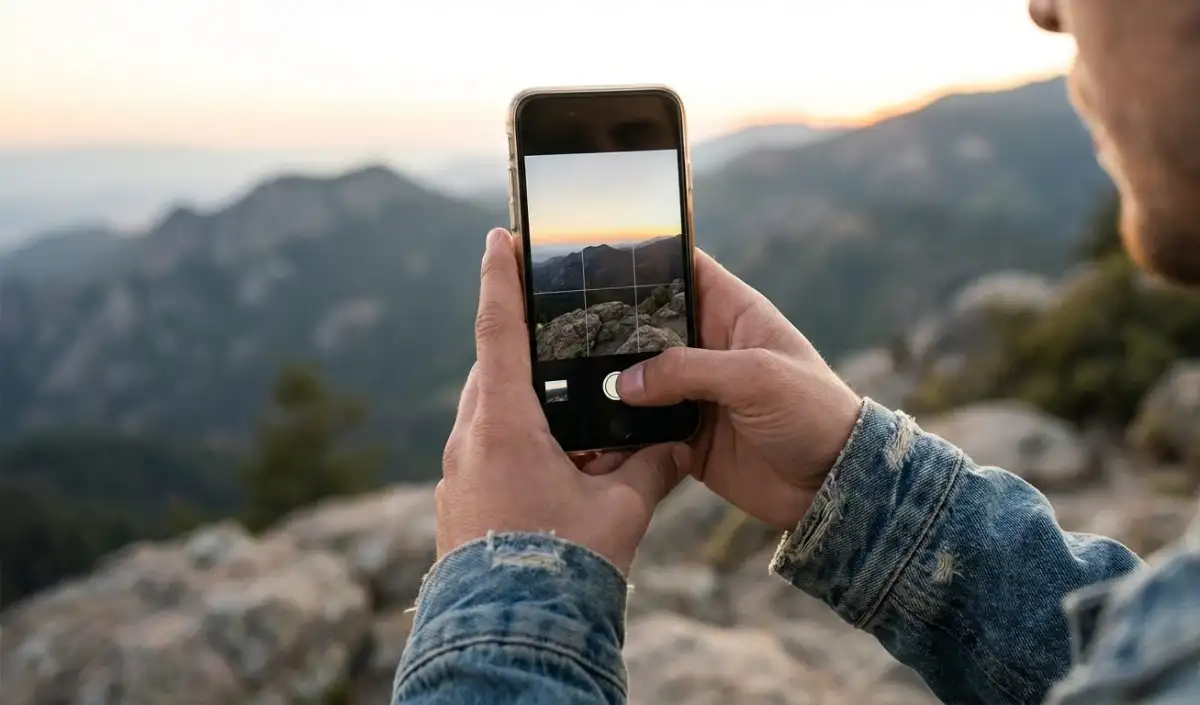

Camera lag problem and solution
Nowadays, taking pictures through smartphones and sharing them on social media has become a common thing for people. People use their phones to capture memorable moments. Smartphone camera has now become an important tool for every user. Be it vlogging or other work, the phone’s camera often comes in use. But sometimes, the camera app freezes while taking a photo or there is a delay in capturing the photo. If your camera also has lagging problem, then learn how to fix it in this article.
restart the phone
If your phone is lagging too much, the first thing to do is restart it once. Often, the camera app becomes slow due to background processes or temporary bugs. Restarting refreshes the files and the camera starts working better.
Clear the cache of the camera app
When the phone’s cache files get full, the camera app becomes slow. Therefore, deleting the cache loads the app again fresh. You can do this through Settings > Apps > Camera > Storage > Clear Cache.
check phone storage
If you are using a phone which has very less storage, then it also affects your camera. Due to this, the phone may take time to save photos and video recording may also get stuck.
update software
If your camera is constantly lagging, it could also be due to the software not being updated. Often, system updates improve the camera processing engine. The problem of lagging may increase if you do not install the latest updates.
close background apps
If you are running multiple apps simultaneously on your phone, you may notice lag in the camera. Running too many apps fills up the RAM and slows down camera processing. When using the camera, first clear Recent Apps.

Comments are closed.