
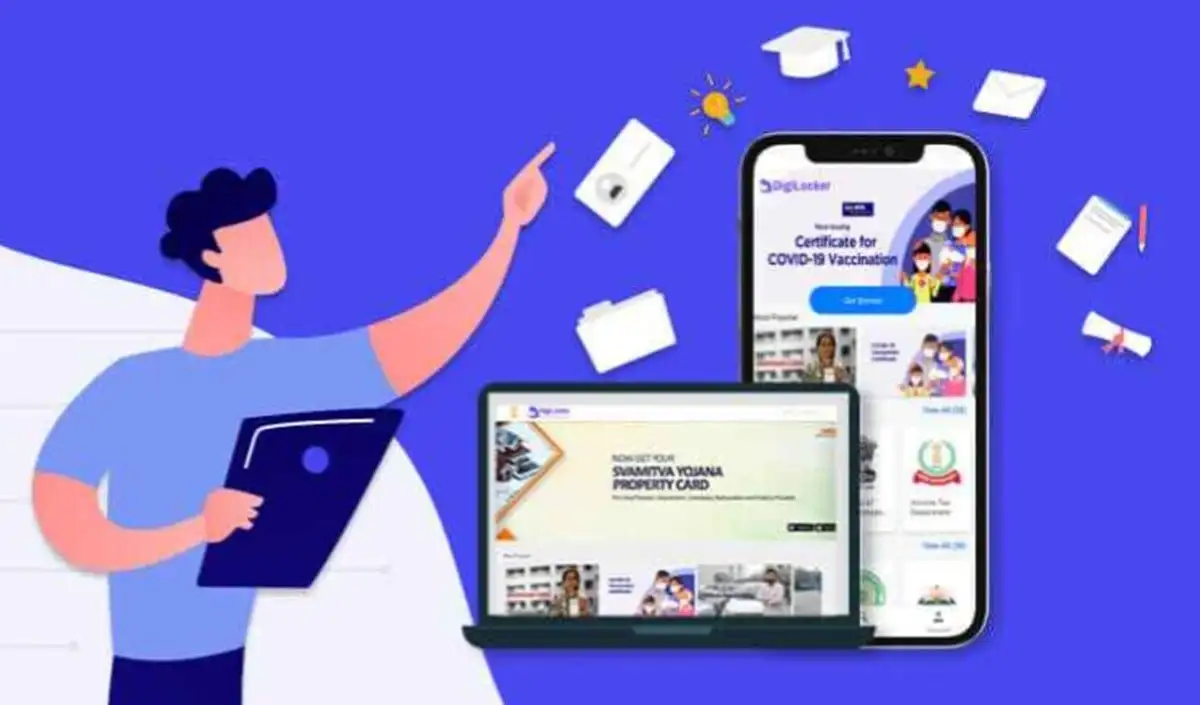

New facility of electricity bill on DigiLocker
Do you also keep your paper electricity bills safely? Nowadays, most of the houses have paper electricity bills. But now, using DigiLocker you can keep your electricity bill safe in digital form.
Taking an important step under Digital India, the Ministry of Electronics and Information Technology (MeitY) has connected 68 major power distribution companies of the country to the DigiLocker platform. With this, consumers can now view and download their electricity bill on DigiLocker.
How to get electricity bill on DigiLocker
– Under this new feature, you can access your latest electricity bill on DigiLocker. For this you will only need the concerned electricity company and your account number.
– Lakhs of consumers will now get the opportunity to keep their bills safe in digital form.
Process to download electricity bill from DigiLocker
– First of all, open DigiLocker app. If you don’t have the app, download or update it from the Play Store.
– Then, login to the app.
– Tap on the search option below.
– Type ‘Electricity Bill’ in the search bar.
– Go to your state option and select ‘View All’.
– Then, click on ‘Electricity Bill’.
– Select your account number and respective Discom.
– Tap on ‘Get Document’.
– Now your electricity bill will appear on the screen and will be saved in DigiLocker.
– From here you can download it.
important information
The thing to note is that the electricity bill will be visible on DigiLocker only when the account is logged in in the name of the person in whose name the electricity connection and bill has been issued. Only then the system will be able to successfully receive the concerned bill.

Comments are closed.