
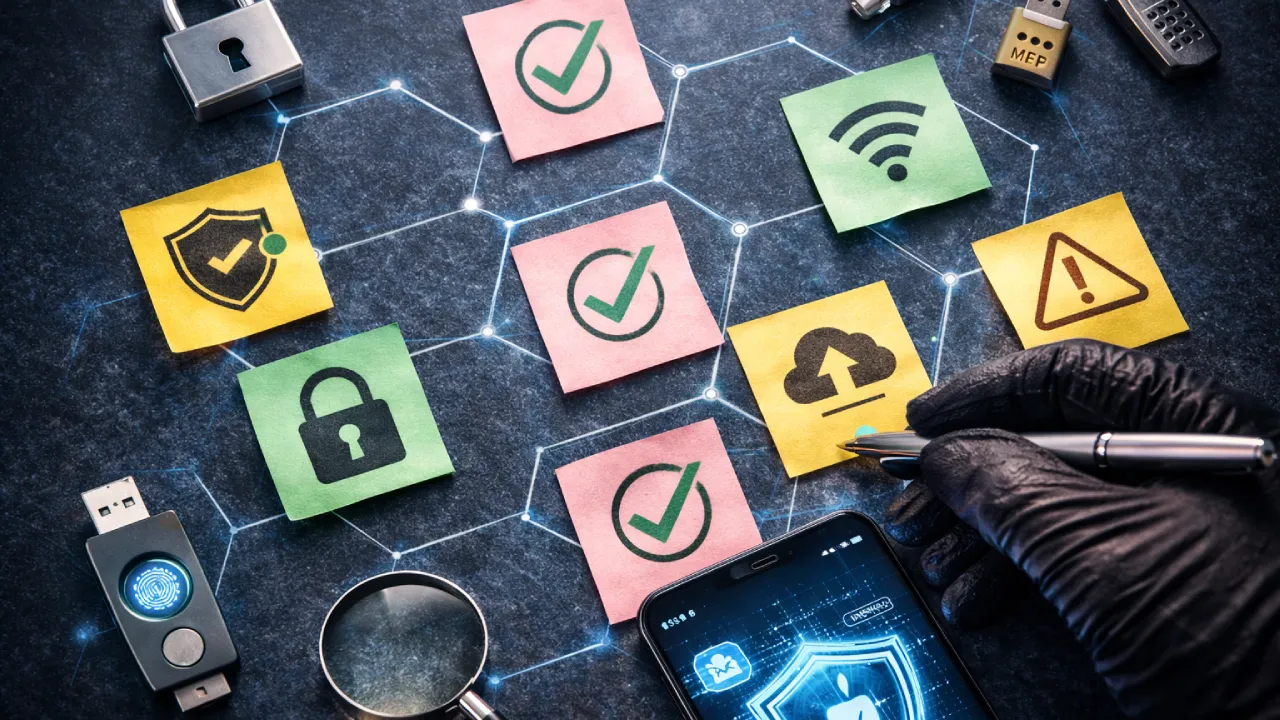

Now Using the internet is commonplace, and all of us do it. We all utilize phones/laptops as tools for working, making payments, communicating via chat, taking and storing images, etc. By 2026, the vast majority of things will be available online to some degree. With that increased availability comes increased risk.
A common misconception regarding cyber attacks is that they only happen to large organizations. That’s not actually correct. Normal users lose email access, social media accounts, photos, and sometimes money. Many times, the reason is very basic.
No strong login. No updates. No backup. The cyber hygiene checklist is about fixing these basic gaps. It is not about hacking skills or expensive tools. It is about small habits that most people ignore. If these habits are followed, the chances of serious damage go down a lot.
What Cyber Hygiene Actually Is
The concept of “cyber hygiene” is simply a method of caring for your online data, much like you would care for your belongings in the physical world. For instance, locking your home, protecting sensitive documents, and keeping mobile device batteries charged all demonstrate good cyber hygiene.
Today, online scams abound in 2026; fake email messages appear legitimate, fraudulent websites accurately duplicate legitimate sites, and so on for “trusted” email accounts. Practicing good cyber hygiene can reduce the likelihood that you will suffer from an online scam, however. Scammers primarily target those individuals who do not adhere to basic standards that most people follow.
Why Cyber Hygiene Checklist Matters Now More Than Before
Life has changed. Work happens from home. Payments are digital. Photos are stored online. Even IDs and documents are saved on phones. If one account gets hacked, it can open doors to many others.
Cyber criminals do not sit and target one person manually. They use tools that test thousands of logins and devices automatically. If something is weak or outdated, it gets picked. Cyber hygiene helps you stay off that weak list.
Multi-Factor Authentication Is No Longer Extra
Multi-factor authentication, or MFA, means adding one more step while logging in. It does not depend only on a password. After entering the password, you may need to approve a login, enter a code, or use a fingerprint. Passwords alone are weak now. People reuse them everywhere. Data leaks happen regularly.
Once a password is leaked, attackers try it on many sites. MFA stops this simple attack. Even if someone knows your password, they still cannot log in easily. Email should always be protected first. Email controls password resets for most apps. Banking apps, cloud storage, social media, and work tools should follow.
In 2026, app-based login codes are safer than SMS. SMS messages can be misused. Backup codes should be saved offline. Approving login requests that you did not start is risky and should never be done.
Updates Are Boring but Very Important
Most people delay updates. Some think updates slow the phone. Some ignore them because they look annoying. But updates mostly fix security holes. When a software problem becomes public, attackers start using it quickly. Devices that are not updated become easy targets.
Phones, laptops, and tablets all need regular updates. Browsers and office apps are common targets too. Home Wi-Fi routers are often ignored. But an old router can expose everything connected to it.
Automatic updates help because people forget manual checks. If auto updates are off, checking once in a while is important. Using very old software in 2026 is risky because security fixes stop coming.
Browser Safety Is Where Most Attacks Start
Most online problems begin in the browser. Fake links, fake login pages, and bad downloads all come through it. Browsers store saved passwords and site data. If the browser is not safe, nothing else is safe.
Using a popular browser that gets regular updates is important. Unknown or outdated browsers increase risk. Browser extensions also need care. Some extensions ask for full access to websites. Only useful extensions should be installed.
Unused extensions should be removed. Website links should be checked slowly. Fake websites often look real but have small spelling changes. Pop-ups saying your system is infected are usually fake. Clicking them often causes more trouble. Password managers help by filling in correct logins and warning about fake sites.
Backups Save You When Things Go Wrong
No matter how careful you are, problems can still happen. Phones break. Files get deleted. Malware locks data. Backups are the last option when everything else fails. Important files should never be stored in only one place. Photos, documents, and work files should have copies.
One copy should be stored away from the main device. This could be cloud storage or an external drive. Cloud backups run automatically and are easy. Local backups give faster access. Using both is better. Backups should be checked sometimes. If files cannot be restored, the backup is useless.
Email Safety Still Matters the Most
Email is still the most common way attackers enter systems. Phishing emails look very real now. Messages that create pressure or urgency should be treated carefully. Sender addresses should be checked fully.
Unexpected attachments are risky, even if they look like they come from someone you know. Business email scams are increasing. Attackers read conversations and send messages at the right time. Confirming requests through another method helps avoid loss.
Simple Device Safety People Forget
You must keep your phone or laptop locked at all times in order to reduce the chances of losing either device. Utilizing a strong lock on the screen is just one option available for achieving this. In addition, the encryption of the data stored on the device will also provide some level of protection against data theft if the device itself is lost or stolen. Many newer devices already have this feature available.
Avoid doing anything private on any of the open Wi-Fi networks when you’re connected to one. If you need to use public Wi-Fi, consider using a VPN. You should also disable the Wi-Fi auto-connect feature to prevent being automatically connected to an unknown Wi-Fi network.
Cyber Hygiene for Remote Work
Work is no longer limited to offices. Home Wi-Fi should use strong passwords. Default router settings should be changed. Work devices should not be used for random downloads or testing apps. Mixing personal use and work data increases risk. Company security rules should still be followed at home.
Making Cyber Hygiene a Normal Habit
Cyber hygiene works only when it becomes routine. Once a month, check account security. See if updates are pending. Make sure backups are running. This does not take much time. But it saves a lot of trouble later.
Final Thought
Being cyber safe doesn’t mean having everything completely perfect; rather, it means making smart choices. Many people don’t even think to use multi-factor authentication (MFA), keep their computers up-to-date with security patches and updates, browse safely on the Internet, and back up their data on a regular basis. However, it is really easy to create good habits that are beneficial for the protection and security of one’s Online Life! You’d be amazed by how much these things help keep you safe online!

Comments are closed.