

9
Data transfer from iPhone to Android made easier with the new iOS 26.3 update
Switching from iPhone to Android was quite challenging earlier, but Apple has simplified the process with its new iOS 26.3 update. The update includes an official tool called “Transfer to Android,” which allows users to wirelessly transfer photos, messages, apps, passwords, and phone numbers directly from their iPhone to an Android device.
How does the new Transfer to Android tool work?
This new feature is available under “Transfer or Reset iPhone” in the General option of iPhone Settings. After clicking on this option, users get three options for transfer: Proximity detection, scanning QR code, and connection via pairing code. Users can choose any of these options as per their choice. It is noteworthy that this feature has been developed in collaboration with Apple and Google.
When and how will I get the update?
iOS 26.3 is the third point update in the iOS 26 series, launching almost two months after iOS 26.2 was released in December. To download it, users need to follow the following steps:
- Go to Settings.
- Click on General options.
- Go to Software Update and check for updates.
- If the update option is available, click on download.
This update can be downloaded over Wi-Fi, and requires a restart of the device during installation. This update will be available only on devices that support the latest security framework.
New privacy features and visual improvements
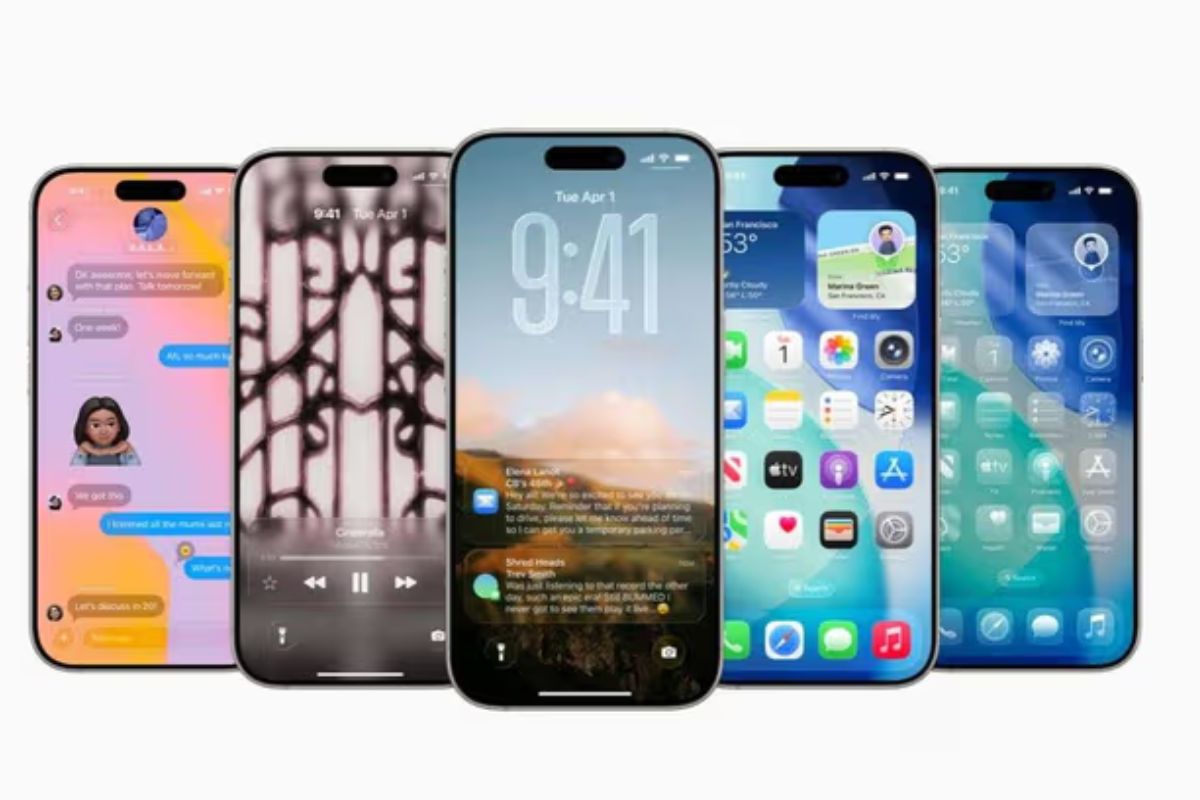
The iOS 26.3 update not only includes the transfer tool, but also new privacy and interface updates. A new privacy feature “Limit Precise Location” has been added, which is currently only available on iPhones that have Apple’s C1 and C1X cellular modem. The feature is available on certain US carriers such as Boost Mobile, and is intended to give users more control over revealing their location.
Additionally, the Astronomy and Weather wallpaper collections have also been improved. Now these wallpapers are better organized into different categories and update in real time as per the current weather conditions.
Have any thoughts?
Share your reaction or leave a quick response — we’d love to hear what you think!

Comments are closed.