
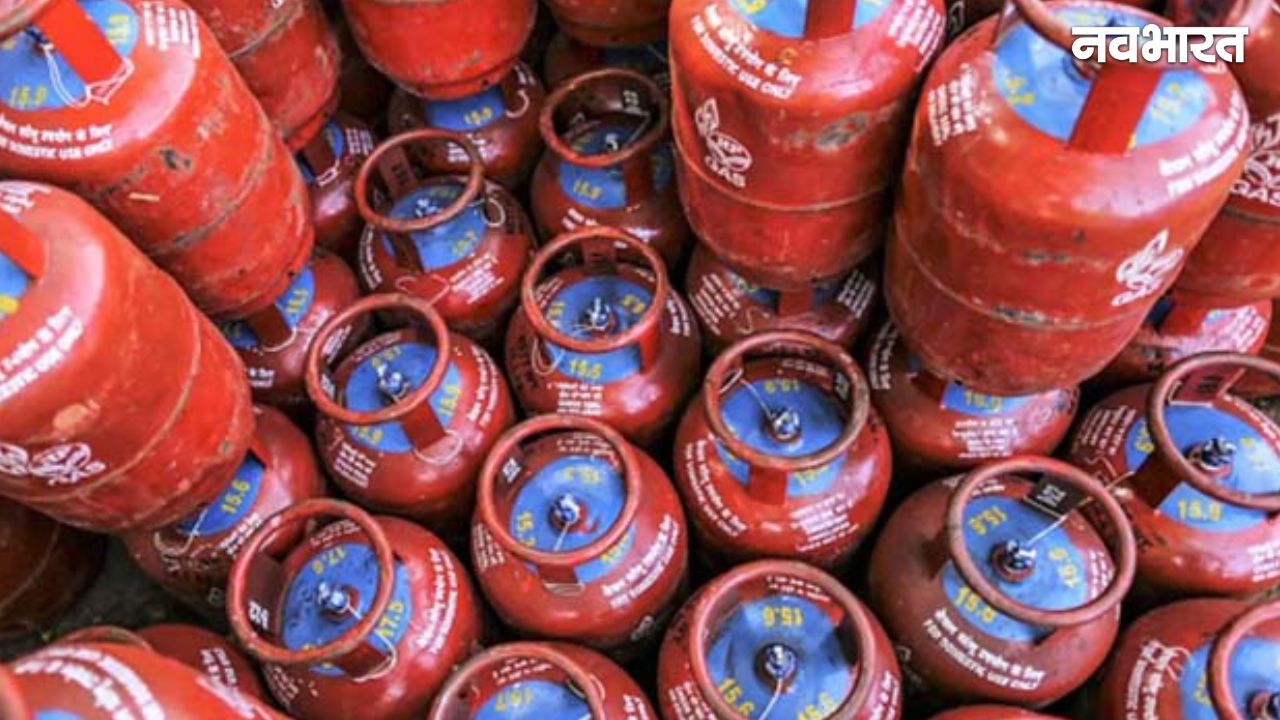
Gas cylinder will be closed after arrival of PNG, know how to surrender LPG connection sitting at home

LPG Connection Surrender Online: The effect of increasing tension in the Middle East is now clearly visible on the fuel market around the world. Concern has increased in many countries regarding the supply of petrol and LPG, and it may affect India as well.
Keeping this situation in mind, the government has already started preparations. Where PNG (Piped Natural Gas) is available, people are being advised to adopt it. Not only this, the new rule also says that in areas where PNG facility is available, the supply of LPG cylinders can be stopped after some time.
Why is the demand for LPG surrender increasing?
Now many people are taking or thinking of taking PNG connection. In such a situation, they want to close their old LPG connection so that extra expenses can be avoided. If you are also thinking like this, then the good news is that now you do not need to visit the gas agency. You can surrender your LPG connection online while sitting at home.
How to close LPG connection online?
In the digital era, gas companies have made this process very easy.
- You go to your gas company’s website or mobile app and login with your registered mobile number.
- After this “Surrender Connection” or “Terminate Connection” Select option.
- Fill the required information and submit the request by giving the reason.
- After the request, you will get a reference number with which you can track the status.
Process for HP Gas users
HP Gas users will have to login to the official website or app.
- “My Account” or “Services” Go to the section “Surrender LPG Connection” Select option.
- After confirming the details, submit the request.
- After this the company will contact you to take back your cylinder and regulator and the connection will be closed.
Indane Gas users should switch it off like this
Indane Gas customers can access the “Customer Console” by logging into the website or app. got into.
- Here “Services” In the section “Surrender Connection” Option will be available.
- Submit the request by filling the details and giving the reason.
- After this your connection will be cancelled.
Also read: Now your WhatsApp Status will not be visible to everyone, new feature will give complete control
Which documents will be required?
- Customer Number or LPG ID
- Registered mobile number
- aadhaar card in offline process
Will I get the money back?
If you had given a security deposit while taking the connection, you can get that amount back if you surrender the connection. In the offline process, you will have to go to the agency, fill the form and submit the cylinder-regulator.
What does it mean for users?
With increasing use of PNG, LPG connections may gradually reduce. In such a situation, it is important to take the right decision in time, so that both your money and time can be saved.

Comments are closed.