
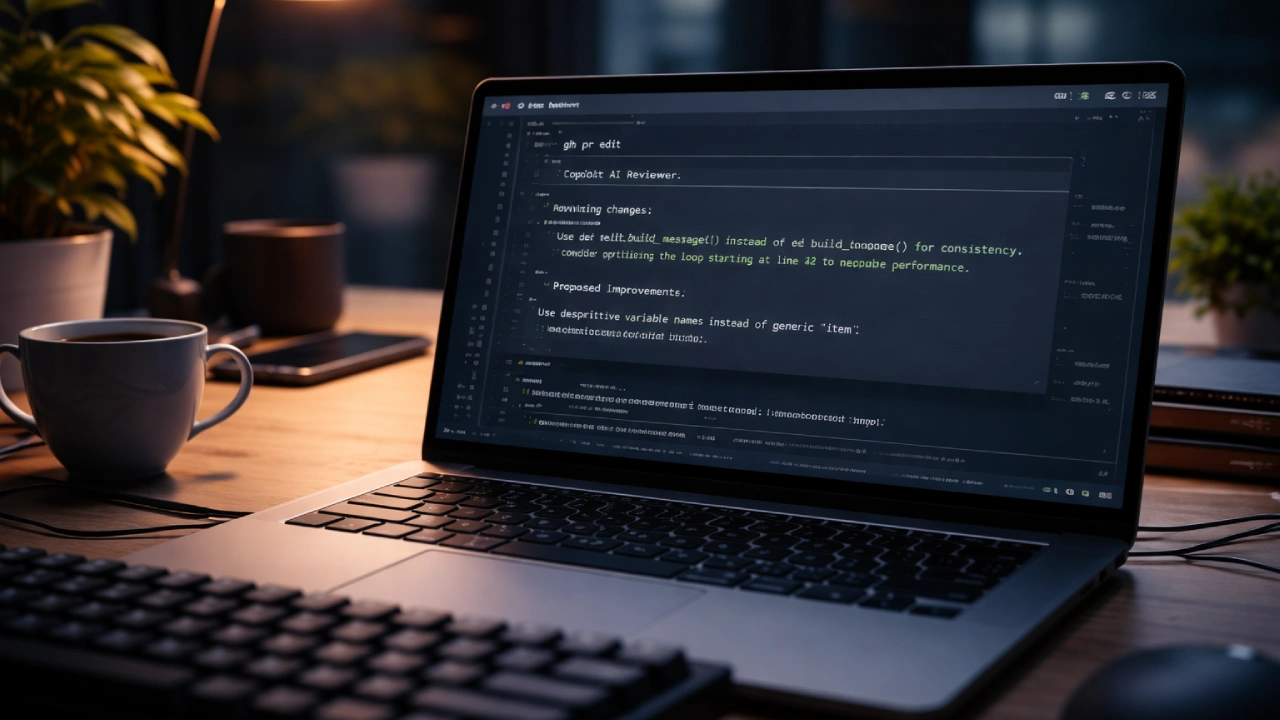

GitHub has rolled out a new feature that enables developers to get code reviews powered by GitHub Copilot via the GitHub Command Line Interface (CLI). The update eliminates the need to leave the terminal to inspect code changes in a web browser.
Developers can now request GitHub Copilot CLI code reviews of their pull requests directly from the terminal. This combination is expected to speed up the development process, allowing developers to quickly assess and enhance their code without breaking their coding momentum.
The web-based platform is seeking to expand Copilot’s capabilities beyond code generation and turn it into a more general-purpose, AI-powered software development assistant that can assist developers across the entire coding lifecycle.
Requesting Copilot Code Review From the Terminal
The new feature integrates seamlessly with the GitHub CLI, a popular tool that enables developers to manage repositories, create pull requests, and interact with GitHub from the terminal. With the update, developers can add the digital assistant as a reviewer to a pull request being created or edited with CLI commands, for example.
After it is designated as a reviewer, it automatically starts reviewing code changes and presents the results in the developer’s workflow.
Which means you no longer have to open up GitHub all willy-nilly whenever you want a little AI assistance with your code reviews.
How GitHub Copilot Reviews Code
GitHub Copilot reviews pull request changes and searches the codebase for potential issues.
The AI system can spot:
- Bugs or logic errors
- Potential performance improvements
There are code-readability concerns, and you get recommendations for better structuring and maintainability. The system leverages powerful artificial intelligence models and contextual analysis to determine how code changes affect the project’s overall architecture. This allows developers to catch problems early in the development process and submit high-quality code for human review.
Slash Commands for Quick Review
Fast reviews may also be initiated via CLI commands – developers’ other favorite tools besides IDEs. You can also run /review the command in your terminal to let Copilot review code changes while you’re still in the CLI. This feature lets you quickly review your work before committing a change or sending a pull request, making it easier to catch bugs early.

Broadening Copilot’s Role in Development
GitHub has been progressively enabling more features for the Copilot beyond just code suggestions. The AI assistant now supports the following developer tasks, among others:
Code generation for Pull request summaries on PRs, Code reviews in automation, and more, Terminal-based development assistance and tips. The terminal, customized for developers and CLI integration, Instantly Sends Natural Language Commands to Copilot using terminal commands. Instantly, Embedvolve is transforming the way we think about natural language commands while harnessing natural language comprehension within the terminal to run Copilot, making the workflow better and more productive.
Advantages for software developers and organizations
Well, code reviews are an integral part of modern software development, but sometimes they slow down development iterations when teams are waiting for input from co-workers. Automated code reviews allow potential problems to be detected at an early stage, and developers have the chance to correct issues in their work before it goes under manual review.
The method can help minimize wait times, improve code quality, and expedite software development. The developers can maintain their coding process because they do not need to switch between different tools and interfaces multiple times.

Conclusion
The new GitHub CLI integration for Copilot code review is a meaningful step forward in the AI-assisted dev workflow. The new terminal functionality, which allows developers to initiate code reviews, provides GitHub users with another convenient method to review and improve their code. As AI-based tools like Copilot mature, they will become fundamental to modern software development, helping developers write, review, and maintain code more effectively.

Comments are closed.