
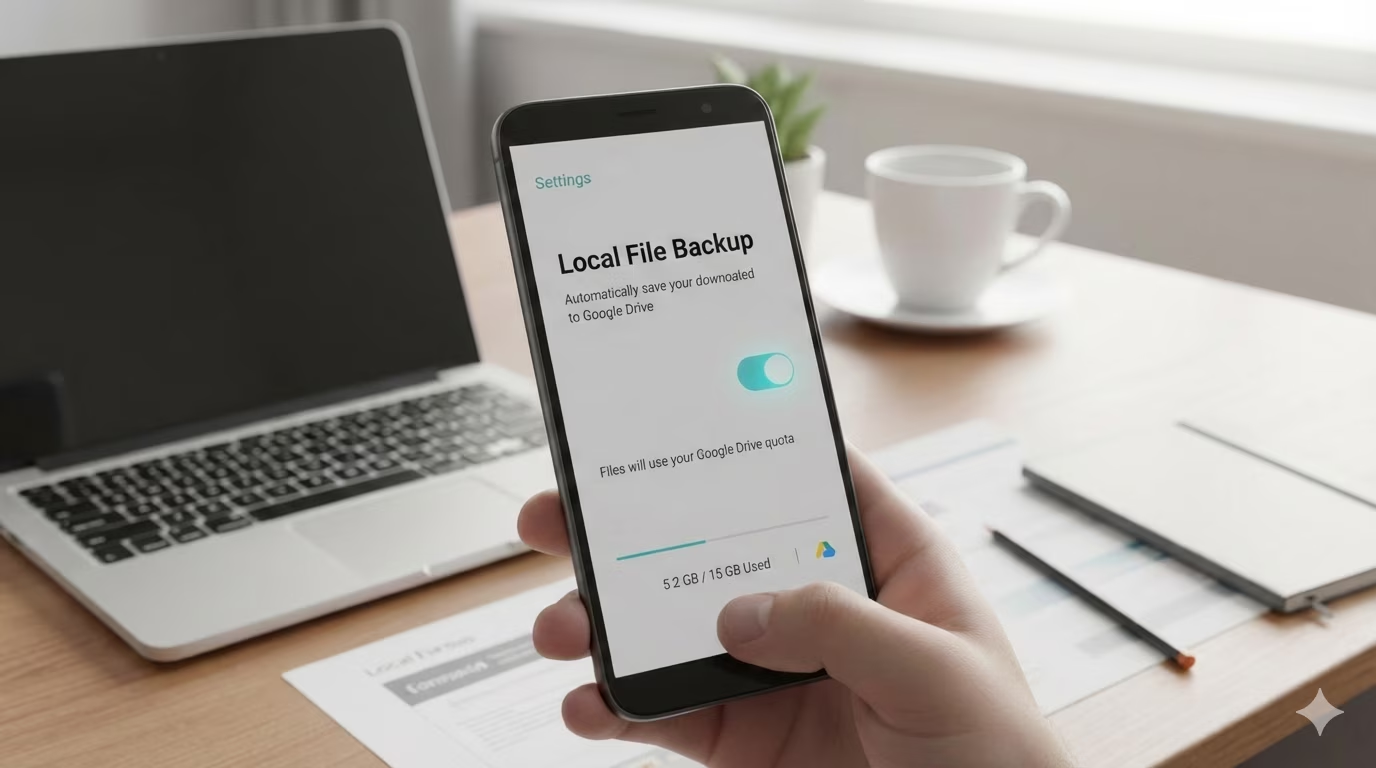

Google is working on a new feature that will add a backup option for the Downloads folder. Similar to how Google Photos backs up images and videos, Android will soon start using Google Drive to back up files from your local storage.
According to Android Authoritythe new feature is part of the company’s February Play System update for Android devices. In the changelog, it says the option will “automatically save your downloaded documents to Google Drive, ensuring they are safe and accessible from any of your devices.”
As the name suggests, the new ‘local file backup’ feature will only include files that are in the Downloads folder and won’t back up your entire internal storage. You can see what the new Downloads folder backup option looks like in the image below.
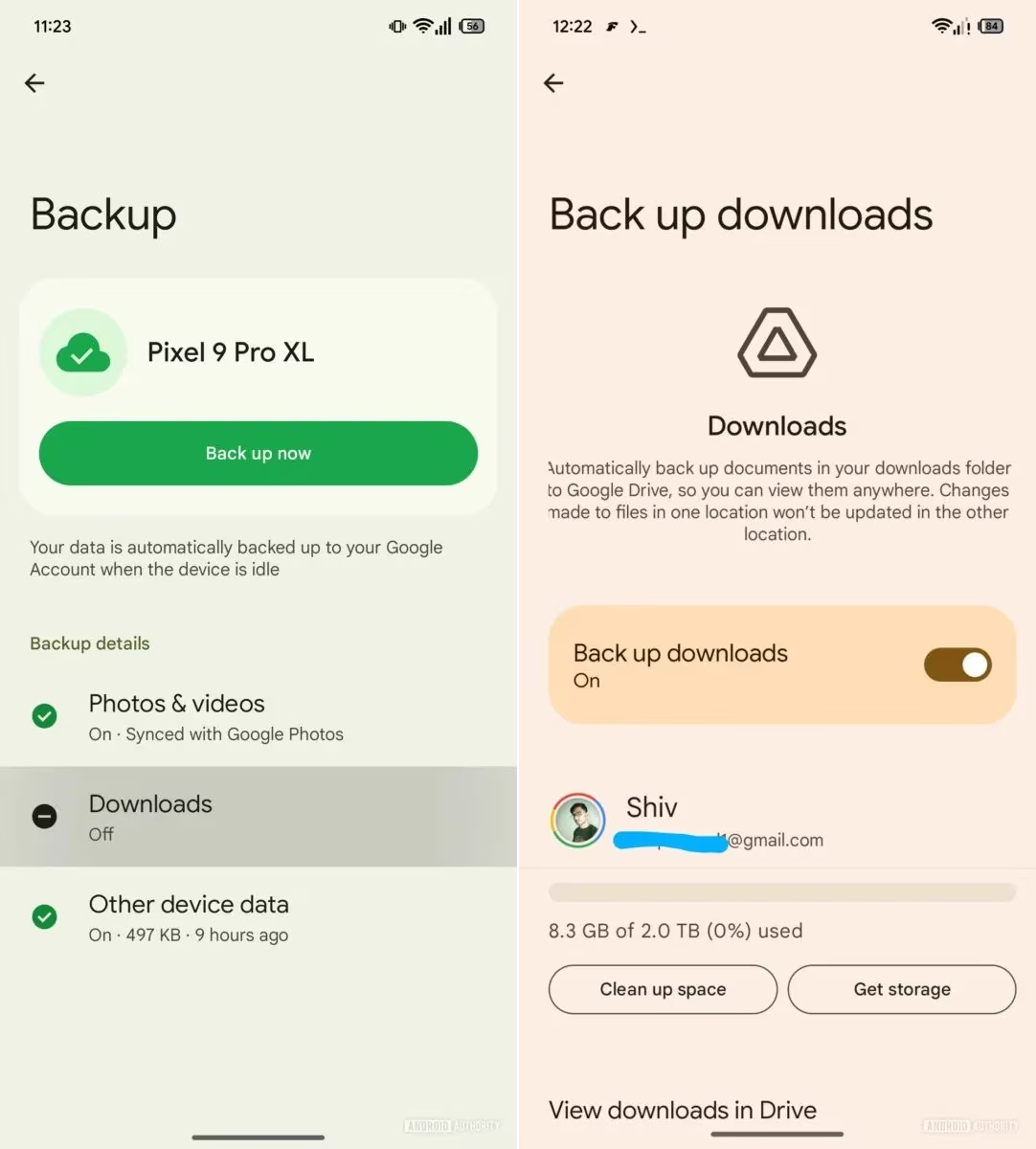 The new backup option will occupy space from your Google One quota. (Image Source: Android Authority)android
Also, the files may be stored as static copies, meaning any changes made to a file won’t be reflected in the copy backed up on Google Drive and vice versa.
Currently, Android has only two backup mechanisms. While Google Photos syncs your images and videos across devices, Android itself backs up things like settings, call history, and selective app data.
But with the new “local file backup” feature, Google Drive will be able to back up documents like PDFs, resumes, tickets, invoices and installers stored in Android’s Downloads folder.
However, as indicated by the strings and lines of code seen by the publication, not all files in the Downloads folder will be backed up, as the feature may instead focus on document-style file types.
As is the case with most Play System features, the new Downloads backup option will most likely be a server-side update, meaning you might have to wait anywhere between a few weeks to a couple of months before it rolls out to everyone.

Comments are closed.