
Google Pixel Watch Fitbit Sensor Permission Bug Leaves Health Tracking Broken for Some Users

A smartwatch is a small pile of sensors strapped to your wrist. Heart rate, blood oxygen, movement, skin temperature: it reads all of it constantly. None of that data matters if the apps meant to interpret it can’t access it.
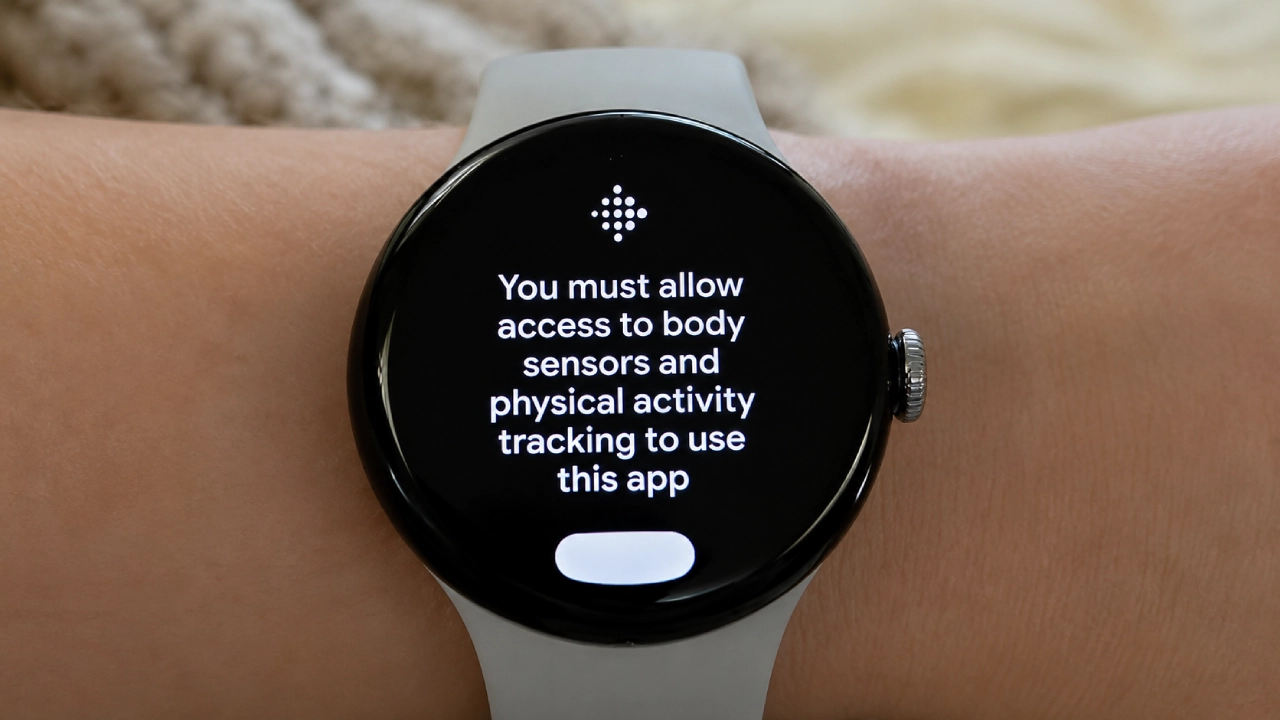
That’s the wall a group of Pixel Watch owners hit this week. A thread on r/PixelWatchstarted over the weekend, describes a frustrating Fitbit sensor permission bug on the screen that displays the Fitbit logo and demands access to device sensors. Tap through it, and you end up back where you began. Users say every permission it asks for is already enabled.
Every toggle is green, and the watch still says no
Here’s the maddening part. This isn’t a missing permission you can grant. Affected owners have checked their watch settings and phone, finding everything enabled as it should be. The screen appears anyway and will not go away.
The nuclear option is failing too. Normally, the advice is a factory reset, painful but effective, like turning it off and on again while quietly sobbing. Several users report a full wipe did not clear the error. When a factory reset fails, the Fitbit sensor permission bug is not on your device, but in Google’s software or servers, so no amount of checking settings will help.
The reports aren’t limited to one model, either, which points to software rather than a fault in a specific hardware generation.
This isn’t the first time, and that’s the actual story
If this feels familiar, your memory is working fine. Google’s wearable health stack has struggled this year.
Back in March, a bug zeroed out step totals during aerobic and elliptical workouts while showing absurd calorie figures. One user was credited with burning between 6,000 and 7,000 calories in a single day. Around the same time, others saw steps, distance, and calories inflate, doubling or tripling on days they barely moved.
Then in May came a bug that looks like this week’s close cousin. A Fitbit firmware update quietly reset sensor permissions for SpO₂ and skin temperature, and users couldn’t restore them because the permissions page insisted no app was requesting access. Google’s PixelCommunity account replied on Reddit, apologizing for the disruption caused by the permission resets and saying work was underway. Fitbit’s support account posted nearly the same words.
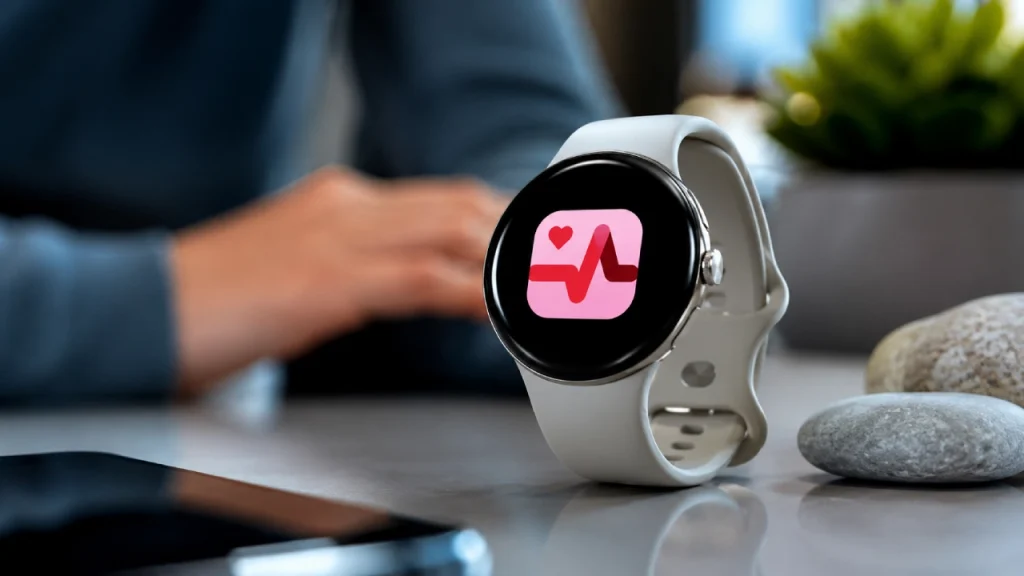
There was also an ECG app failure spanning three Pixel Watch generations, where the app refused to open.
That’s four separate health bugs in roughly four months. Google has never publicly connected them, and in fairness, they may be unrelated. But there’s an obvious suspect worth naming: Google is midway through folding Fitbit into its own Google Health platform, dissolving a brand it paid over two billion dollars for into its own ecosystem. Large platform migrations break things. That isn’t a scandal; it’s engineering reality. It does mean anyone wearing a Pixel Watch right now is, in a small way, along for that ride.
Why a Fitbit sensor permissions bug hurts more on a health device
A broken app on your phone is annoying. A broken sensor pipeline on a health wearable is a different category of problem, for two reasons.
It fails silently. SpO2 and skin temperature are recorded in the background while you sleep. Nothing warns you the data stopped arriving. You find out days later, open the app, and see an empty chart. By then, that week is gone. You can’t re-record last Tuesday’s sleep.
And health tracking is the entire pitch. Google didn’t sell the Pixel Watch 3 on its ability to show notifications. It sold FDA-cleared Loss of Pulse Detection, irregular heart rhythm alerts, ECG readings, and sleep insights. Those features are the price premium. When the permissions layer between the sensors and the apps breaks, you’re left holding a fitness-flavored watch face.
What you can actually do right now
Not much, honestly, and I’d rather admit that than pad this section with placebo advice. It sounds insulting, but it genuinely cleared the May sensor bug for some people and costs you thirty seconds. Keep the watch firmware and the Google Health app on your phone fully updated, since the fix, whenever it comes, will arrive through one of those two channels.
Skip the factory reset. Users who tried it report no improvement, so you’d trade an hour of setup for nothing. Open your health dashboard and confirm data is syncing because these bugs slip past you easily.
Google hasn’t made a public statement on the latest Google Pixel Watch Fitbit sensor permission bug. Based on the pattern from earlier this year, an acknowledgment will likely surface in a Reddit thread before anything reaches an official support page. That’s an unusual way to communicate about a device people trust with their heart data, and of everything in this story, it’s the part I’d most like to see change.

Comments are closed.