

Google is making a small but useful change in the Google Play Store. Starting March 2026, users may see a warning on some app pages if those apps are known to drain the phone battery too much. The idea is simple: people should know whether an app may affect their battery before they install it.
Recently, Google created various rules related to how its Android apps work. The objective of this modification is to ensure that devices work properly, meaning that an app will not continue to run in the background after it has finished.
The changes provide additional clarity for users on how they improve Android app quality, battery efficiency, and device performance. However, the developers must be more aware of how their application uses the device’s battery.
The Google Play Store will show a warning for some apps
Countless Android users have had the same experience: installing an app only for their battery to mysteriously drain weeks later, without knowing which Android app was responsible.
Google’s solution is to provide users with more detailed information about battery-draining apps.
When any app on the Play Store is found to have high levels of background usage and thus leads to battery drain, Google will put an alert on the app’s page to let people know that the app may have a higher than average amount of battery-draining potential, but it does not ban the app from being in the Play Store. The app will still be available to download. But at least users will know about the potential impact on the battery before installing it.
The problem is that apps are running in the background
Many Android apps drain battery while doing small tasks, even when you are not using them. Sometimes this is normal. For example, a music streaming app needs to keep running when you play songs. A navigation app needs to stay active while you are driving. Messaging apps need background activity for notifications
But some apps keep the phone active even when they should not. The primary factor causing this is wake locks. An app can keep a device’s processor awake (the display is off), a feature called a “wake lock.”
Using a wake lock too often will cause the battery to deplete more rapidly than usual.
When Google may mark an app as battery-heavy
Google has implemented a basic guideline for identifying applications that consume excessive battery life. If an application keeps a device awake for more than 2 hours on any given day, it will be deemed potentially problematic. But Google will not judge based on one single case.
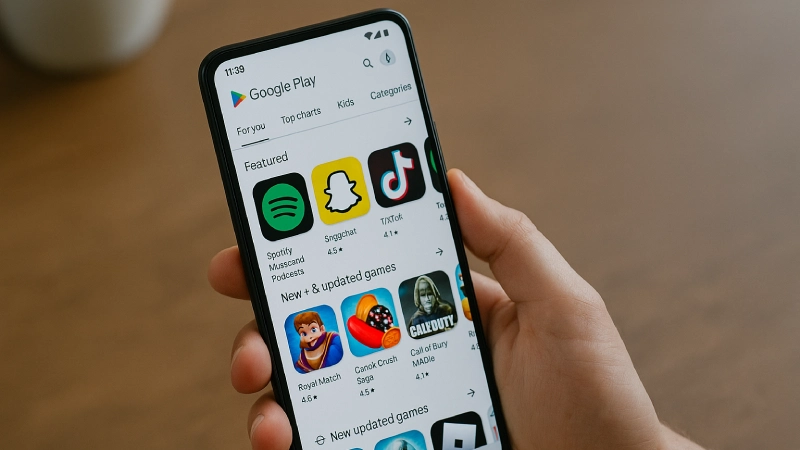
The system will look at data from many Android users. If the same issue appears in about 5% of sessions over 28 days, the Play Store may flag the app.
After that, the battery warning label could appear on the app’s Play Store page.
Developers will also see battery reports
Google is not only warning users. It is also helping developers understand the problem. In the Play Console, developers will get reports showing how their apps use background activity. They will be able to see if their app keeps the phone awake for too long.
If they fix the issue, the warning can be avoided. Google says battery use will now be part of the main quality checks for apps, along with things like crashes and slow performance.
Why this update matters
Smartphone battery performance is an important factor for most users. Once your battery starts losing power rapidly, you will assume the problem is with the device itself. But many times, the real reason is one or two apps running in the background.
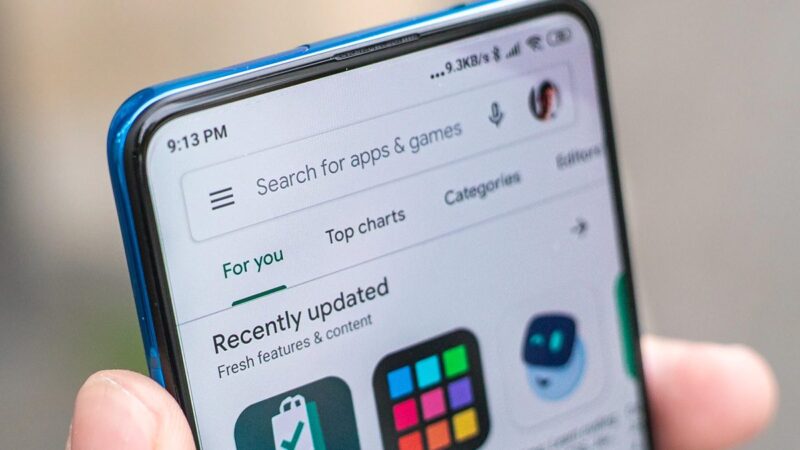
With this new system, users will get a hint before installing such apps. It may also push developers to build apps that behave better and do not waste battery.
A small Play Store change that could help many users
This update to the Play Store won’t be a large addition of new features, but it could have a big impact on the battery life of many Android users. If an app has been flagged by the operating system for excessive battery use, developers will likely address those issues. And users will have a better idea about which apps are safe to install if they want to save battery.

Comments are closed.