
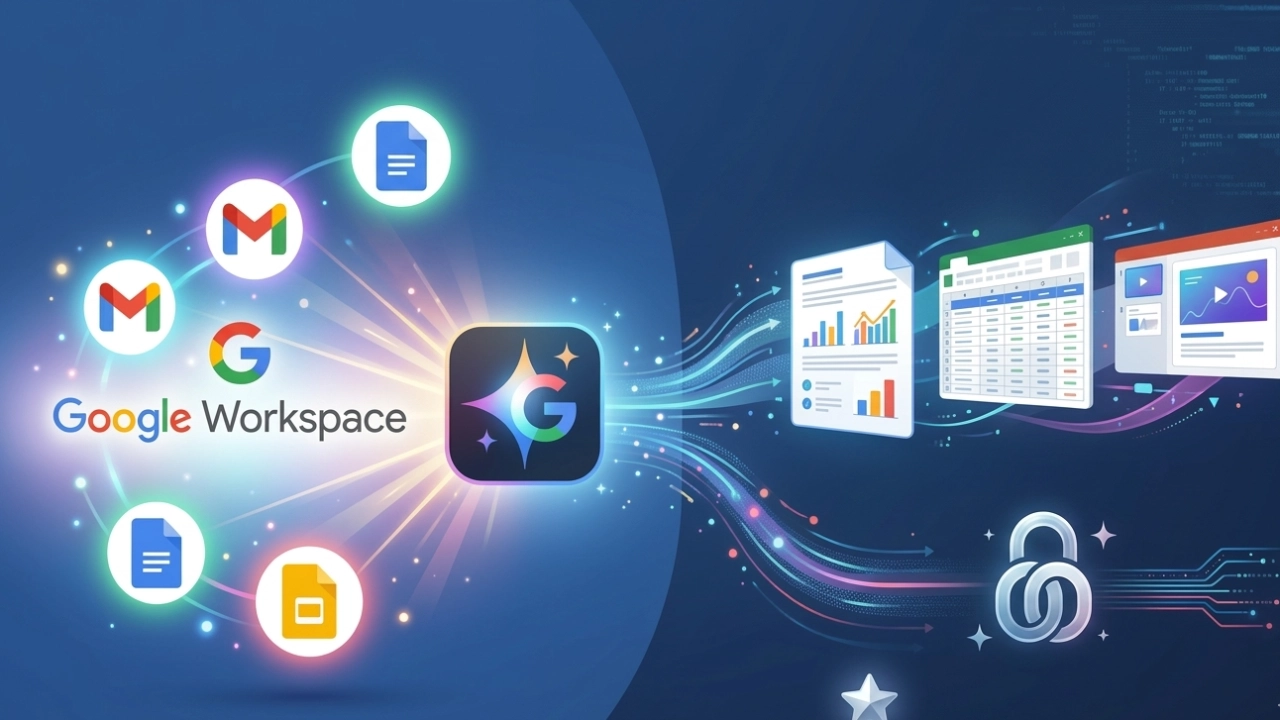

Starting this week, Google Workspace apps, Docs, Sheets, Slides, and Drive, are getting what the company calls “more personal, capable, and collaborative” AI features. So, with the Google Workspace Gemini Upgrade, Gemini can now read your emails, scan your stored files, and pull information from the web to build documents, spreadsheets, and presentations that actually reflect your life, not a generic template.
The pitch sounds convenient. However, the reality depends entirely on whether you’re the kind of person who trusts an AI to rummage through your digital filing cabinet unsupervised.
What Gemini Can Actually Do Now
The upgrades break down into four main areas, each targeting a specific pain point in how people use Google’s productivity suite.
- In Docsyou can now describe what you want in plain language, something like “draft a trip itinerary using my flight confirmations and hotel booking emails,” and Gemini will generate a first draft by pulling details directly from your inbox. It can also match your writing style across documents or adapt to a reference format you provide. If you’ve ever copied and pasted your tone from one doc into another manually, this could save real time.
- In Sheetsthe new “Fill with Gemini” feature lets you populate entire tables without typing. Set up column headers, say, college names, application deadlines, and tuition costs; then drag them down, and Gemini fills in the data by searching the web in real time. For anyone who’s manually Googled dozens of schools, venues, or vendors, this is a legitimate upgrade. You can also ask Gemini to build out entire spreadsheets from scratch. It structures the whole thing.
- In SlidesGemini can now generate individual slides that match your deck’s existing theme and pull context from emails or files. If a slide doesn’t fit visually, you can tell it to “make this match the colors of the rest of the deck” or “make this more minimal.” Google says full-deck presentation creation in Google Slides, generated from a single prompt, is coming soon.
- In Drivethe new “Ask Gemini” feature lets you search using conversational language and get an AI-generated summary at the top of results, complete with citations. You can also select multiple files and ask complex questions like “What should I ask my tax advisor before filing?” and get answers synthesized from your actual documents.
The Fine Print No One’s Shouting About
The Cost Barrier
| Subscription Tier | Monthly Cost | Who Gets Locked Out |
| Google AI Ultra | $19.99 | Free users, students on budgets |
| Google AI Pro | $9.99 | Families avoiding subscription creep |
| Free Tier | $0 | No access to any new features |
If you’re not paying, you’re not playing. For students scraping by or families already juggling Netflix, Spotify, and cloud storage fees, adding another $10-20/month is a tough sell. The free version of Google Workspace will not receive these capabilities.
Privacy Trade-Offs You’re Making
What Gemini needs access to:
- Your entire email inbox (including personal correspondence, bills, and medical info)
- All files stored in Drive (tax documents, family photos, work contracts)
- Search history and browsing patterns
- Calendar events and contacts
Well, Google says our information is safeguarded, but many users won’t like Google’s AI reading sensitive information just to help me make a spreadsheet. So, are you comfortable with an AI scanning your digital life in exchange for automated spreadsheets?
The Sustainability Angle Of Google Workspace Gemini Upgrade
AI tools are energy-intensive. Every time Gemini scans your inbox, generates a spreadsheet, or auto-fills data from the web, it’s using server resources that consume electricity. Google hasn’t published energy usage data for these specific features, but large language models are known to have significant carbon footprints. For users trying to make environmentally conscious tech choices, that’s worth considering.
Final Thoughts
If you’re already paying for Google AI Ultra or Pro, these upgrades add genuine value – especially for anyone drowning in scattered information who needs help synthesizing it quickly. The context-aware generation works. The time savings are real. If you’re on the free tier, you’re not getting any of this. And if you’re not deeply embedded in Google’s ecosystem, the benefits shrink fast.
The bigger question is whether handing over more control to AI makes your work better or just makes you dependent on tools that require monthly fees and constant internet access. Some people will love the efficiency. Others will miss the part where they actually touched their own data. The choice, as always, is yours.

Comments are closed.