
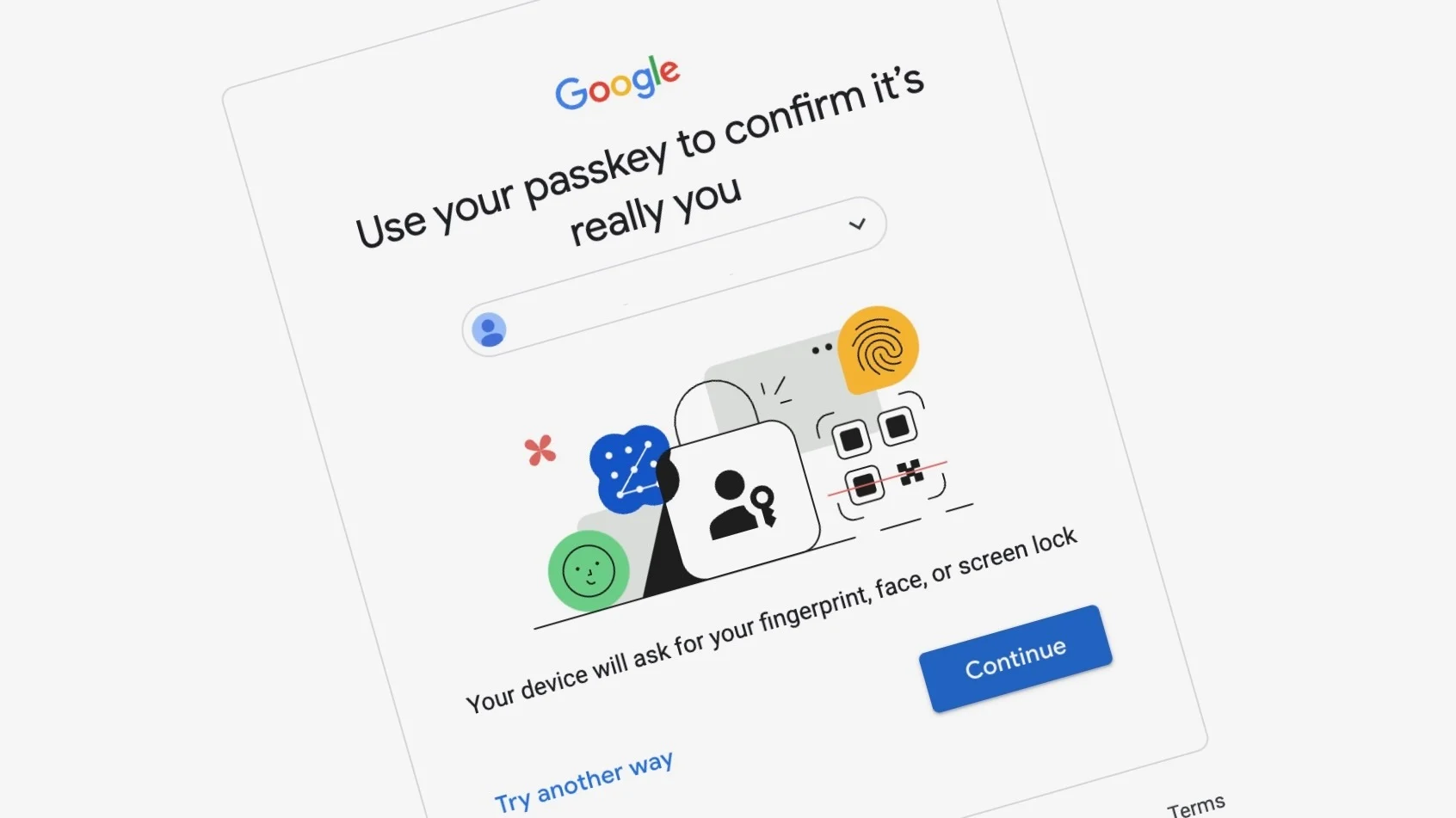

Internet security is more relevant now than ever before. People access their emails, bank apps, online shopping stores, and social media sites on a daily basis. In most cases, these websites require you to enter your password for access. However, passwords can be forgotten, compromised, stolen, and even hacked from a database of the website. This is the reason why most technology firms are now looking towards passkeys. Understanding how passkeys work across devices helps you see why this new login method is safer and easier than traditional passwords Instead of remembering complex passwords, all you need to do is swipe your finger on your screen or use facial recognition for signing in.
In this article, you will read about how passkeys work across devices and why they have become more common nowadays.
What Are Passkeys?
Before understanding how passkeys work across devices, it is important to know what a passkey actually is.
Passkey is an encryption-based credential system replacing the standard password. Rather than having to create and remember the password, your device generates a pair of cryptographic keys for you:
- Public key which will be saved on the server side.
- Private key which stays on your device.
During authentication, the site verifies whether your device possesses the proper private key. Since the private key doesn’t leave your device, it can’t be stolen from the server side by any hacker.
Therefore, using passkeys becomes more secure compared to using passwords.
Why Passkeys Are Better Than Passwords
Some disadvantages of passwords include:
- Password can be guessed.
- Passwords are usually reused on various sites.
- Passwords can be stolen using phishing attacks.
In the event of a data breach, your password might get compromised.
Passkeys address these challenges since:
- Passkey cannot be guessed.
- Each site has its own passkey.
- Passkey is phishing attack-resistant.
- Your passkey is not stored on the website.
This is why most organizations are encouraging people to use passkeys.
How Passkeys Work Across Devices
Understanding how passkeys work across devices is easier than many people think.
In case you make a passkey on one of your devices, the key will be synced safely via such services as iCloud Keychain, Google Password Manager or password managers supporting this technology.
Here is an example:
- You made a passkey on your iPhone.
- The passkey will be synced safely to your iPad and Mac using your Apple ID.
Later, you can log in with the help of the same passkey on your Mac without creating another one.
Also, in case of Android smartphones, the passkey will be synced with the help of your Google account and will become available on several Android devices.
All of it is encrypted, and therefore the passkeys are accessible only by your trusted devices.
This is how passkeys work.
The Technology Behind Passkeys
Even though the technology seems to be sophisticated, it takes place in the background automatically.
During sign-up for a passkey:
- Two cryptographic keys are created by your device.
- The public key is transmitted to the website.
- The private key remains safe on your device.
Authentication takes place using Face ID, fingerprint, or PIN.
During subsequent login:
- Website issues a challenge to you.
- Your device signs the challenge using your private key.
- The website authenticates the signed challenge using your public key.
- If it all fits, then you log in.
- The private key never leaves your device at any point in time.
This secure system is one of the main reasons how passkeys work across devices is considered much safer than passwords.
How Passkeys Sync Between Devices
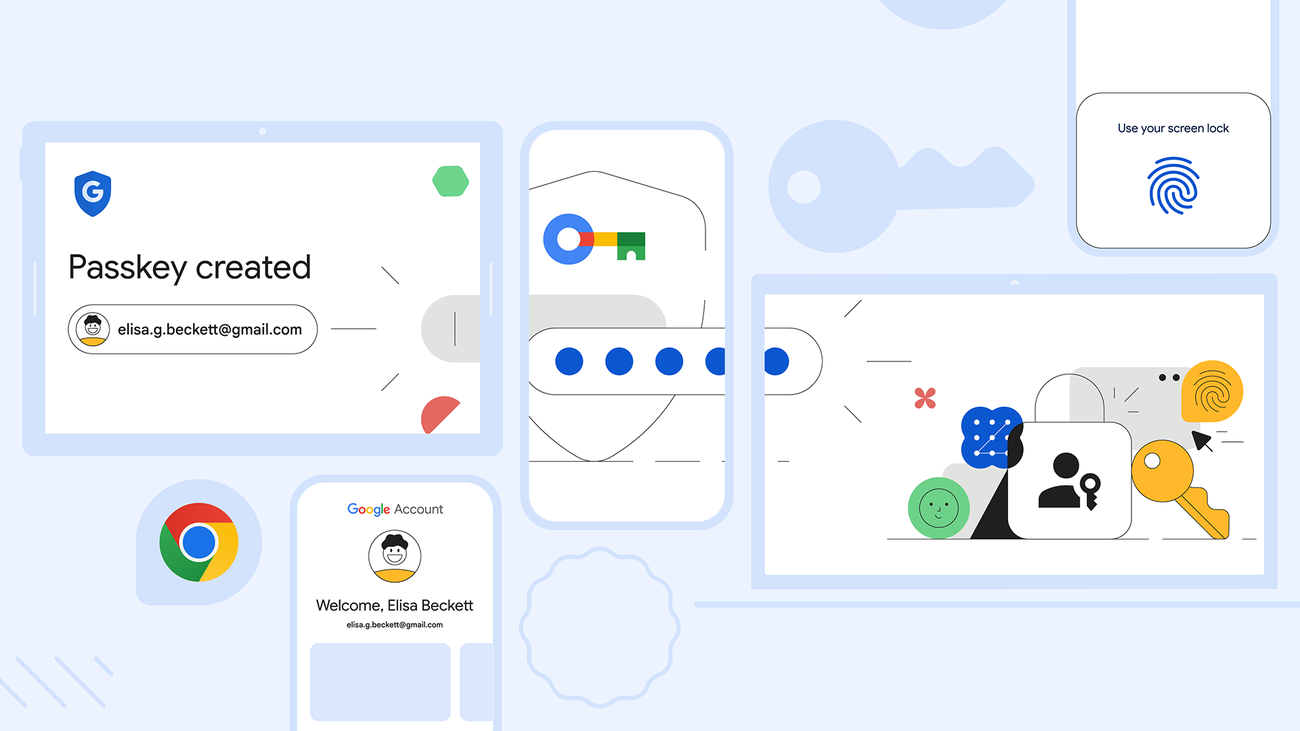
A common question people ask is how passkeys work across devices when using multiple phones, tablets, or computers.
The answer depends on the platform you use.
Passkeys for Apple Devices
The passkeys are stored in iCloud Keychain for Apple products.
In case you have signed up with the same Apple ID on your iPhone, iPad, and Mac, then passkeys will be synced among them.
It implies that you need to generate the passkey only once.
Passkeys for Android Devices
The same function is performed by Google Password Manager.
The passkeys generated on one of the Android devices will be made available on other Android devices linked with the same Google account.
Use of Passkeys with Password Managers
Several password managers support passkeys too.
Such password managers facilitate usage of passkeys across various operating systems.
This flexibility shows how passkeys work across devices even if you use products from different companies.
How You Sign In Using Passkeys
Using a passkey is much easier than typing a password.
The login process usually looks like this:
- Open the website or app.
- Select “Sign in with Passkey.”
- Verify your identity with Face ID, fingerprint, or PIN.
- The device completes the login automatically.
There is no password to type, remember, or reset.
This simple experience is one of the biggest advantages of how passkeys work across devices.
What Happens If You Buy a New Device?
Many users are concerned that they would lose access to their accounts when they change phones.
Luckily, how passkeys work on different devices has built-in backup and synchronization.
If you use your passkeys through your Apple account, Google account, or compatible password manager, you will have passkeys on the new device once you log in.
Thus, there is no need to create passkeys again for each account.
But in case your passkeys are stored only in one device and are not backed up, recovery will depend on the account recovery methods provided by the website.
Are Passkeys Safe?
Of course, passkeys are among the most secure authentication means out there.
Here’s why:
- Your private key stays with you.
- The website doesn’t save your private key.
- The passkeys can’t be reused at fake websites.
- They cannot be bruteforced.
- There’s no password to hack.
In case of a data breach of the website, the hacker won’t get your private key because you haven’t saved it to their servers.
This is another important reason why understanding how passkeys work across devices is valuable for improving your online security.
Which Websites Support Passkeys?
Many major companies already support passkeys, and more are adding support every year.
Some examples include:
- Apple
- Microsoft
- Amazon
- GitHub
- PayPal
- Adobe
- Nintendo
- TikTok
- WhatsApp (on supported platforms)
As adoption continues to grow, passkeys are expected to become the standard way people sign in online.
Challenges of Using Passkeys
However, even with all the advantages that passkeys provide, there are a number of downsides.
Firstly, some sites have not yet adapted to them.
Secondly, users can become disoriented while using two separate ecosystems – such as Apple and Android.
Finally, some older hardware cannot be supported because it has old operating system versions.
Nevertheless, the user experience keeps getting better and better.
The Future of Password-Free Login
These companies are collaborating to ensure that passkeys become ubiquitous.
The objective is to make passwords a thing of the past.
With increasing adoption, users will benefit from:
- Speedier login process
- Enhanced security
- Decrease in phishing attacks
- Reduced need for managing passwords
- Increased accessibility through multiple devices
Understanding the functioning of passkeys through different devices now will help you in the future.
Conclusion
Understanding how passkeys work across devices shows why they are becoming the future of online security. Passkeys are more user-friendly, more difficult to hack, and not vulnerable to phishing attempts compared to passwords. This is because you have the convenience of logging into your accounts via your fingerprints, facial recognition, or device PIN.
Through secure passkey synchronization to trusted devices via iCloud Keychain, Google Password Manager, or compatible password managers, you are able to easily access all your accounts at any time without risking your privacy.
With the increasing implementation of passkeys on different sites and applications, expect the trend of passwordless login systems to be more commonplace. Understanding how passkeys work across devices is crucial in light of this changing digital landscape.

Comments are closed.