
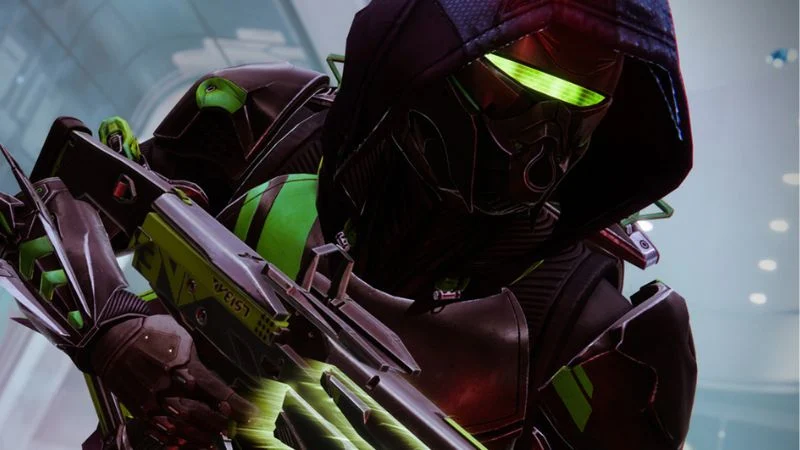

If you play Marathonyou have probably heard about the Marathon Server Slam. This limited-time event gives players a chance to jump in early, test the servers, and experience the game before full release. It is more than just a demo. It is a large-scale stress test designed to prepare the game for launch while rewarding players with early access excitement.
In this guide, you will learn exactly what the Marathon Server Slam is, how to join it, what you need before registering, and what to expect once you are inside. If you want a smooth entry and no last-minute confusion, read carefully.
What Is The Marathon Server Slam
The Marathon Server Slam is a pre-launch event hosted by Bungie. Its main purpose is to test the game’s online infrastructure under heavy player load. Developers use this event to:
Measure server stability
Identify performance bottlenecks
Fix matchmaking issues
Test cross-platform functionality
Collect real player feedback
Unlike closed alpha tests, a Server Slam usually allows a larger number of participants. However, access may still be limited depending on region, platform, or registration timing.
Because Marathon is built as a competitive extraction-style shooter with online systems at its core, stable servers are critical. That is why this event matters both to the developers and the community.
Who Can Join The Server Slam
Eligibility depends on official announcements. In most cases, players must:
Have a valid game account
Own the required platform (PC or console)
Meet minimum system requirements
Register before the deadline
Sometimes participation is open to everyone. Other times, it requires signing up through the official Marathon website or linking your platform account to a Bungie profile.
If you already have experience with games from Sony Interactive Entertainment platforms or PC ecosystems like Steam, the process will feel familiar. Account linking and verification are standard steps.
Step By Step: How To Join Marathon Server Slam
Here is the complete process explained in simple steps.
1. Create Or Log Into Your Bungie Account
Go to the official Marathon page and log in with your Bungie account. If you do not have one, create it. You will need to connect your gaming platform, such as:
PlayStation
Xbox
Steam
Epic Games
Make sure the linked account is active and verified.
2. Check Server Slam Availability
Look for an announcement banner or event page mentioning the Server Slam. Confirm:
Event dates
Start and end times
Platform eligibility
Regional restrictions
Events often run for a limited weekend window. Missing it means waiting for the next phase.
3. Register For The Event
If registration is required, click the sign-up button and confirm your participation. Some events may send a confirmation email. Others automatically approve you if slots are available.
Do this early. Server Slam spots can fill quickly.
4. Download The Test Client
Once approved, you will receive instructions to download the Server Slam build. This is usually a separate version of the game client. On console, it may appear as a beta or test version in your library. On PC, it may show up under your game launcher.
Download it before the event starts to avoid heavy traffic delays.
5. Launch And Play During The Event Window
When the Server Slam officially begins, launch the client and log in. Expect queues. Long wait times are normal because testing high player volume is the entire purpose.

Comments are closed.