
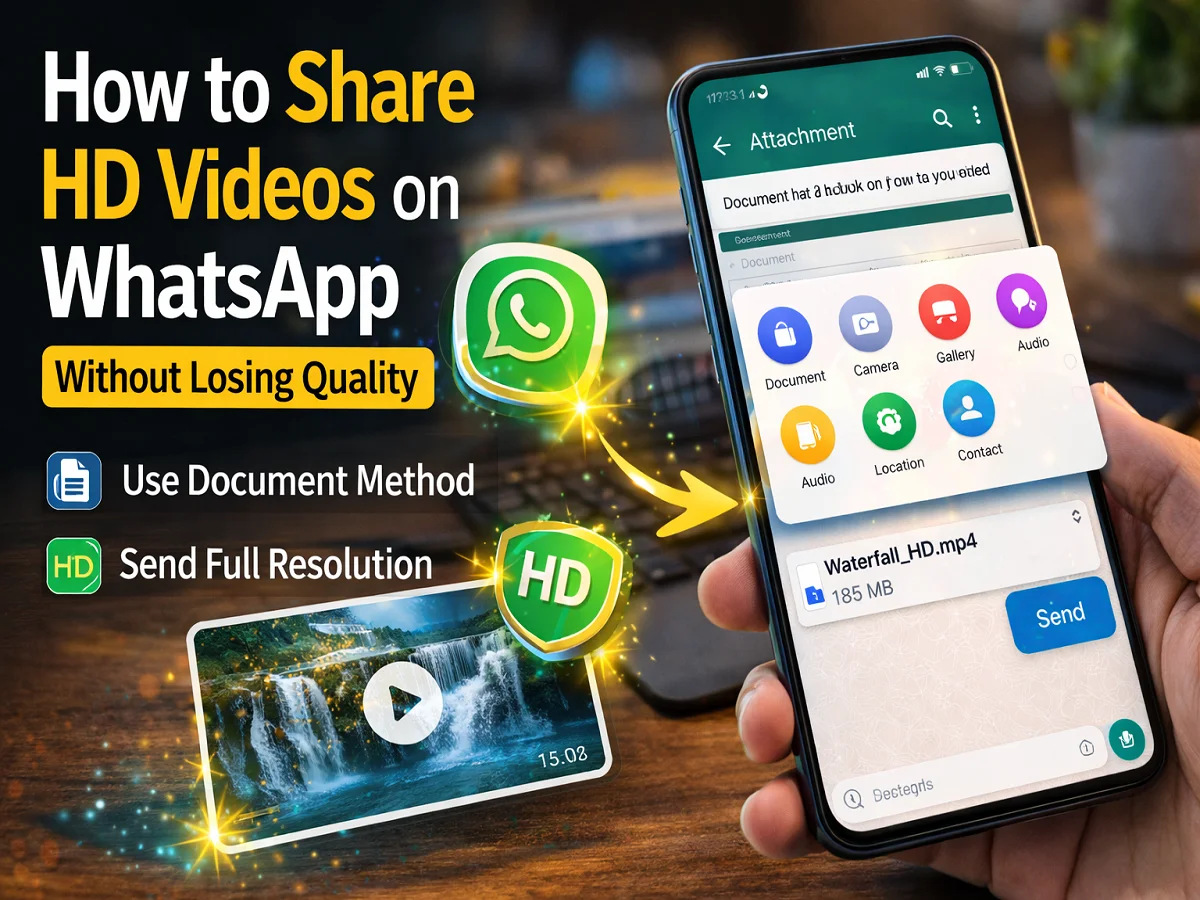

Nowadays people like to share photos and videos through WhatsApp. Many videos like special family moments, travel videos, office presentations or event recordings are often sent on WhatsApp. But it is often seen that after sending a video on WhatsApp, its quality reduces.
While sending the video, WhatsApp compresses the file to reduce its size. With this, the video can be sent quickly, but its quality reduces slightly.
Recently Mark Zuckerberg had announced HD photo sharing feature and told that HD video sharing feature is also coming. However, at present this facility is not available for all users.
But there is an easy way by which you can still use WhatsApp Can send HD video And its quality will also not reduce.
Why does video quality reduce on WhatsApp?
When you send a video directly from Gallery on WhatsApp, the app compresses the file to reduce its size. This reduces the resolution and clarity of the video.
If you like the video send as documentthen WhatsApp does not compress it and the original quality of the video remains.
How to send HD video on WhatsApp
1. Open WhatsApp app
First of all, open the WhatsApp app in your phone and open the chat in which you want to send the video.
2. Tap on the Attachment icon
in the chat window Attachment (paperclip) Tap the icon.
3. Select Documents option
Now instead of Gallery Documents Select option.
4. Select video file
Select the video you want to send from your phone’s file manager.
Tip:
If you have trouble finding the video Videos tab You can easily go to and select the file.
5. Press Send button
After selecting the video Send Press the button.
Now the video will be shown to the front user document file Will be available as.
things to keep in mind
- this one workaround method This is not an official HD video feature.
- in this manner File up to 2GB Can be sent.
- To watch the video, the user has to download it first.
If you want to send a video on WhatsApp without losing its quality, then The easiest way to send as a document Is. Due to this, the original quality of the video remains and the other person can watch the video in the same quality.
Until WhatsApp releases the official HD video sharing feature for all users, this method can prove to be quite useful.

Comments are closed.