
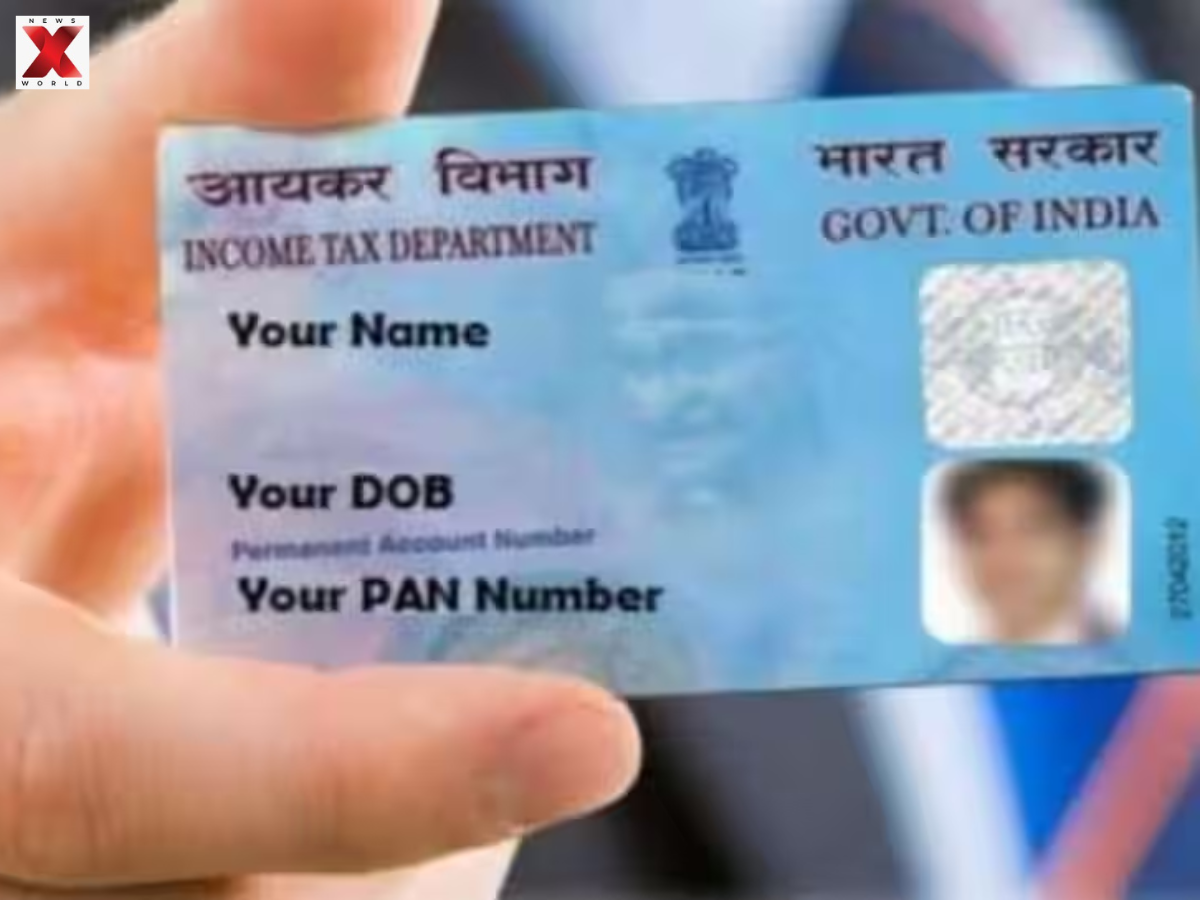
How To Update Your PAN Address Online Via Aadhaar eKYC? Check This Quick Guide With Simple Steps

Banking and tax filing, as well as the majority of financial transactions, require your PAN card. In case you have changed your residence or changed cities, then it is important to update your PAN address so that all governmental and financial mail can reach you in time.
The following is a brief tutorial on how to change your PAN address with an easy process with the help of Aadhaar-based eKYC.
Change PAN address with Aadhaar
Access the NSDL or Protean portal, select Aadhaar-based eKYC address update by going to Change or Correction in PAN Data.
Confirm your identity on your Aadhaar-linked cell phone through OTP and you are good to go. Your PAN record will be updated by your Aadhaar address.
Make sure that your Aadhaar address is kept updated
Before updating PAN, check Aadhaar address on UIDAI Web site or mAadhaar application. First update Aadhaar to avoid the PAN hassles. Accuracy is key.
Paperwork and authentication procedure
No documents are needed. Only make sure of the Aadhaar-PAN link and the Aadhaar-mobile link. Get OTP, file and monitor with a 15-digit acknowledgement figure. A new card will be sent to the new address.
Address update cost/timeline update
PAN update costs Rs 96 (incl. GST). Pay through net banking, UPI, Card, or wallet. Get ePAN immediately upon update, physical card in 10-15 days.
Maintain an up-to-date financial identity
Nowadays, in the digital era, it is a necessity to have your identity documents up to date! Fill PAN address through Aadhaar eKYC to have smooth access to tax information, government schemes and finances.
ALSO READ: Tamil Nadu SIR Draft Electoral Roll 2025: How To Check Your Name In The Voter List But What If It’s Missing? Check Easy Step-By-Step Guide Here
The post How To Update Your PAN Address Online Via Aadhaar eKYC? Check This Quick Guide With Simple Steps appeared first on NewsX.

Comments are closed.