
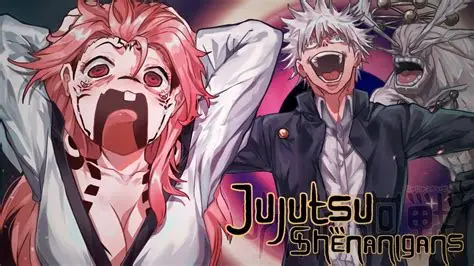

Do you want to use Custom Moveset in Jujitsu Shenanigans? Here is all you need to know about it! Follow the steps inside the guide to know how you can use this. So, let’s get started and understand it better.
What is a Custom Moveset in JJS?
A “Custom Moveset” in Jujutsu Shenanigans is basically a community-made skin or character overhaul that is quite popular among gamers. Instead of using the standard Gojo or Sukuna models, players use the Character Editor, which is usually found in private servers, to input specific ID codes for different hair, clothes, and accessories, or actually to alter the character’s traits. While it doesn’t really alter or improve the gameplay, it replaces the default animations and visual effects. If you have seen people playing as characters from other anime like Dragon Ball or One Piece, this must be it. If you want stylish features and sets, then this can be a good idea for you.
Ways to use Custom Moveset in JJS
If you really want to use the Custom Moveset in JJS, then these are the steps that you can follow.
The Character Editor
This method is mostly practiced over all others. On a private server, you can open the “Character” menu and find the “Custom” tab. This is pretty straightforward. Here, you input specific ID codes for hair, clothing, and accessories, depending on what you like. People use these to transform the standard Gojo or Sukuna kits into characters like Ichigo or Naruto, which are such an enticing addition that you’ll love them instantly!
VFX Customization
If you have the VFX game pass or admin rights in a private server, you can change the colors and transparency of your move effects. This is a good way, although not everybody goes for it. Less accessibility is another reason for the same. This simply alters the standardized features and molds them to the liking of the gamers, as far as they want them to be.
Emote Layering
Some players “customize” their flow by using specific emotes during the wind-up or end-lag of their moves. It simply makes your characters, and their gears look cooler than before!
UC IDs
Many creators share “ID Strings” on Discord or YouTube. This is something different, so hear this a little more carefully. You just copy-paste these long codes into your character editor to instantly load a full “Custom Moveset” look that someone else designed. Simple, right? You can do it too!
Now these are some ways that can help you! You can pick any method that will help you get a Custom Moveset in JJS.

Comments are closed.