
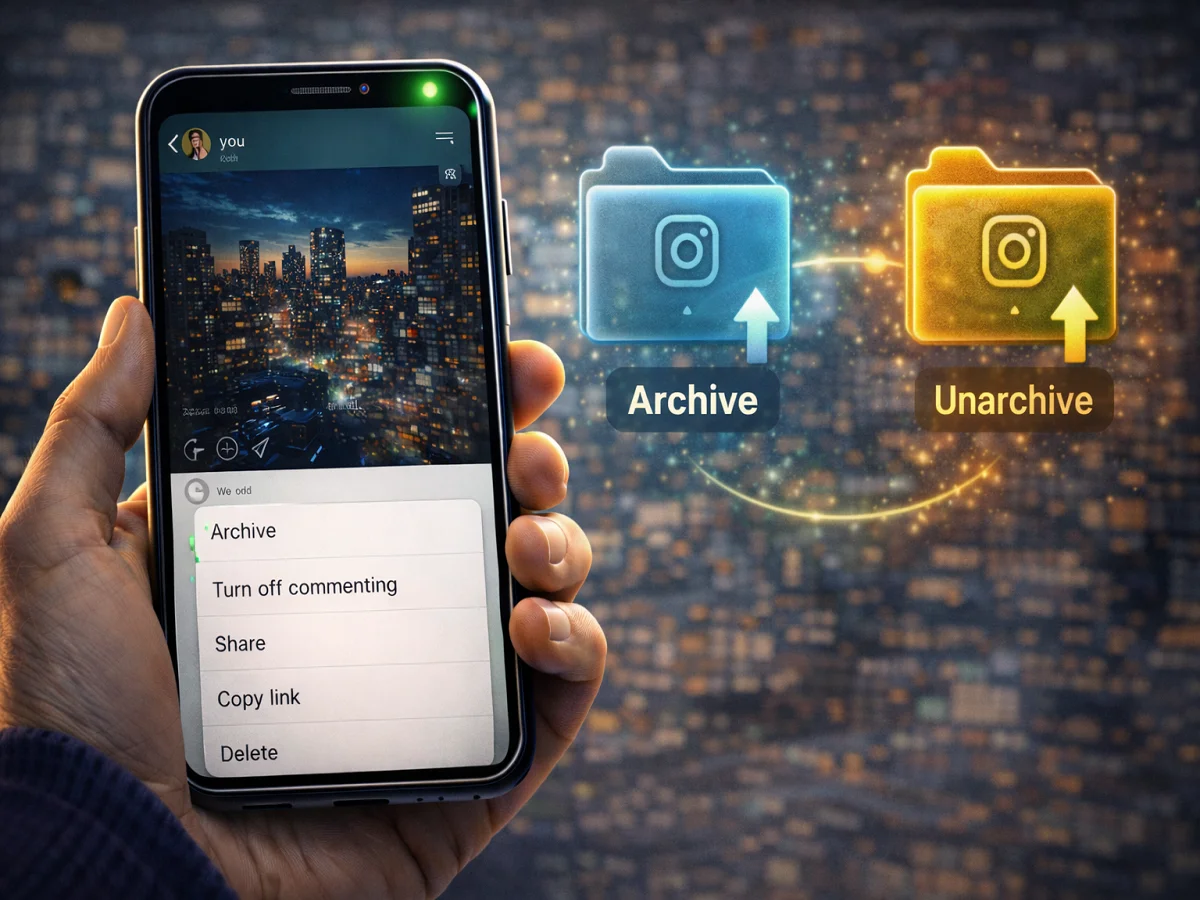
How to Hide and Unhide Instagram Posts Without Deleting: Easy Way to Archive and Unarchive

The popular social media platform Instagram gives its users many useful features to manage content. One of the special features is Archivewith the help of which you can hide your post from the profile, without deleting it.
Photos and videos shared on Instagram usually appear on your profile so that your followers can see them. But sometimes it happens that you do not want to delete a post, but just want to hide it for some time.
in such a situation Archive feature Very useful.
What is the Archive feature of Instagram?
Through the Archive feature, the user can remove his posts from the profile and keep them in a private folder. This post is visible only to the account owner and is hidden from other users.
The best thing is that the post does not get deleted. If you want, you can bring it back to the profile again later.
When is the Archive feature useful?
This feature proves useful in many situations, such as:
- To keep the profile clean and organized
- To temporarily hide old posts
- To reorganize Instagram feed
- To show posts again later
How to Archive Instagram Posts
If you want to hide your posts from your profile, follow these steps:
Step 1: Open Instagram app
Launch the Instagram app on your phone.
Step 2: Go to Profile
bottom right profile icon Tap on.
Step 3: Select Post
Open the photo or video you want to archive.
Step 4: Tap on three dots
Appears at the top right of the post three dots Tap on.
Step 5: Select Archive option
from the menu Archive Select option.
Now that post will be removed from your profile but will remain safe in the Archive section.
How to Unarchive Instagram Posts
If you want to show archived posts again on your profile, follow these steps:
Step 1: Open Instagram
Open the Instagram app on your phone.
Step 2: Go to profile
Tap on the profile icon.
Step 3: Open the menu
visible at top right three line menu Tap on.
Step 4: Select Archive option
from the pop-up menu Archive Select option.
Step 5: Posts Archive चुनें
From the drop-down menu above Posts Archive Select.
Step 6: Select Post
Open the post you want to show back.
Step 7: Tap on the three dots
Tap on the three dots icon of the post.
Step 8: Select Unarchive option
Unarchive Tap on.
After this the post will again appear on your profile in the same place where it was before.
important things
- Archived posts are visible only to you
- Unarchive your post place of origin but comes back
- of post Likes and comments are safe
Instagram’s Archive feature allows users to manage posts without deleting them. This allows you to keep your profile clean and show posts again when needed.

Comments are closed.