


iOS version 26.3.1 just came out from Apple; it is mostly just a bug fix for issues identified in 26.3.0. There are very few new features overall, but they will actually improve the user’s experience due to how much iOS 26.3.1 has improved some of the inconsistencies that were present in the initial release version.
This update is helping keep your iPhone healthy for a long time. Any iPhone user can use these updates by going to Settings, then General, then Software Update.
iOS 26.3.1 mainly fixes small problems
The iOS 26.3.1 updates are primarily meant for bug fixes & user experience improvements. As well as addressing some of the concerns users had with the initial release, it also addressed many smaller performance-related issues that were reported by users (such as certain apps not opening properly, a lack of responsiveness from their devices, and/or their devices feeling very sluggish or unresponsive).
Updates like this are released so Apple can fix those problems quickly. Apple has not shared a long list of changes.
The official statement about this software change states that it will include some improvements to security, as well as fixed bugs, and that, while these types of updates happen behind the scenes, they are designed to help your phone operate in a way other than how the existing versions were built to work.
Update also adds support for Studio Display
One thing mentioned with this update is support related to the Apple Studio Display. Apple is preparing its devices so they can work properly with new display products. Updates like this help improve compatibility when devices are connected to external displays.
This change will mostly help people who use Apple devices for work setups with bigger screens.
Which iPhones can install the update
The new update is available for iPhones that already support iOS 26.
This includes:
- iPhone 11 series
- iPhone 12 series
- iPhone 13 series
- iPhone 14 series
- iPhone 15 series
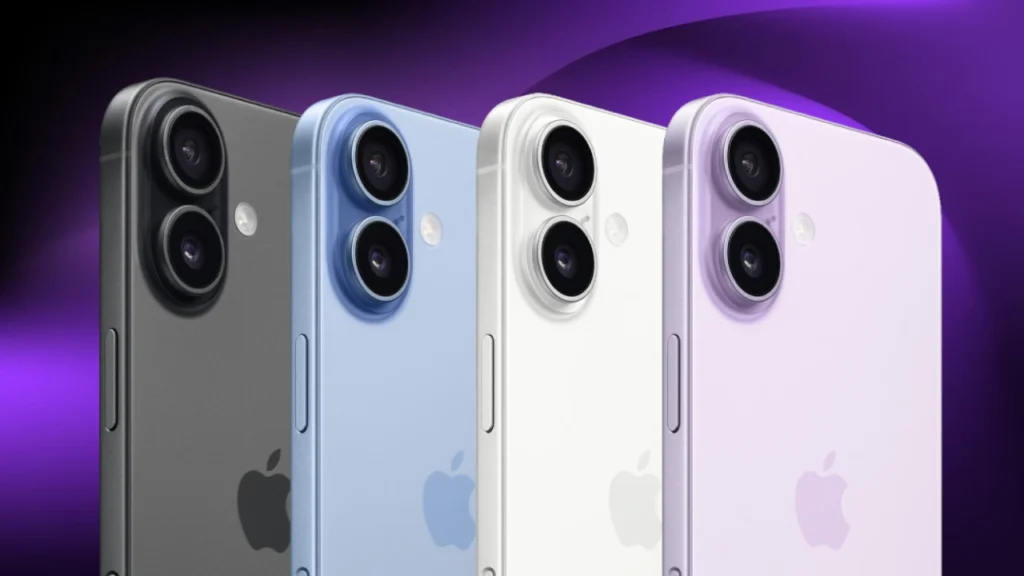
- iPhone 16 lineup
If your phone is running iOS 26, you should see the update in your settings. Sometimes updates come slowly to different regions, so it may take a little time before everyone sees it.
How to download the update
Installing the update is simple.
Follow these steps:
- Open Settings
- Tap General
- Tap Software Update
- Select Download and Install
It is better to use Wi-Fi when downloading the update. Also, make sure the battery is charged or keep the phone plugged in.
Apple releases these updates regularly
Apple typically has many small minor releases (like this) between major versions. After releasing its first big update with version number 26, Apple released several Follow-up updates to the 26 release, which are called minor updates, e.g., 26.1, 26.2, etc.
Therefore, after releasing its last Minor Update in March 2022, Apple has since released another update in September 2022 under the same versioning scheme (26.3). The last minor version that was released has been named iOS 26.3.1.
Minor updates have little or no impact on the user experience; however, they play an important role in fixing bugs and ensuring proper operation of the device.
Why installing updates is useful
Every software update should be installed, as even the tiniest updates will still be important. The majority of incremental updates consist of bug fixes or security fixes to ensure that your operating system and/or application operate correctly.
Installing software updates as soon as possible is critical because if you wait too long to install an update, your operating system/application may operate less well, stop working, etc. Therefore, the best practice for every user will be to install their desired software updates immediately upon release of that particular update.
Final note
Although iOS 26.3.1 Is Just a Basic Update, The Overall Experience Of Using An iPhone Will Improve, Due To Potential Bug Fixes And System Stability. In Addition, All Supported Devices Will Be Optimized And Improved By This Update PAnd On Supported Hardware, Such As The New Studio Display.
In So Doing, This Update Should Result In More Consistent Overall Day-to-Day Use Of Your Device By Individual Users.

Comments are closed.