

5
Complete news at a glance
- Apple’s Lockdown Mode is a state-of-the-art security feature, which was launched in 2022 and till now no hacker has been successful in penetrating it.
- This feature is specifically designed for people at high risk such as journalists, activists and government officials.
- The iPhone limits many features when Lockdown Mode is activated, making it harder for hackers to infiltrate.
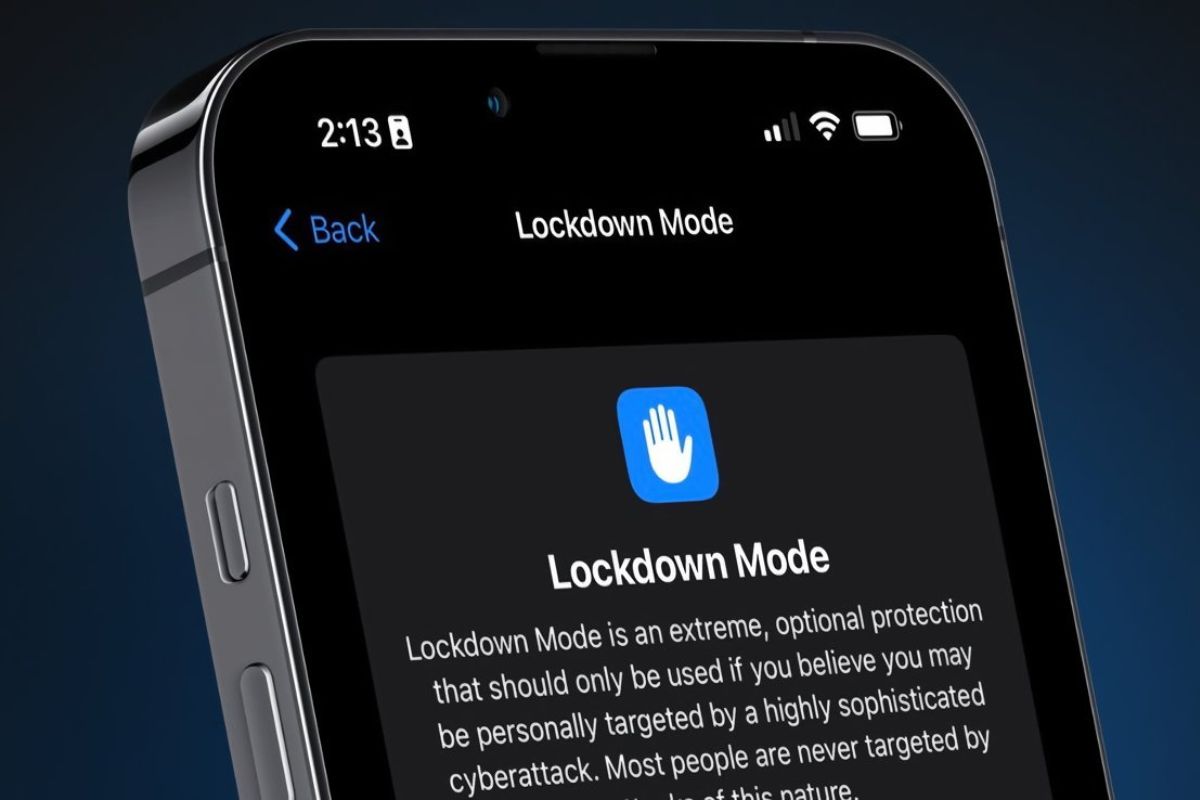
Lockdown Mode, introduced by Apple CEO Tim Cook, is a state-of-the-art security feature of the company, which has proven to be completely safe so far. Apple claims that no hacker has succeeded in penetrating it since its launch in 2022.
According to a report by TechCrunch, Apple has confirmed that there have been no cases of any iPhone or other Apple device being hacked when the lockdown mode is activated. Even high-tech government-level spyware has failed to penetrate this security feature. Apple spokesperson Sarah O’Rourke has also clarified that no type of mercenary spyware attack on Apple devices in lockdown mode has been successful.
Working of Lockdown Mode
Since its launch, the feature has been specifically designed for those who are at high risk of targeted cyber attacks, such as journalists, activists or government officials. This is not a normal security feature, but acts as an extra strong protective shield.
When you activate lockdown mode, your iPhone limits many of its features, making it difficult for hackers to infiltrate. For example, certain types of message attachments are blocked, and any unknown person cannot send you invites or connection requests. Additionally, some web technologies in browsers like Safari are also turned off if any suspicious activity is detected.
How to activate lockdown mode in iPhone?
This feature can be activated on different devices like iPhone, iPad and Mac. When you activate it on your iPhone, it automatically turns on on your paired Apple Watch as well.
- Open the Settings app on your iPhone
- Tap on Privacy & Security option
- Scroll down and find Lockdown Mode
- Click on Turn On Lockdown Mode
- Finally select Turn On & Restart and activate it by entering your passcode.
Other news related to this news

Have any thoughts?
Share your reaction or leave a quick response — we’d love to hear what you think!

Comments are closed.