
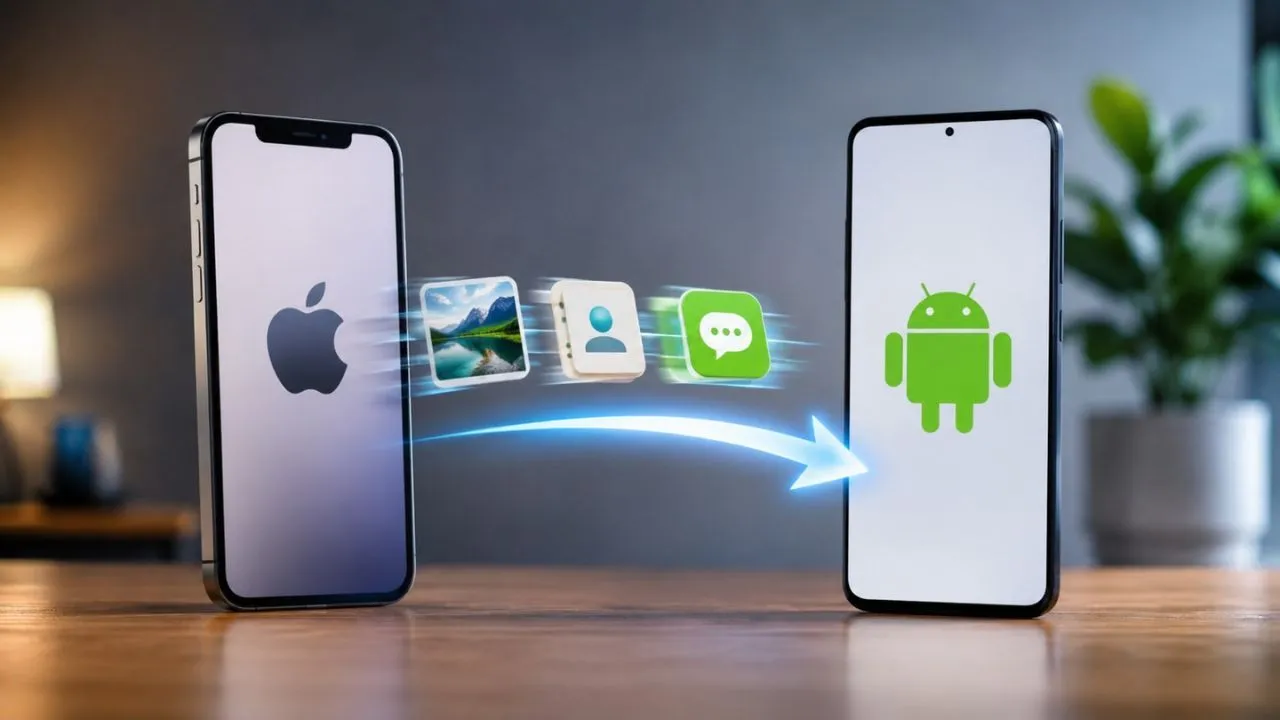
Leaving iPhone and switching to Android has become very easy, now data will be transferred in minutes without any third party app.

iPhone To Android Data Transfer : If you have been using iPhone for a long time but are now thinking of switching to an Android smartphone, then there is good news for you. Now it is easier than ever to transfer important data like photos, videos, contacts, messages and passwords when changing phones. There will be no need for any third party app for this.
Apple has added a new feature called Transfer to Android in its new iOS 26.3 update. With the help of this feature, users can directly transfer important data of their iPhone to the new Android phone. The entire process is completed through QR code or Wi-Fi, due to which the data is securely transferred to the new device.
Keep these things in mind before starting the transfer
Before starting the data transfer, it is important to prepare both the devices properly, so that there is no data loss or technical problem.
- The iPhone must have iOS 26.3 update installed.
- Android phone must be running on Android 16 or the latest version available.
- The battery of both phones should be at least 80 percent. It would be better if both the devices are on charging.
- Both smartphones must be connected to the same Wi-Fi network.
- Bluetooth must be on.
- For added security, it’s best to back up your data to iCloud or your computer beforehand.
How to transfer data from iPhone to Android
To transfer data, first open Settings in iPhone. After this, go to General section and select the option of Transfer or Reset iPhone. Here you will see a new option of Transfer to Android.
Now turn on your new Android phone and complete the initial setup. Select the option to transfer data from iPhone or iPad during setup. After this a QR code will appear on the screen of the Android phone.
As soon as this QR code is scanned with the iPhone, both the devices will be connected to each other. If for some reason the QR code does not work then connection can also be made with the help of Session ID and Pairing Code.
After the connection is made, the list of available data will appear on the screen. From here the user can select photos, videos, contacts, messages, passwords and other files as per his need. After the process is completed, all the selected data is transferred to the new Android phone within a few minutes.
Not only photos and contacts, chats and passwords will also be transferred
This new feature of Apple is not limited to only basic data. Through this, many important information can also be easily transferred to the new phone.
- iMessage and SMS chats can be converted to Android’s RCS or Google Messages formats.
- Photos, videos and Live Photos are also transferred to Android and remain available in the correct format.
- Passwords saved in iCloud Keychain can be securely exported to Google Password Manager or another password vault.
- The facility of eSIM transfer is also available on some mobile networks, due to which there is no need to buy a new SIM card.
Some things still have to be done manually
Although this feature is quite useful, there is still some data that cannot be transferred automatically.
Such as health data, locked notes and already connected Bluetooth devices will have to be set manually in the new phone. Apart from this, it is necessary to turn off iMessage in iPhone after the data transfer is completed, so that future messages are received directly on the Android phone.
At the same time, apps used on Android will have to be reinstalled from Google Play Store and bank cards will also have to be added manually to Google Wallet.
Also read: Government’s big attack on ‘free’ piracy of films, served notice to Telegram, sought report in 15 days
Changing phone is no longer as difficult as before
Till now switching from iPhone to Android was considered a challenging task for many people. Data transfer required different apps and a lengthy process. But Apple’s new Transfer to Android feature has made this process much easier. If both devices are prepared properly, photos, videos, contacts, chats, passwords and other important data can be safely transferred to the new Android phone in a matter of minutes.

Comments are closed.