
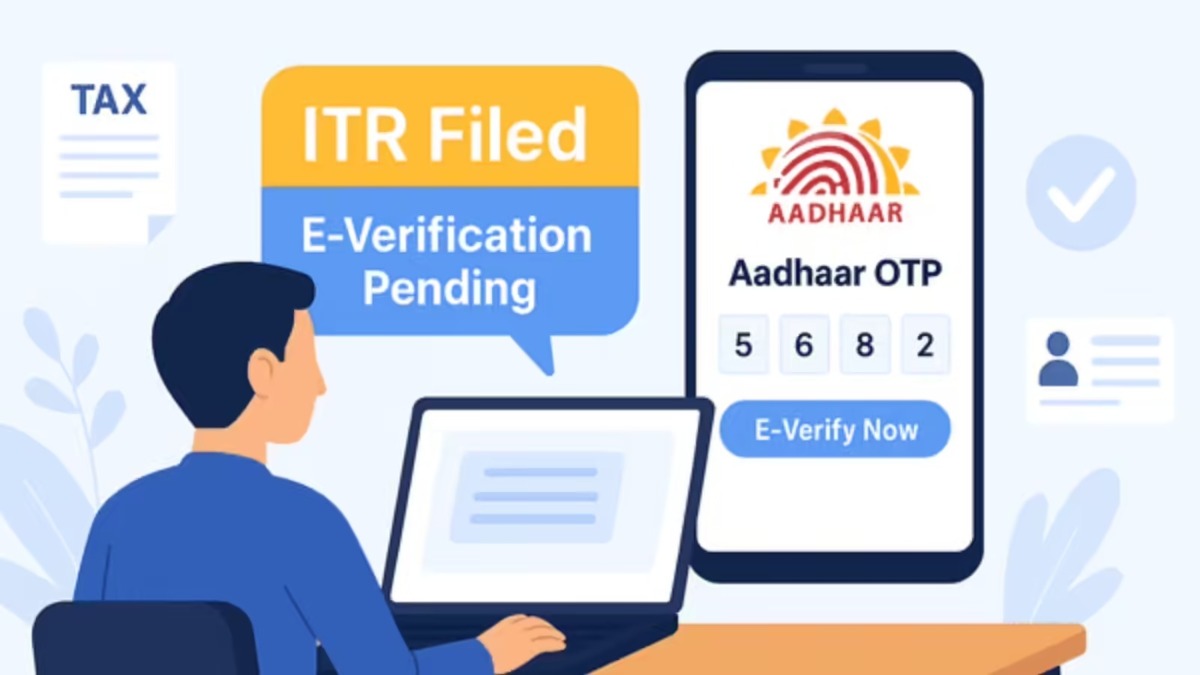
ITR e-Verification Process: If you have filed a return then e-verify it immediately, otherwise the refund may get stuck, know 4 easy ways.

Business Desk – ITR e-Verification Process: If you have filed Income Tax Return (ITR), then it is equally important to do its e-Verification. Without e-verifying, your ITR is considered incomplete and the Income Tax Department does not even issue refunds. For the convenience of taxpayers, the Income Tax Department provides many online options including Aadhaar OTP, Net Banking, Bank Account and Electronic Verification Code (EVC). Let us know, four easy ways to e-Verify ITR.
How to e-Verify ITR with Aadhaar OTP
If your mobile number is linked to Aadhaar, then you can easily verify ITR through Aadhaar OTP.

Go to e-Filing Portal and click on e-Verify Return.
Enter PAN, Assessment Year and Acknowledgment Number.
Log in with the OTP received on your mobile.
Select Verify using Aadhaar OTP option.
Give consent to verify Aadhaar information.
Click on Generate Aadhaar OTP.
Enter the OTP received on the mobile linked to Aadhaar.
ITR will be e-verified as soon as the OTP is verified.
How to e-Verify through Net Banking
Taxpayers using net banking can also verify ITR through this method.
Go to Income Tax e-Filing Portal.
Select e-Verify Return option.
Enter PAN, Assessment Year, ITR Acknowledgment Number and Mobile Number.
Log in with the OTP received on your mobile.
Select Net Banking option.
Log in to net banking by selecting your bank.
Go to e-Filing Portal from the bank’s website.
After successful login, ITR will be e-verified.
You can also verify through EVC
If you already have Electronic Verification Code (EVC), then ITR can be e-verified with that also.
Go to e-Filing Portal.
Fill in the required information and log in with OTP.
Select the option I already have an Electronic Verification Code (EVC).
Enter EVC and complete the process.
Method to generate EVC from bank account
If your bank account is already pre-validated, then you can verify ITR by generating EVC through the bank account.
Log in to e-Filing Portal.
Select Through Bank Account option.
Enter EVC received from bank account.
Click on e-Verify.
Why is e-Verify important?
After filing ITR, it is mandatory to e-verify it. Unless the return is e-verified, it will not be processed and tax refund will also not be issued. Therefore, after filing the return, the process of e-Verification should be completed as soon as possible.

Comments are closed.