
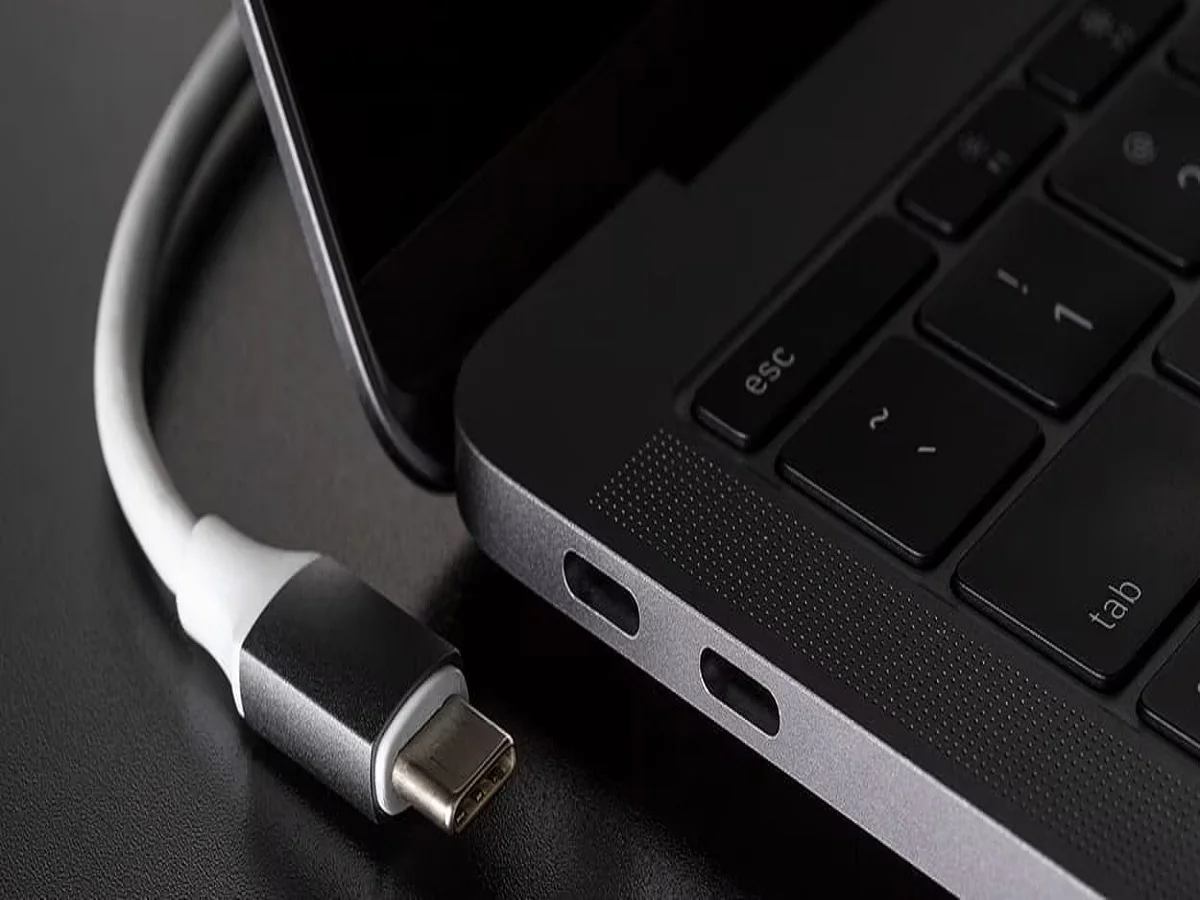
Laptop C Type Pin- Type-C port of laptop is not only for charging but also for these functions.

Friends, in today’s modern era, almost every modern laptop has a Type-C port, but many users limit its use only to charging. In fact, this little port is a powerhouse that can do many things—from fast data transfers to connecting advanced accessories. Let us know its other uses
1. Lightning fast data transfer speed
The biggest advantage of the Type-C port is its ability to transfer data faster. Compared to older USB ports, you can transfer large files—like videos, software, or backups—in just seconds. If your laptop supports Thunderbolt, the speed becomes even faster.
2. Connect an external monitor for a bigger screen
With the help of the Type-C port, you can easily connect your laptop to an external monitor without the need for a separate HDMI port. A single cable can send both audio and video signals, allowing you to create a clean and efficient big screen setup.
3. Increase connectivity with the docking station
The Type-C port lets you connect a docking station, which can turn your laptop into a complete workstation. Using just one port, you can connect multiple devices—such as keyboards, mice, monitors, USB drives, and even Ethernet cables.
4. Increase performance with an external GPU (eGPU)
If your laptop gets stuck on heavy tasks like gaming, 3D rendering or video editing, you can connect an external graphics card (eGPU) via the Type-C port. This significantly improves the graphics performance of your laptop, without having to buy a new device.
5. Fast charging with Power Delivery (PD)
Type-C ports support Power Delivery (PD), so you can charge your laptop and other devices faster. In many cases, you can use the same charger for both your laptop and smartphone, eliminating the need to carry around multiple adapters.

Comments are closed.