
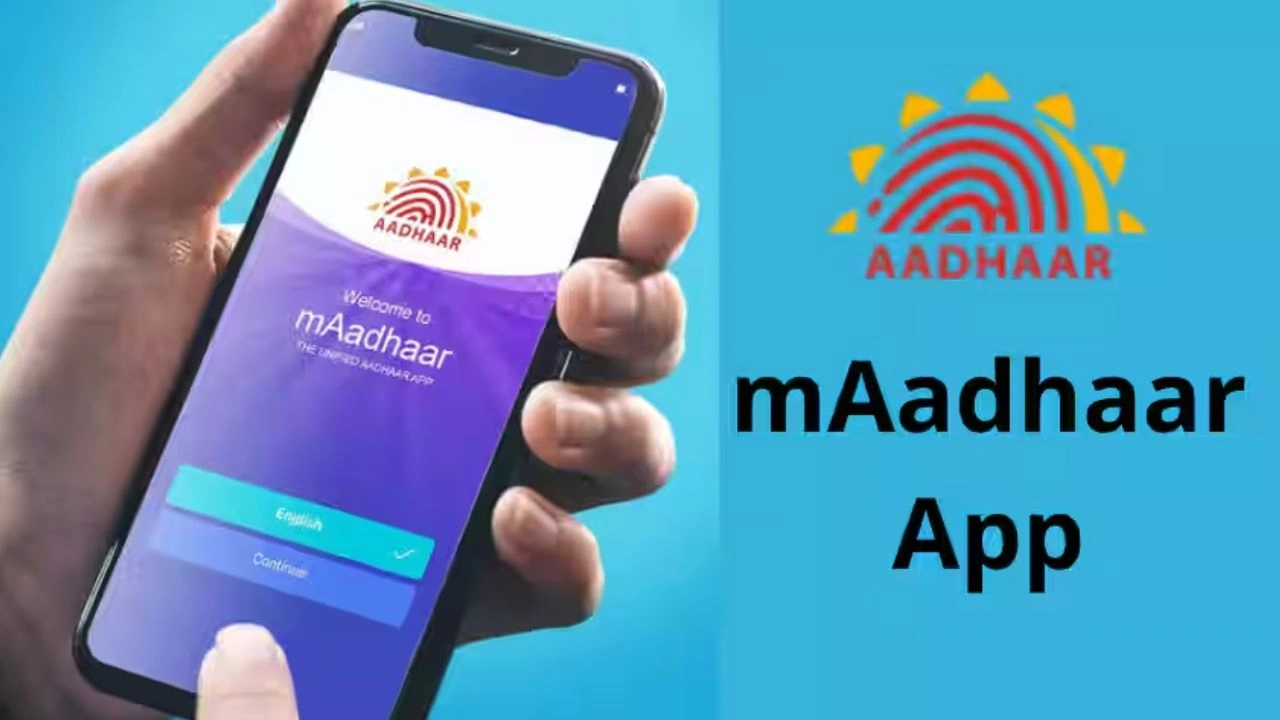
mAadhaar app is shutting down from June 30, know how to download the new Aadhaar app and what are its benefits.

According to UIDAI, the new Aadhaar App is more secure, faster and easier to use than before. In this, special care has been taken of the privacy of the users. Now there will be no need to show the complete Aadhaar card or give its photocopy to prove identity anywhere.
How to download mAadhaar app
New Aadhaar App Download Guide: If you use mAadhaar app in your mobile, then this news is important for you. UIDAI has decided to retire the mAadhaar app from June 30. This means that now no new updates will be available in this app and in the coming time all its services will be gradually stopped. Giving this information on its official X account, UIDAI has advised people to download the new Aadhaar App and use the same.
Why was the new Aadhaar App introduced?
According to UIDAI, the new Aadhaar App is more secure, faster and easier to use than before. In this, special care has been taken of the privacy of the users. Now there will be no need to show the complete Aadhaar card or give its photocopy to prove identity anywhere. You will be able to share only that information as per requirement, like name, age and address. This will keep the rest of your personal information safe and the possibility of its misuse will also be reduced.
How to download the new Aadhaar App?
- It can be easily downloaded from Google Play Store or Apple App Store.
- After installing the app, select the language of your choice.
- After this, enter the mobile number linked to Aadhaar and verify it with the received OTP.
- Then scan your face through Face Authentication.
mAadhaar App is retiring tomorrow. Download Aadhaar App today for smarter, smoother & simpler experience!
Download now – #mAadhaarApp #AadhaarApp #UIDAI #AadhaarServices pic.twitter.com/e3IfhoLDqB— Aadhaar (@UIDAI) June 29, 2026
- After this create a 6 digit security PIN. If you want, you can also turn on the option of fingerprint or face unlock.
- Finally, fill the Aadhaar information and complete the verification once again with OTP.
- After this your new Aadhaar App will be ready for use.
Read this also-July 1 New Rules 2026: Many big changes will be implemented from July 1, rules will change from ITR to LPG prices.
What will be available in the new Aadhaar App?
- Many useful features have been provided in the new Aadhaar App.
- Now there will be no need to show the complete Aadhar card everywhere.
- As per requirement, you will be able to share only important information like name, address, age or photo.
- Apart from this, Aadhaar verification can also be done with the help of QR Code.
- Check-in at the hotel, registration at the hospital or other identity related tasks can be completed easily without giving a photocopy of Aadhaar.
- To further strengthen the security, the facility of Face Authentication has been provided in it.
- Also, you can lock or unlock your Aadhaar linked fingerprint and face biometrics anytime from your mobile.

Comments are closed.