
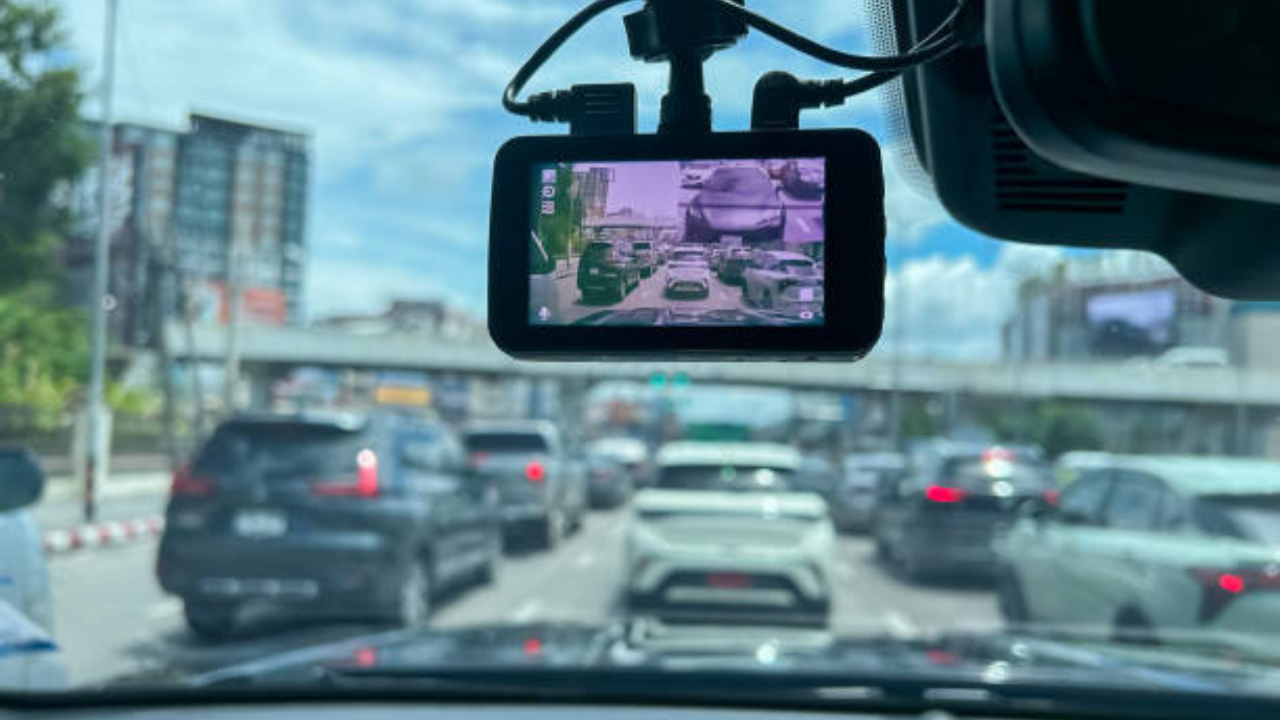
Make a mobile phone Dash Cam with this extremely cheap device, work will be done for only 250 rupees, thousands of rupees will be saved

- Now you can save thousands of rupees on Dashcam
- How to use a smartphone as a dashcam
- You too will be speechless after reading these simple tips
Nowadays for the car Dashcam has become an essential device. They are incredibly helpful in the event of an accident. If you own a car, you know about them. In road accidents, dashcams serve as evidence and help prove your case.
Buying a good dashcam can cost you between Rs 3,000 and Rs 10,000. But did you know that you already have a high quality camera? Yes, your smartphone. With a small device, you can turn your old or existing smartphone into a dashcam. Let us give you more information about this.
This little device will come in handy
With a small device called Phone Mount, you can turn your mobile phone into a dashcam. It is impossible and unsafe to record just holding the phone in hand. This is where a sturdy car phone mount comes in handy. By connecting the phone to the phone mount, you can use it as a dashcam. This is a very cheap and practical solution that can save you thousands of rupees. You can get a good phone mount for as low as ₹250 in the market.
New Kia Seltos Vs Honda Elevate: Which SUV has more features and engine? find out
How does it work?
1. Choosing the right phone mount: To use it as a dash cam, you need a phone mount that can be firmly attached to the vehicle’s windshield or dashboard. You can also buy mounts with suction cups. These are the best because they move less.
2. Placement is important: Mount the phone so that the rear camera covers the entire view of the road. Place the mount directly in the center of the windshield or slightly below it so that it does not block the driver’s view.
Dash cam apps
Google Play Store And there are many great dash cam apps available on the app store that you can use. These apps have many great features like loop recording. This means that when the memory is full, the app automatically deletes old videos and starts recording new ones. These apps also record the speed and location of your vehicle on video. Additionally, they feature impact detection. This means that if the vehicle is hit, the app saves the scene as an emergency video as evidence for later use.
TVS’s ‘Ya’ Bike taken by customers! 140 percent straight increase in sales
Keep these 3 things in mind while setting up
- Always carry the charging cable with you – Keeping the camera and screen on will drain the battery quickly, so keep your phone connected to a charger. This will not turn off the phone and continue recording
- Wide-angle lens – If your phone has an ultra-wide-angle camera, use it. This will make both lanes of the road clearly visible
- Safety First – Do not touch the phone screen while driving. Start recording, set up the phone, and then drive away

Comments are closed.