
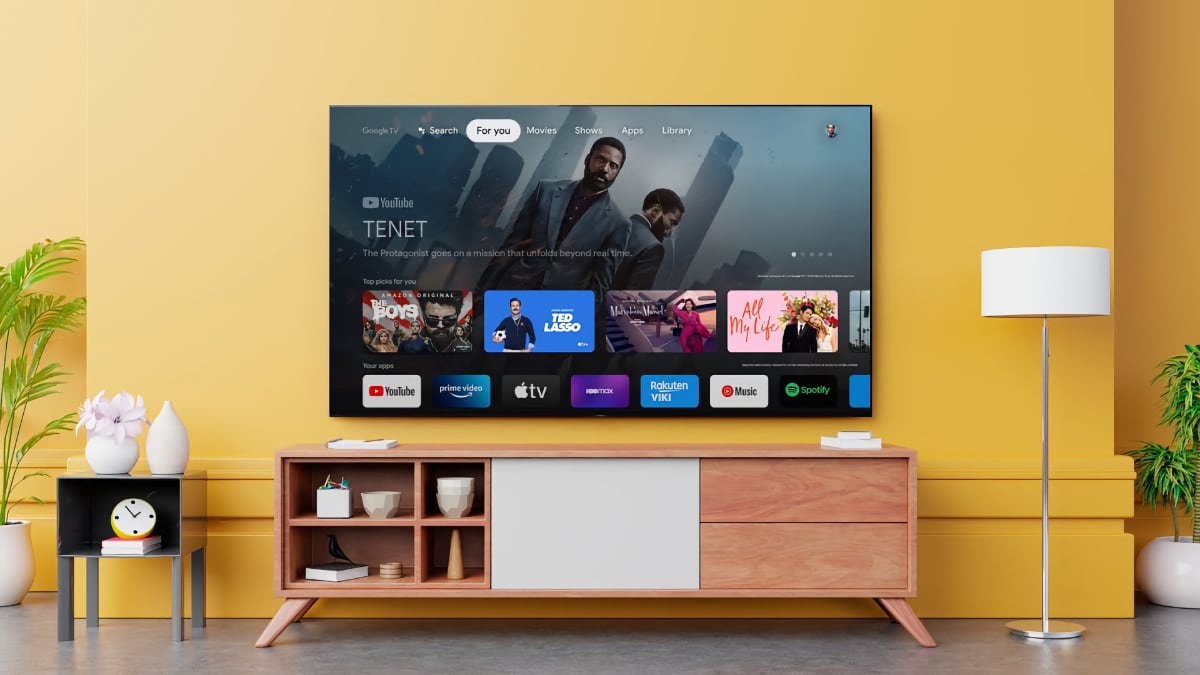

In today’s digital age, smart TV is no longer just a medium of entertainment, but has become a complete home-entertainment system. Frequent software updates play an important role in keeping the TV fast, secure and feature-rich. However, experts say that even a small mistake made during the update can cause serious technical damage to the TV, due to which sometimes the device becomes completely out of control. The report suggests that in such cases consumers may even be forced to buy a new TV.
That is why it is important to follow some basic precautions while updating a smart TV, so that no errors occur and your TV can be upgraded safely.
The biggest danger is power interruption during update.
Experts say that the biggest risk in the TV update process is power supply disruption. If the TV suddenly turns off while the software is being installed, the system’s firmware may be corrupted. In many cases the TV ‘hangs’ and keeps showing only a black screen. This situation is not only difficult to correct but sometimes the repair cost also increases significantly.
Slow internet speed can also become a problem
Smart TV update requires strong and stable internet connection. If the network disconnects frequently during the download or the speed is low, the risk of incomplete download of the update file increases. This may cause a software mismatch problem in the TV, after which the TV starts restarting continuously or the apps do not work properly.
Special precautions when updating from local file
Many users update TV through pen drive or downloaded file. Experts say that using a file with an unverified or incorrect model number can cause permanent damage to the TV. So it is necessary to download the file from the official website of the company, it is equally important to match the device model number and version.
The right and safe way to update your TV
Connect the TV to a stable power source – Use a stable power supply during the update.
Check Wi-Fi Speed – Perform an internet speed test before starting the update.
Be careful with any type of file – only install official updates.
Do not turn off the TV during the update – do not touch the remote or power button.
Go to Settings and select ‘Software Update’ option – install only the version recommended by the TV.
Also read:
Serious disease hidden behind hiccups, know when to consult a doctor

Comments are closed.