
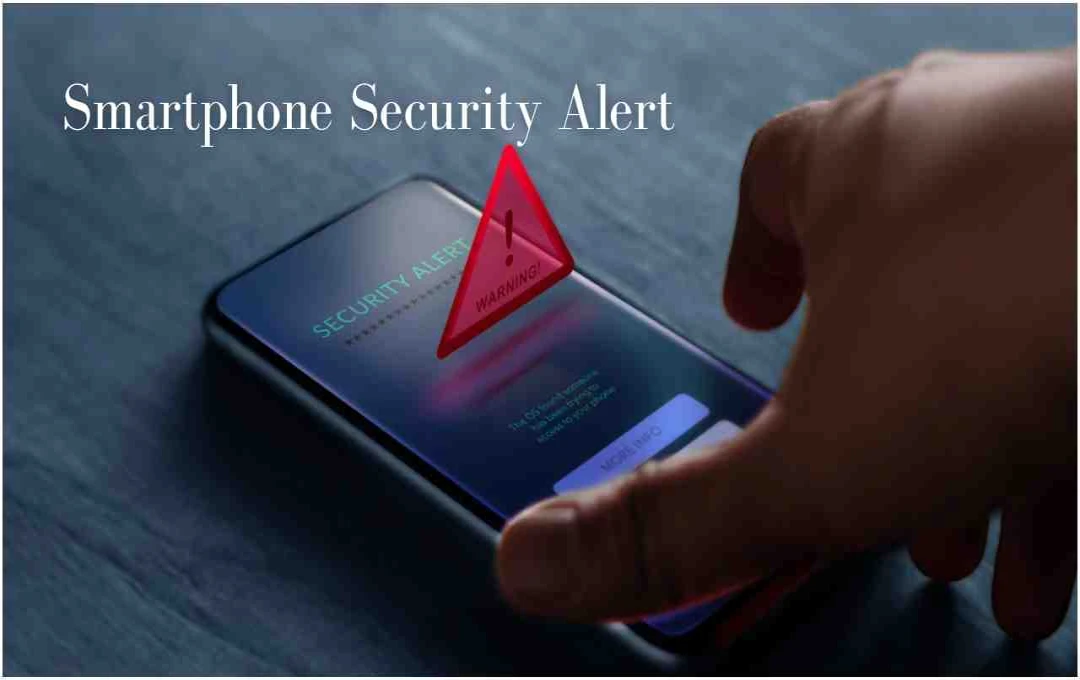

In today’s time, smartphones have become vulnerable to malware. Malicious software can steal your data, slow down the phone or lock files. Fake links, suspicious emails and unknown apps are the most common entry points for malware in phones. Timely identification and cleaning is very important.
Smartphone Security Alert: The increasing number of malware in mobile phones is causing concern. This malicious software is capable of stealing personal data of the phone, slowing down apps and locking files. Both Android and iPhone platforms may be affected. This problem spreads through fake websites, suspicious emails, unknown links and pirated apps, so it is very important to be alert in time and get scanned by a reliable antivirus.
What is malware and how does it spread?
Malware, i.e. malicious software, is created in the phone to steal personal data, monitor activities or lock the device. It can enter the smartphone through fake websites, suspicious emails, unknown links, pirated files and misleading advertisements. Many times cyber criminals pretend to be tech support and hack the phone through remote access.
Different types of malware
Malware comes in many forms. Trojan steals data by looking like real apps, ransomware asks for money by locking phone and files. Spyware silently collects information, adware shows unnecessary advertisements and scareware scares people into installing the wrong app. Both Android and iPhone platforms may be affected, so caution is necessary.
How to identify and remove malware from your phone
If the phone is slow, apps close suddenly, pop-ups appear, battery drains quickly or unknown apps are installed, then it is a danger sign. In this situation turn off internet and Bluetooth. Safe mode in Android, lockdown mode in iPhone and full scanning from a trusted antivirus app are helpful. Factory reset is the last resort if the problem persists.

Comments are closed.