
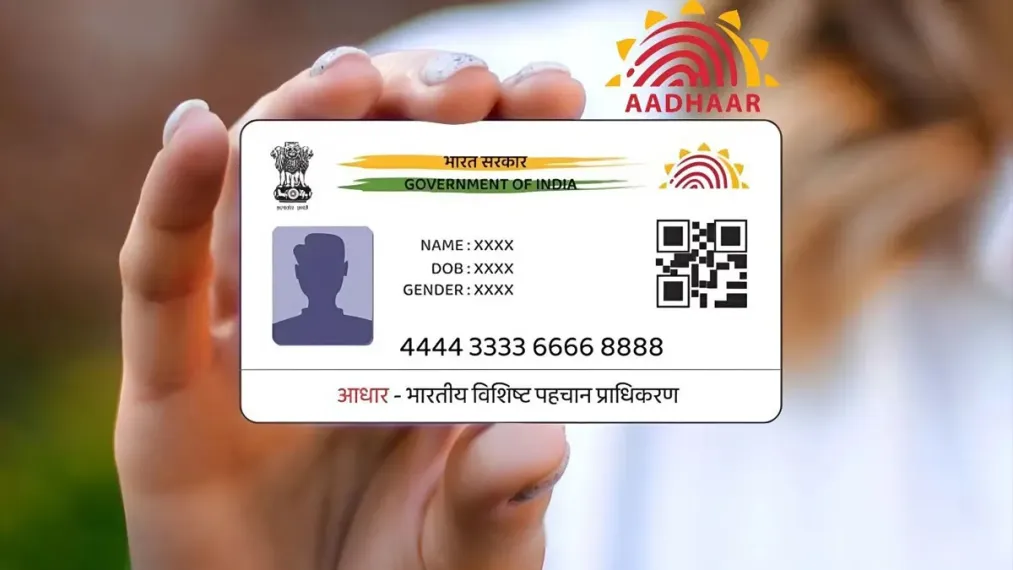
No more fear of losing or bursting! Make your smartphone a smart Aadhaar card like this

In today’s high-tech and digital era, our important documents and identity cards are also gradually becoming digital. In this series, the world’s leading tech company Google has released a very big and revolutionary update for Indian users. Under this new update, you can now safely save your Aadhaar directly in the ‘Google Wallet’ app.
This simply means that now you will not need to carry your original plastic or paper physical Aadhaar card everywhere for government work, travel or any verification. Your smartphone will now become your biggest identity card.
What is this new feature of Google and how does it work?
This completely new and special feature of Google Wallet works as ‘Aadhaar Variable Credential’. This means that your Aadhaar will now be stored in your mobile in a completely digital and secure format. Whenever and wherever you need to prove your identity, you can show it directly on your mobile screen.
The biggest and most reassuring thing is that this new digital feature of Google is fully supported and recognized by the Unique Identification Authority of India (UIDAI). Since it is backed by a government agency, you do not need to worry even a bit about its safety, purity and reliability.
Big benefits of keeping digital Aadhaar in Google Wallet which will make your life easier.
If you save your Aadhaar card in your phone’s Google Wallet, you are going to get not just one but many great benefits. The first advantage is that you will no longer need to carry the real card with you, which will eliminate the fear of it falling somewhere or being forgotten at home. Besides this, since the card is in digital format, the risk of the card being stolen or misused by falling into the wrong hands also becomes negligible.
Through this digital Aadhaar, the process of verification also becomes as easy as water, because with the help of QR code or NFC technology given in it, the other person can scan your identity immediately. Apart from this, it also proves to be very helpful in online tasks like applying for a visa, verifying yourself on a website or confirming your correct age (Age Verification) somewhere.
Where can we use it now?
This digital Aadhaar saved in Google Wallet can be used indiscriminately on some major and selected digital platforms of the country in the initial phase. For example, if you want to verify the identity of your profile on ‘BharatMatrimony’, or are filling an online visa application form for a foreign trip through the ‘Atlys’ app, it can be used instantly.
The company says that its scope will be expanded very rapidly within the coming time, after which it will start getting full support on the very popular society and utility platforms like ‘MyGate’ and ‘Snabbit’.
How to link Aadhaar to your Google Wallet? Know the easiest step-by-step method
The entire process of linking your Aadhaar to Google Wallet is very easy and you can do it from your phone in minutes. For this, first of all you have to download ‘Google Wallet’ app from Google Play Store on your smartphone. After opening the app, you have to tap on the ‘Add (+)’ button visible at the bottom of the home screen. After this, many options will appear in front of you, out of which you will have to choose the option of ‘Aadhaar’.
As soon as you click on it, this app will directly redirect you to the official ‘mAadhaar’ app of the government or its associated authentication page. There you will have to enter your Aadhaar number, after which a one-time password i.e. OTP will come on your registered mobile number. As soon as you complete the verification by entering that OTP, you will see the option of ‘Add to Wallet’ on the screen. As soon as you click on it and follow the short instructions given on the screen, your digital Aadhaar will be saved forever in your Google Wallet.
How strong is this new system of Google in terms of security?
This question may arise in the minds of many people that is it completely safe to keep sensitive information like your Aadhaar within the Google app? So the answer is – Yes, this process is 100 percent safe and secure. This is because none of your data is leaked in it and it is directly verified from the servers of UIDAI, an organization of the Government of India.
Additionally, the Google Wallet app has advanced levels of data encryption and multiple stringent security layers. The best thing is that you can manage its access control yourself as per your need, that is, no one can see or scan your digital card without your consent. This step of Google in the direction of ‘Digital India’ is indeed going to prove to be a huge and revolutionary milestone.

Comments are closed.