
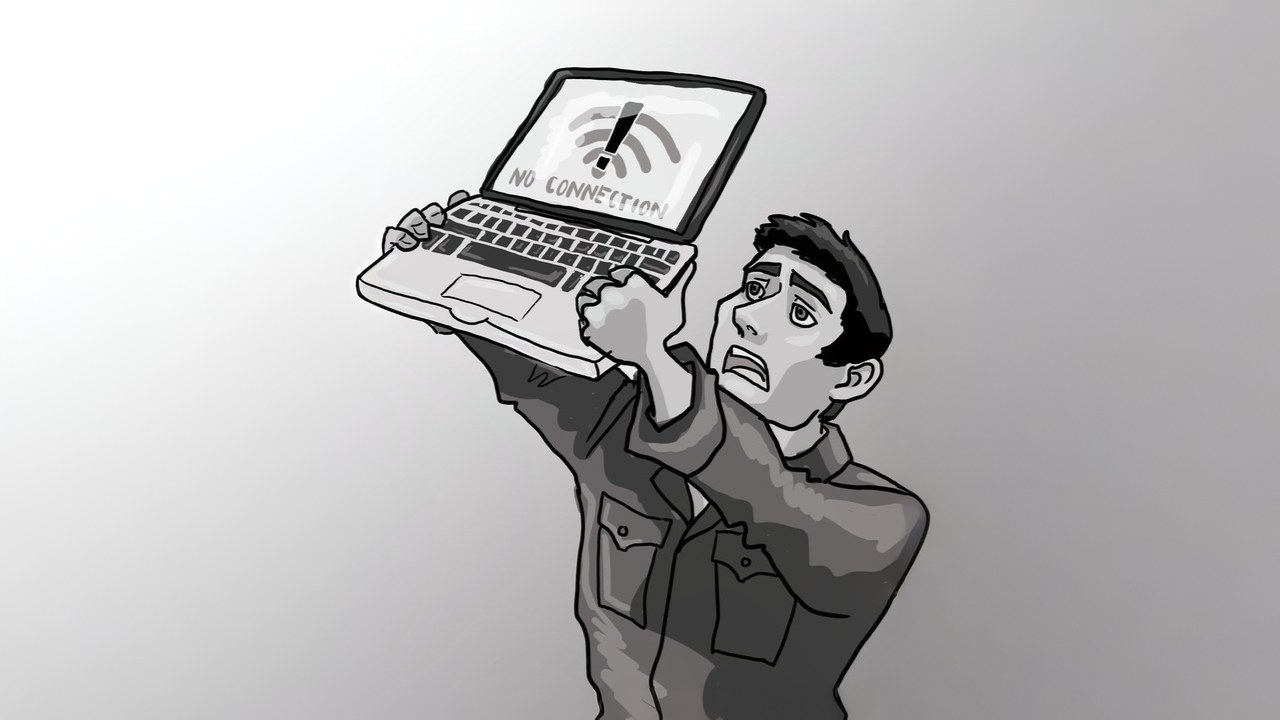
Now Wi-Fi will not be slow, make free Wi-Fi extender from old Android phone, you will definitely save money.

Android WiFi Extender: in today’s time Wi-Fi 7 and Wi-Fi 8 Despite the advent of new technology, it is not easy to get fast internet in every corner of the house. Especially in big houses, there are many places where the network does not reach at all. In such a situation, people buy expensive routers or Wi-Fi Mesh systems, which causes huge expenses on their pockets. But now you don’t need to spend money. You can find an easy solution to this problem by making your old Android phone a Wi-Fi Extender.
Old phone will become Wi-Fi Extender, this is how it will work
If you have an old Android phone lying around, it will no longer be useless. You can use it as a Wi-Fi Extender. This phone will first receive your home’s Wi-Fi signal and then rebroadcast it. If you understand in simple language, it will work like a mobile hotspot, but the only difference is that instead of mobile data, it will use Wi-Fi data. Although this method will not be as powerful as the mesh system, but it can prove to be quite effective for small areas or one or two devices.
How to make phone a Wi-Fi Extender?
It is very easy to convert an old Android phone into a Wi-Fi Extender. For this you have to follow some simple steps:
- First of all, connect the phone to the home Wi-Fi network.
- After this, turn on the mobile hotspot in the phone.
- Now a new Wi-Fi network will be created, to which other devices can connect.
- Keep in mind that you should turn off the auto-off option of the hotspot, so that it keeps running continuously.
- You can also switch between 2.4GHz and 5GHz networks as per your need.
Pay special attention to these things
While using the phone as a Wi-Fi extender, it is very important to keep some important things in mind:
- If the phone has a SIM, keep mobile data switched off.
- Place the phone between the router and the dead zone, so that the signal can spread better.
- Always keep the phone connected to the charger, so that it does not switch off midway.
- To increase battery life, you can set the charging limit to 80%.
- You can save power by turning on battery saver mode.
Also read: Users got worried when X suddenly stopped, did this happen with you too? Know the whole reason
Is this method right for you?
If you want to increase the range of your home Wi-Fi at low cost, then this method is very useful for you. Especially for middle class users, this can prove to be a smart and economical solution.

Comments are closed.