
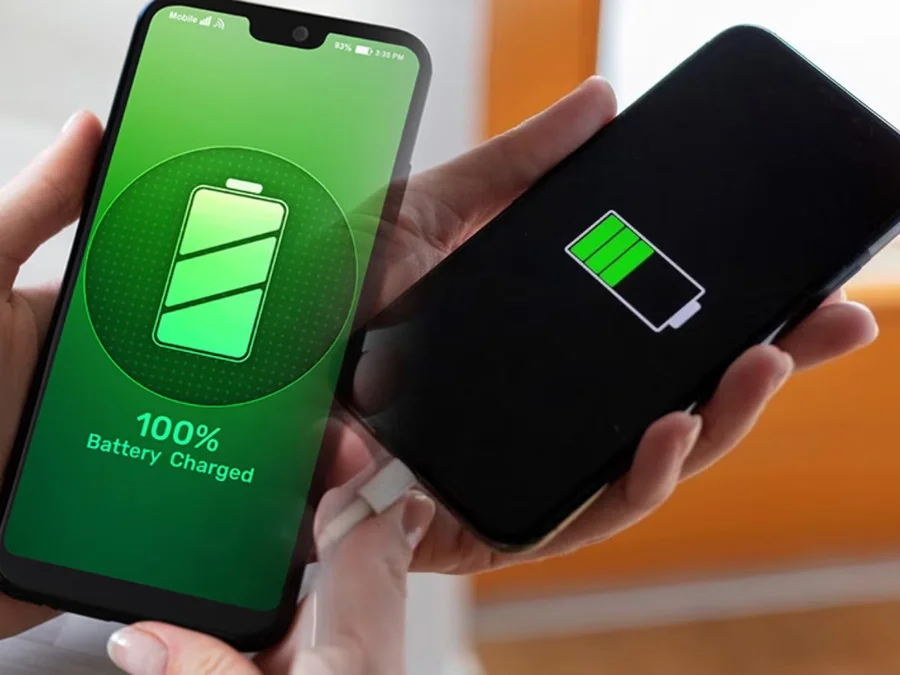

Friends, in today’s modern era, smartphones have become an important part of our lives, which are not only used for making calls but also perform many other functions, phones are available in the market as per the needs, but sometimes if the battery of your phone starts running low, then it can be very disturbing. But do you know that slow charging is usually not caused by any serious problem. In most cases, this is due to minor technical issues that can be easily fixed. Let us know about these reasons
Check your charger and cable
First of all you should check your charging cable and adapter. A damaged cable, bent connector, or poor quality adapter can significantly reduce power output, causing slow charging.
Look for visible damage or loose connections.
Try to use an original or brand-certified charger.
If necessary, replace the cable and test again.
Sometimes, simply switching to a better quality charger can fix the problem quickly.
Background apps can drain power
Many apps keep running in the background, consuming battery and data. If you are playing games, streaming videos, or using heavy apps while charging, the battery will charge very slowly.
Close unnecessary apps.
Avoid heavy use during charging.
Turn on Airplane Mode to speed up charging.
Reducing background activity lets your phone focus on recharging.
Battery health may deteriorate
If your phone is two to three years old, there may be a problem with the health of the battery. Over time, the battery’s capacity automatically reduces, and charging efficiency decreases.
Old batteries hold less charge.
Charging speed may be quite slow.
In such cases, replacing the battery can be a smart and cheap solution.
Temperature matters more than you think
Excessive temperature can directly affect the charging speed. When your phone gets too hot or too cold, it automatically reduces the charging speed as a safety precaution.
Avoid charging in direct sunlight.
Don’t put your phone under the pillow while charging.
Charge your phone at normal room temperature.
Keeping your device cool and ventilated helps keep charging performance stable.
clear charging port
Dust and debris from your pocket may accumulate inside the charging port. Small particles can also block correct cable connections.
Clean the charging port gently.
Make sure the cable fits properly.
Use a wall socket instead of a laptop or low-power USB port for more stable power output.
A clean port ensures smooth power transfer.
Improve your charging habits
Your daily charging habits also make a difference.
Keep your battery between 20% and 80% whenever possible.
Install regular software updates to improve battery optimization.
If buying a new phone, choose one with fast-charging support and large battery capacity.
Good habits can extend battery life and maintain charging efficiency.

Comments are closed.