
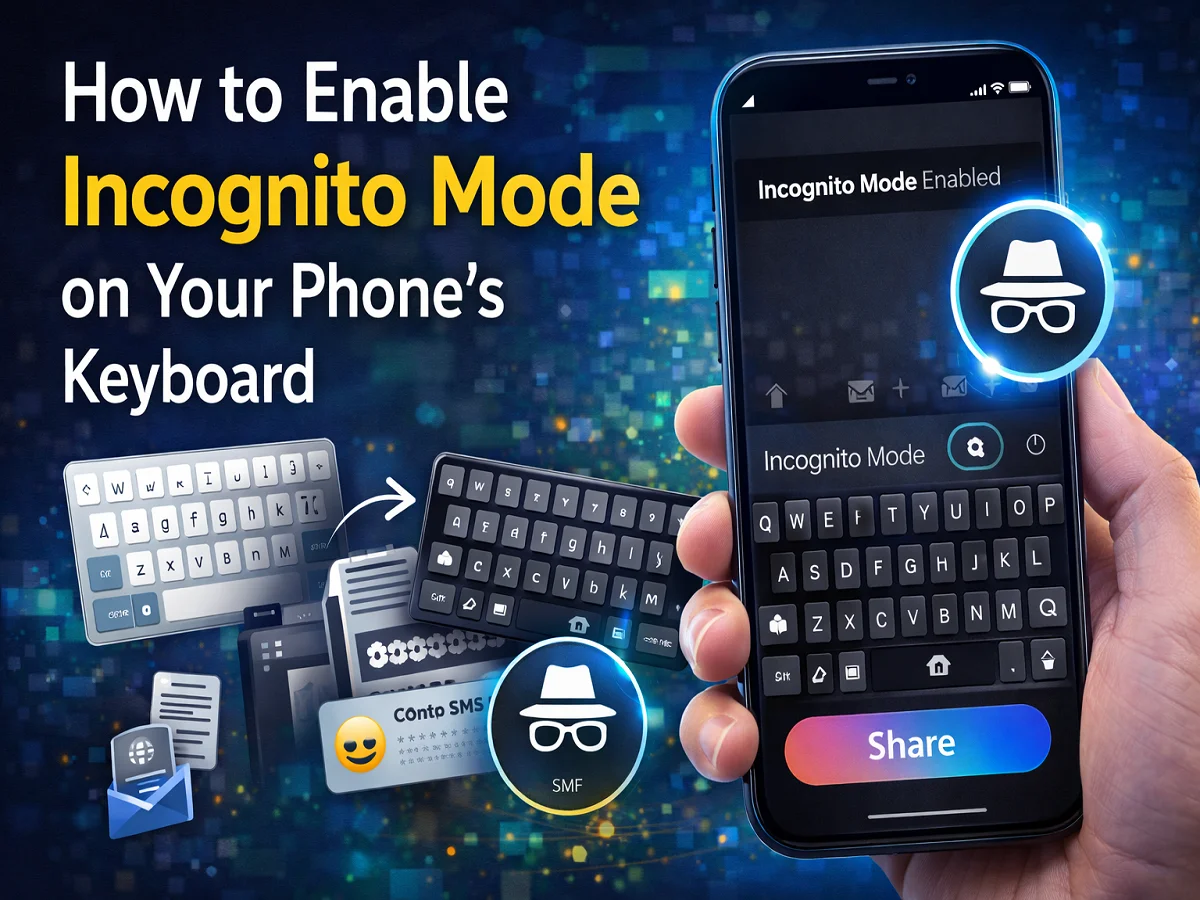
How to turn on Incognito Mode in phone keyboard? Learn the easy way in Gboard, Apple Keyboard and SwiftKey

Nowadays, smartphone keyboards are used for almost every task—be it sending messages, writing emails or entering passwords and OTPs. Modern keyboard apps remember typed words to provide better suggestions and auto-correct features in the future.
However, sometimes this feature can also become a risk to privacy as the keyboard can also learn some sensitive information. Keeping this problem in mind, many keyboard apps have Incognito Mode Name feature is given.
In this mode the keyboard does not save your typing nor does it learn new words.
What is Keyboard Incognito Mode?
Incognito Mode is a privacy feature in which the keyboard does not save your typing history.
When this mode is on:
- keyboard new words stops learning
- typed words Doesn’t save in suggestions
- Clipboard history may be temporarily disabled
Why is Incognito Mode important?
Today’s smartphone keyboards offer many smart features like:
- predictive typing
- auto-correct
- clipboard history
- OTP auto-detection
These features may sometimes save personal information. Incognito Mode reduces this risk.
Incognito Mode in Apple Keyboard and Gboard
Apple Keyboard
Incognito Mode in Apple Devices Safari के Private Browsing Starts automatically with .
When it turns on:
- keyboard color turns black
- Typing history is not saved
Gboard
Gboard’s Incognito Mode in Android Chrome के Incognito Tab Activates with.
During this:
- on the keyboard Incognito icon appears
- keyboard stops learning new words
How to Turn On Incognito Mode in SwiftKey
Incognito Mode in Microsoft SwiftKey Can be turned on or off manually।
steps
- Open keyboard in any app
- visible above the keyboard Menu icon (three lines) tap on
- Incognito icon choose
- Now Incognito Mode will start
When this mode is on the keyboard color will usually Black It happens.
in smartphone keyboard Incognito Mode An important privacy feature that helps keep your sensitive information safe.
If you are typing password, OTP or personal information, it is better to use this feature.

Comments are closed.