

Highlights
- Samsung’s One UI 8.5 beta enhances productivity, privacy, and cross-device connectivity.
- New AI-powered tools streamline content creation, photo editing, and sharing.
- Storage Share and Auracast-based audio broadcasting expand ecosystem functionality.
- Advanced security features strengthen theft protection and authentication control.
Samsung Electronics America has announced the commencement of the One UI 8.5 beta program, a new advancement parade in productivity, privacy, content, and cross-device connectivity across the Galaxy ecosystem. The update was first made available to Galaxy S25 series users in the US starting December 8, 2025, and it shows Samsung’s broader intention to deliver a more user-friendly, fluid, and secure digital experience.
With One UI 8.5, Samsung is gaining more ground in its ecosystem strategy by enabling users to easily and consistently create their content, share it across devices without any hassle, manage their files more efficiently, and protect their data with innovative anti-theft and authentication features. The entire ecosystem is using AI-powered editing tools, enhanced security layers, and storage access, enabling Samsung’s update to a user-centric Android customization.
The evolution of mobile operating systems from simple interfaces to integrated digital environments is accompanied by One UI 8.5, which aims to make daily interactions smarter, quicker, and safer without interfering with users’ regular work and creation.
One UI 8.5 and the Future of Continuous Content Creation
Content creation is the most visible upgrade of the new One UI 8.5. Samsung redesigned its creative workflow so that editing images and sharing are faster, without interruptions, and in a more intelligent way.
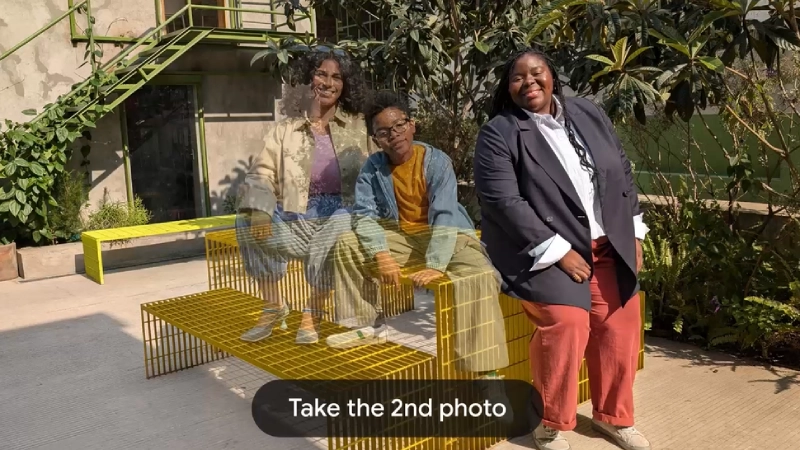
The enhanced Photo Assist function enables users to improve and modify the pictures at every stage without storing every version separately. Rather than disrupting the creative process by saving each time, the artist can make many changes to the picture all in one go. When editing is complete, the entire chronology of changes is accessible through the edit history, allowing users to sift through the different versions and pick the one they like as the final output.
This feature caters to the growing need for fast, AI-powered creativity, whether the user is a casual user or a content professional. The process of improving visuals for social media or on-the-go photography has become much smoother and less time-consuming.
Quick Share Enhancements Make Sharing Smarter and Faster
Along with the camera improvements, Samsung has made significant upgrades to Quick Share, further simplifying how users transfer their content.
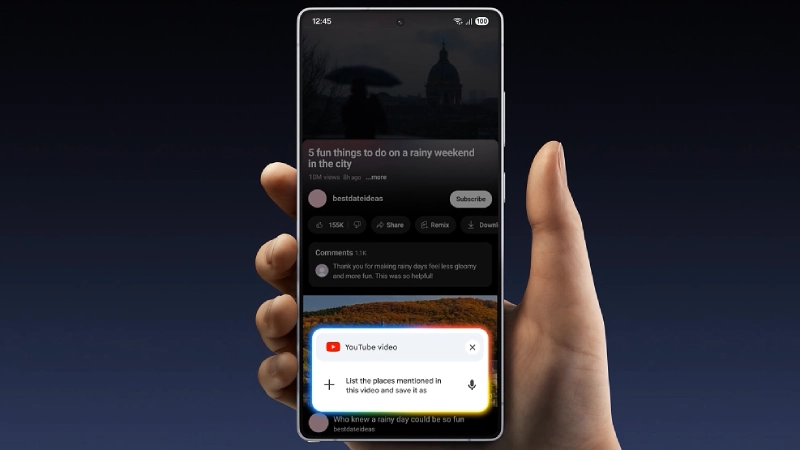
The One UI 8.5 version allows the Quick Share function to identify people in pictures and even suggest sharing them with the relevant contacts. It saves a lot of searching, thus sharing becomes quicker and more intuitive. The feature is available on devices running One UI 2.1 or higher with Android Q or later, and it requires both Bluetooth Low Energy and Wi-Fi connectivity.
By integrating context-aware sharing into that system, Samsung is not just changing Quick Share from a mere file transfer option into a predictive communication tool. This upgrade corresponds with the users’ natural ways of interacting with their photos and social networks.
Galaxy AI and Seamless Device Connectivity Expansion
The implementation of the new cross-device features in One UI 8.5, which complement Samsung’s Galaxy ecosystem by enabling seamless device interconnection between phones, tablets, PCs, and televisions, is notable.
Storage Share: One File System Across Devices
The latest Storage Share application now lets you visualize files from other Galaxy devices—for instance, tablets and PCs—as if they were right there in the My Files app on the smartphone. Users can access their phone’s files on other Samsung devices, including Samsung Smart TVs released after 2025.
This particular feature needs:
- All gadgets are to be logged in to the same Samsung account
- Wi-Fi and Bluetooth should both be operational
- Updated Galaxy smartphones and tablets running One UI 7 or higher and kernel version 5.15 or above
- Intel-based Galaxy Book2 or later and ARM-based Galaxy Book4 or later
Samsung is thereby not only opening a market for multi-device users but also laying the groundwork for a major productivity ecosystem that can be accessed and shared without interruption across users, regardless of device size or type.
Audio Broadcast with Auracast: A New Communications Tool
One UI 8.5 includes an Audio Broadcast feature that works with Auracast, allowing users to stream audio from their Galaxy phones to multiple LA Audio-compatible devices nearby. Apart from relaying music or media sound, users can also transmit their speech using the phone’s built-in mic.

This function allows for some instances of use that are very practical, and they include:
- Guided tours
- Classroom demonstrations
- Public announcements
- Group events
Nonetheless, this functionality is presently limited to the Galaxy S25 family, comprising the Galaxy S25, S25+, and S25 Ultra.
Advanced Security and Theft Protection in One UI 8.5
Theft of smartphones, fraudulent use of identities, and data leaks have become a significant concern; thus, Samsung introduced next-generation security controls in One UI 8.5.
Theft Protection and Anti-Unauthorized Access
One UI 8.5 comes with:
Theft Protection, which prevents devices from being lost or stolen and unauthorised access to data.
Failed Authentication Lock, which automatically shuts down the display when the number of failed identity verification attempts becomes excessive via fingerprint, PIN, or password
A new and improved Identity Check, which now protects even more settings than ever before.
By implementing these security measures at the system level, Samsung ensures that data on a stolen device will not be compromised even if the thief has physical access to it.
Combining these tools gives Samsung stronger protection against real-world theft, as hackers often try to bypass security layers by making multiple authentication failure attempts.
Productivity Gains Across the Galaxy Ecosystem
One UI 8.5 has raised the bar for creativity and security, bringing significant improvements to device management and everyday workflows across Samsung’s connected platform.
The users can now:
- Control files on several gadgets through a single interface
- Make it easy for the Galaxy devices to share the net connection
- Have a more intelligent communication with the nearby devices
- Seamlessly shift from phone to tablet, PC, and TV
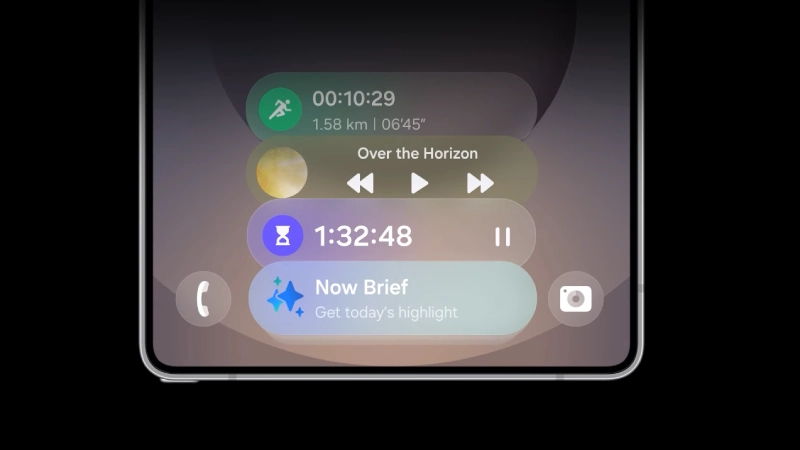
This level of integration turns separate devices into a unified digital workspace, which is advantageous for students, professionals, artists, and multitaskers.
Who Can Access the One UI 8.5 Beta Program
Samsung has officially announced that the One UI 8.5 beta program will first be limited to the Galaxy S25 series users in the U.S., starting from December 8, 2025.
The Samsung Members app is the channel through which qualified users can submit their applications. There is no public release timeline indicated at this point.
Some features like:
- Photo Assist
- Quick Share
- Audio Broadcast
- Storage Share
Will only be available on certain devices and in specific regions, depending on the particular software version, hardware compatibility, and network conditions.
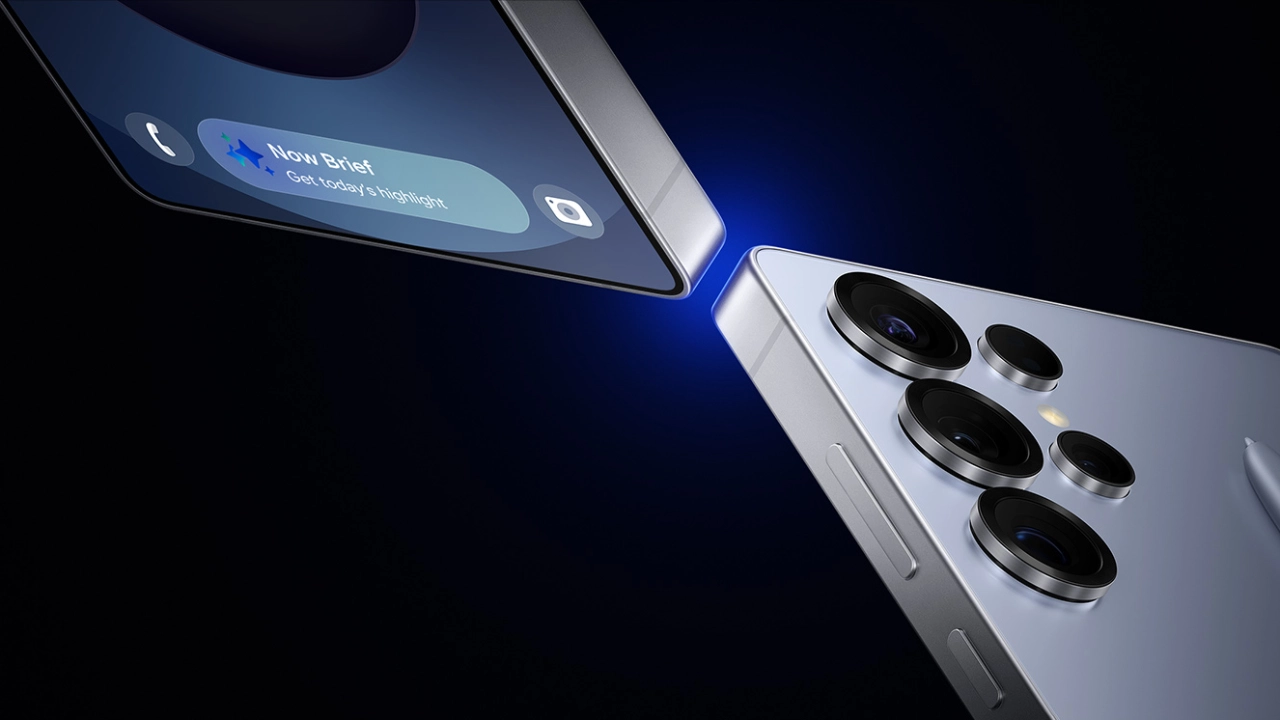
Samsung’s Strategic Direction with One UI 8.5
One UI 8.5 is not just about AI-powered creativity tools, ecosystem integration, and top-notch device security. It’s a clear mirror of Samsung’s growing focus on consistent user experience across devices, AI-assisted user productivity, effortless content sharing, hardware-software partnerships, and privacy-first system design.
Samsung still considers and gradually presents One UI as a visual shell over Android, but it keeps evolving it into a full-fledged productivity and security platform that works consistently across smartphones, tablets, laptops, and smart televisions.
This release not only respects but also enhances Samsung’s position up against other ecosystem-based platforms in terms of strategy and user control by prioritizing interoperability, user control, and advanced device intelligence.
Conclusion
The commencement of the One UI 8.5 beta program is a watershed moment in Samsung’s pursuit of a more intelligent, more secure, and interoperable Galaxy ecosystem. The company’s innovations have made professional-level audio tools and advanced theft protection features available through regular software updates.
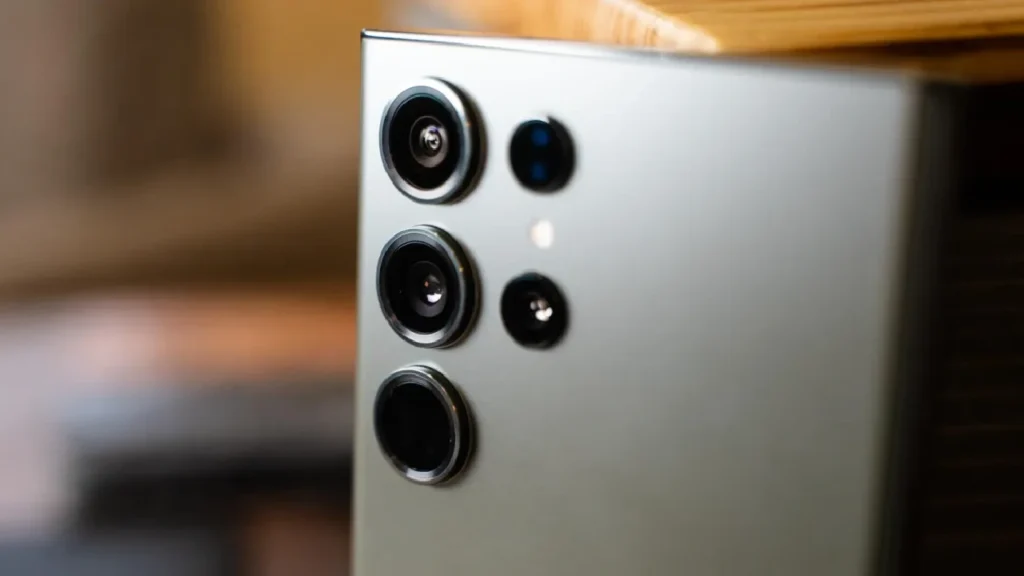
United States Galaxy S25 users are made aware through the beta of Samsung’s software strategy for the coming years, one in which creativity, productivity, and security will all coexist within the same digital environment. While Samsung continues to innovate its ecosystem-centric approach, One UI 8.5 marks the beginning of a new era for mobile computing and connected devices.

Comments are closed.