
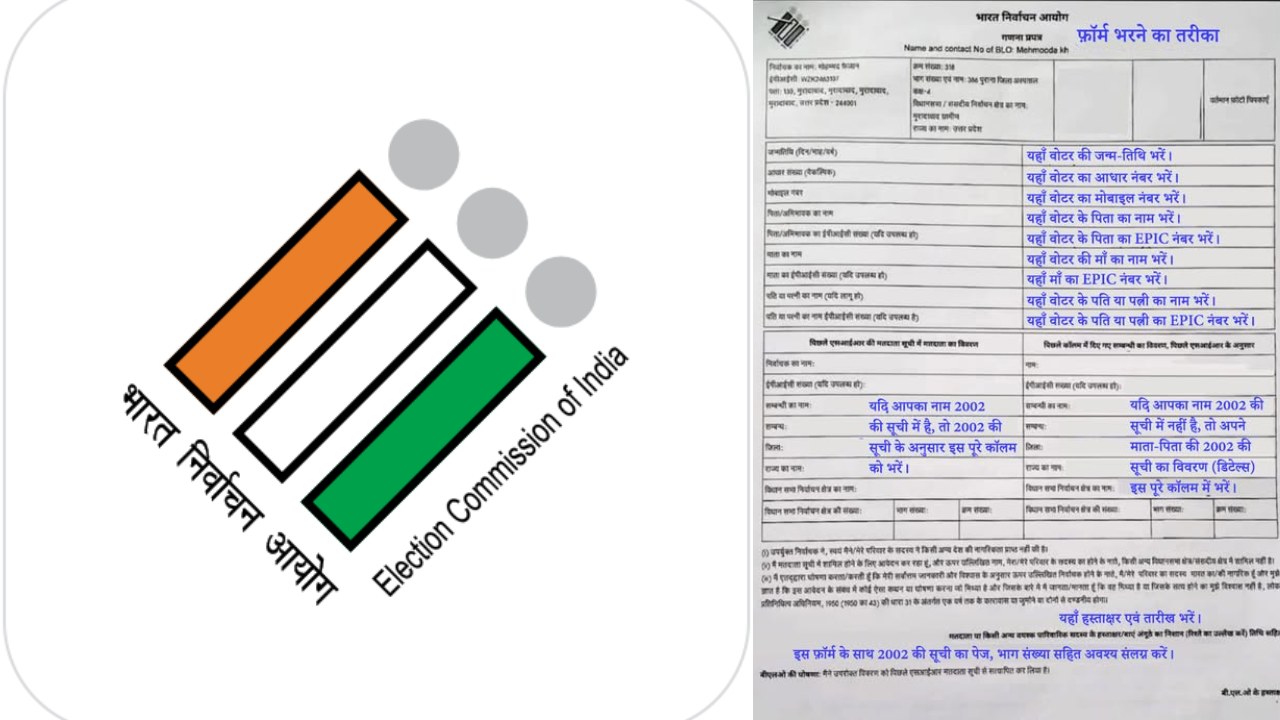
SIR Form submitted or not? Check status at home in 2 minutes, know what to do if you see any problem

SIR Form Status Check: If you have filled and submitted your Enumeration Form under Special Intensive Revision i.e. SIR to the BLO (Booth Level Officer), then the next most important step is to ensure that your form has been successfully entered in the Election Commission system or not. The matter of relief is that for this you do not need to visit any government office. You can check the status of the form by following some easy steps sitting at home from your mobile or laptop. With this, any mistake can be corrected in time.
How to check the status of SIR Form
- First of all go to the Voter Portal of the Election Commission.
- Click on the Fill Enumeration Form option given on the home page.
- If you do not already have an account, then sign up with the help of mobile number, email ID and captcha.
- Those who already have an account can log in through registered mobile number, password or OTP.
- After logging in open the Fill Enumeration Form option again.
- Now enter your Voter ID Number in the given box and click on Search.
- After this the status of your SIR form will appear on the screen.
What should I understand if I see it in the status?
If your form has been successfully submitted by the BLO then a message will appear on the screen that your form has been submitted with the respective mobile number. This means that your application has been registered in the records of the Election Commission. If the option to fill a new form appears in place of the status, it means that your form has not yet been uploaded to the system. If the form appears submitted but the mobile number associated with it is not yours or the message of submission without filling the form is visible, then it could be a data entry mistake. In such a situation, it is important to contact BLO immediately.
Also read: Apple increased the price of MacBook-iPad, but good news for students, big discount in Back to School Sale.
How to contact BLO?
If you want to talk to your BLO, then go to the same Voter Portal and select the Book a Call with BLO option. After this, search by entering your Voter ID number and captcha. The name and mobile number of your BLO will appear on the screen with which you can contact directly and get your problem resolved. By checking the status on time, any problem related to voter list can be avoided in future. Therefore, if you have submitted the SIR form, then definitely check its status once.

Comments are closed.