
Smart TV Audio- Has the audio of Smart TV reduced, then upgrade the experience with these cheap and easy methods

Friends, in today’s digital world, people have started installing smart TV in their home, they generally pay attention to picture quality like 4K resolution, HDR and display size. But many people overlook an equally important thing—audio quality. To truly enjoy movies, web series and live events on the big screen, video and sound must work together. In such a situation, if your TV is not providing proper sound then know the solution.
1. Check and change sound settings
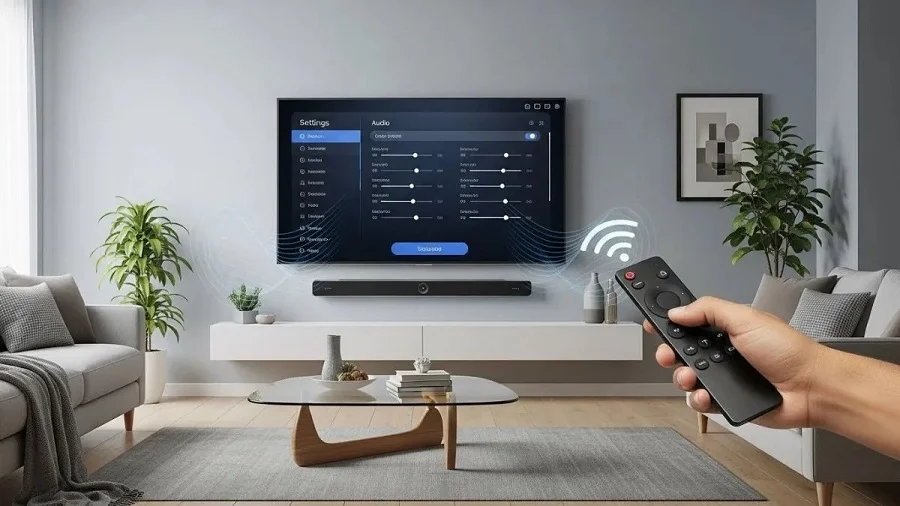
After setting up a new smart TV, the first thing you should do is review its sound settings. Sometimes the default audio mode may not be right for your room or content type. Many TVs come with options like standard, movie, music or surround modes. If the wrong mode is selected, the sound may sound muffled, unclear, or unbalanced.
2. Use Bluetooth speakers for small rooms
If your smart TV is in a small room and you don’t need a theater-like setup, a Bluetooth speaker can be a simple and effective solution. Most modern smart TVs support Bluetooth connectivity, making it easy to pair the speaker wirelessly.
3. Try a soundbar for better audio
Soundbars are one of the most popular ways to upgrade TV audio. There are many cheap soundbars available in the market which give strong and balanced sound. These are easy to install and are usually located right below the TV.
4. Consider sound towers for a more powerful experience
If you want louder and richer sound than a soundbar, sound towers are another option. These speakers are larger and have larger drivers, which help deliver stronger bass and a wider soundstage.

Comments are closed.