
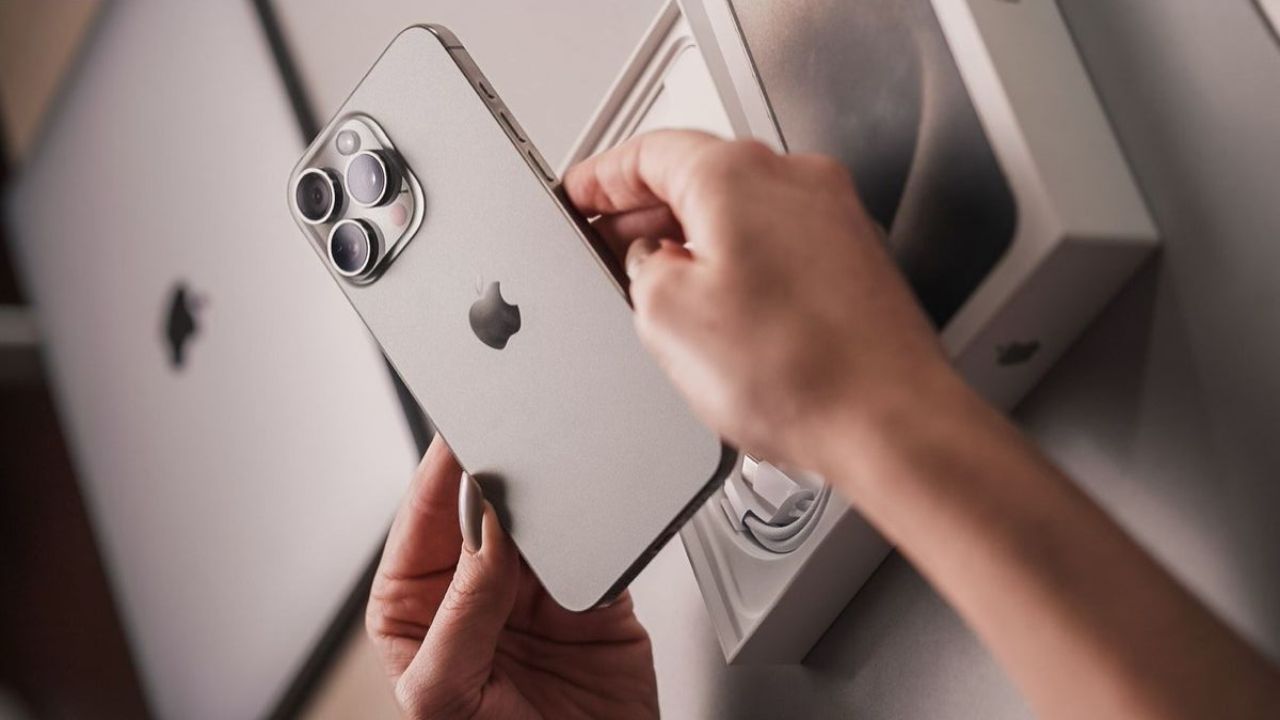
Smartphone Tips: 7 Amazing iPhone Tricks! 90% of users still don’t know about these secret features

- iPhone users must know these 7 tricks
- The iPhone can also be used like this
- iPhone tricks that are useful in everyday life
A dream phone for many iPhone Although it looks very simple, this phone is very powerful. There are many features in iOS which in fact 90 percent of users don’t know about. So it often happens that users use the iPhone for years but do not pay attention to what special features it has and how they can be used. Now we are going to tell you about 7 awesome iPhone tricks that will make your iPhone smarter than ever.
One click and bang! On the occasion of New Year, GOOGLE’s special Doodle, New Year animation will give you a surprise
Back tap feature
If you get tired of turning on a feature repeatedly or have difficulty turning on a feature, then you can use back tap. With this trick, double or triple tapping on the back of the phone opens screenshot, camera or other shortcuts. You can enable this feature by going to settings. This will make everyday life even smarter. (Photo Courtesy – Pinterest)
Live text feature
iPhone’s Live Text feature will be useful for copying any number address or text written on any photo. Not only this, but you can also call the phone number and open the link very easily with the help of these features. This feature is beneficial for students and office users.
Safari Reader Mode
If you’re reading long articles on your phone, then Safari’s Reader Mode will give your eyes a rest. This feature removes unwanted content from web pages and displays only text. This makes reading easy and also not distracting.
Notes app
There are still many people who don’t know that the iPhone’s Notes app is also a great document scanner. With this you can scan any document and create PDF. So you don’t need to download a separate app.
Swipe typing feature
The iPhone keyboard also has a swipe typing feature. There is no need to type each word separately, instead your words will be generated automatically as soon as you move your finger. This greatly increases the typing speed.
New Year 2026: WhatsApp doubles the joy of the New Year! Use many fun features that come with stickers, effects
Focus mode
If you are constantly distracted by notifications, you can finally use the focus mode. In this you can decide which app or call can come and when. This feature will make it very easy for you to control your work, sleep and personal life.
Battery health
The iPhone automatically informs you about the phone’s battery health. The battery health feature in the phone lets you know how strong the phone’s battery is and whether it needs to be replaced or not. This helps to understand the performance of the phone.

Comments are closed.