
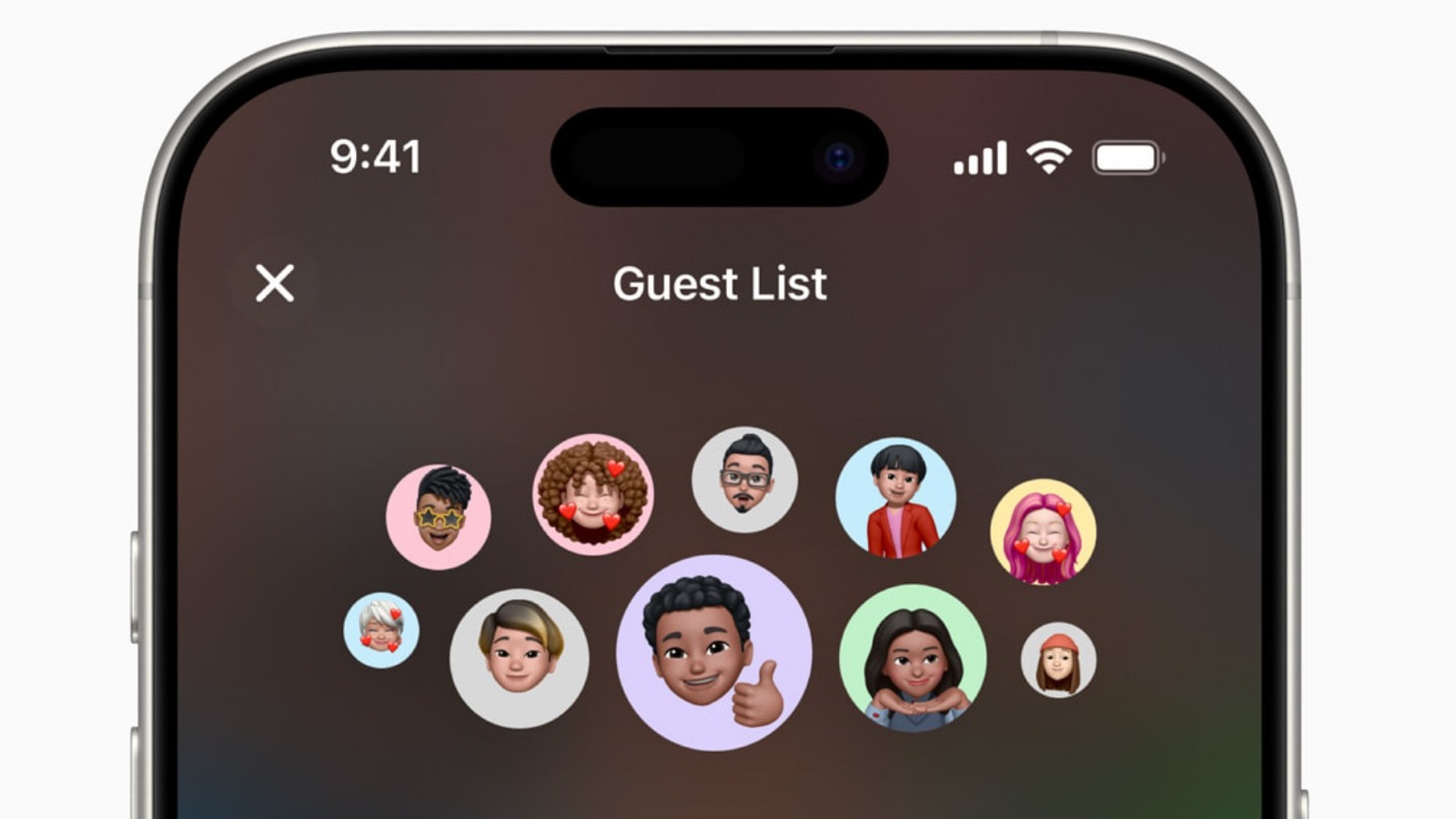

Organizing holiday invites can be a stressful endeavor. Figuring out things like travel, food, accommodations, entertainment, and gifts is a lot to take on, and communications are easy to get muddled in messy text chains. Fortunately, Apple released an underrated app earlier this year that can help you to keep things organized and make sure that no one is left out when planning holiday gatherings: Apple Invites.
This is a first-party app that was launched in February 2025 as a means of helping Apple users to plan and coordinate day to day events, much like how people have planned events on Facebook in the past. The Apple Invites app is a bit more streamlined, however. It allows users to create high-quality invitations with a range of themes, as well as photo and music integration options. Once completed, these invites can then be sent out to everyone on your guest list quickly and easily.
They aren’t just simple digital invite cards with a single image displaying information, however. They’re interactive, with portals and controls in the app that allow for a host of different planning and communal management tasks. Guests can RSVP directly to the portal, explore location information and directions via the Maps app, and they can even see the weather forecast for the date and time that the event will take place. But one of the coolest things about Apple Invites is that it allows everyone on the guest list to share pictures via iCloud. This way, everyone in the invite circle has access to all the memories that are captured on the big day.
How does it work with non-Apple devices?
Apple has a tendency to be a bit insular with its technology, preferring for Apple devices to communicate with each other and not necessarily with tech from other manufacturers. Naturally, this may lead some to wonder if Apple Invites will work with Android devices.
The answer is, sort of. The Apple Invites app isn’t available in the Google Play Store, so Android users won’t be able to download it. That doesn’t mean that they can’t interact with it at all, though. Apple users can send invites to anyone through Apple Invites, even those who aren’t using Apple devices. These invitations are sent via email or direct link, at which point the recipient will be prompted to enter an email address, verify that email, and then RSVP to the event–all through a web browser portal.
You’ll still get the same details about the event that an Apple user would receive, such as the time, address, and even the weather, but you won’t be able to interface with the information as quickly and easily as those who have the app. The web page does, however, give you the option to download a calendar event file and add it to one of your device’s other calendar apps. You also won’t be able to upload or view photos that are shared on the Apple Invites app.

Comments are closed.