
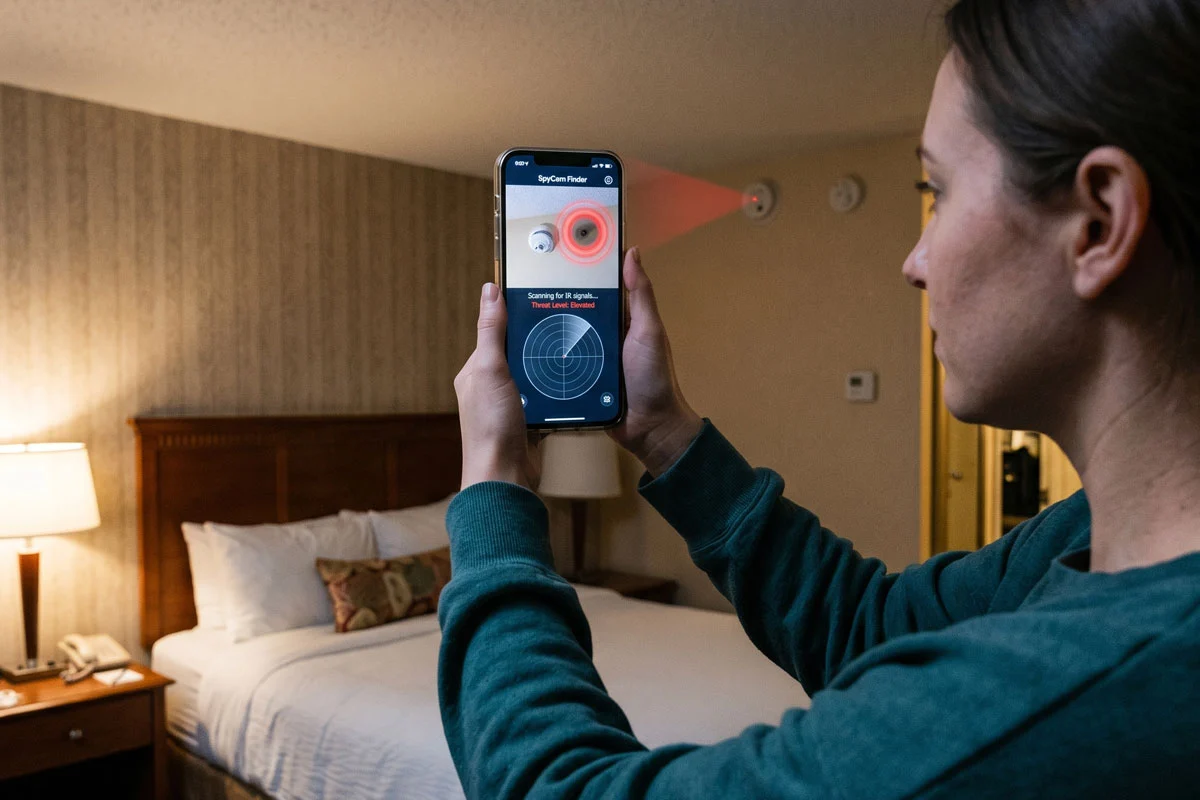

When you get leave, pack your bags and go out. Be it on the lap of the mountain or by the sea. It is a must to lay down on the soft bed of the hotel. Ah, what a relief to think, isn’t it? But in the middle of this joy there is an invisible danger! Is someone watching your private moments from some corner of the room? But the event is not completely fictional. From Janpur Hotel in Uttar Pradesh to Shamshabad Hotel in Hyderabad. Recently many such incidents have witnessed its watershed.
Care should be taken from now to avoid such bitter experience. Stepping into the hotel room, the first thing to do is to take a good look around. And now your smartphone in your pocket can be your biggest tool in this work. You just have to download some special apps.
1. Fing: This app will instantly scan whether any unknown device or camera is connected to your hotel room’s Wi-Fi network.
How it works: Once the app is turned on, it will bring up the list of all the devices connected to that room’s Wi-Fi. If there is any IP camera or suspicious device it will be easily caught.
Timing and method of use: Just download the app and click on the ‘scan’ option and the entire report will be at your fingertips in just a few seconds.
Platforms & Downloads: It works equally well on both Android and iOS phones. Can be downloaded for free from Google Play Store or Apple App Store.

2. Hidden Camera Detector: This app basically works by using the magnetic sensor or magnetic wave measuring device inside the phone.
How it works: A spy camera or any electronic device has a certain amount of magnetic field. When you turn on the app and hold the phone in a suspicious place in the house (eg in front of a wall clock, flower tub, or mirror), the app’s radiation meter ticks and beeps.
Timing and method of use: It may take a minute or two to scan the entire room once.
Platforms & Downloads: Both Android and iPhone users can easily download this app from their respective app stores.

3. Glint Finder: The glare or reflection on the hidden camera lens is often not detected by the naked eye. This app exploits exactly that vulnerability.
How it works: Launching the app causes the phone’s flashlight to flash on and off at a particular frequency. Turn off the room light and turn the phone around, if there is a hidden camera lens somewhere, the light will reflect from it and appear as a bright spot on the phone screen.
Timing and method of use: Just one-and-a-half minutes in a dark room and rotating the phone does the trick.
Platforms & Downloads: This very useful app is also available on Play Store and App Store.
Comments are closed.