
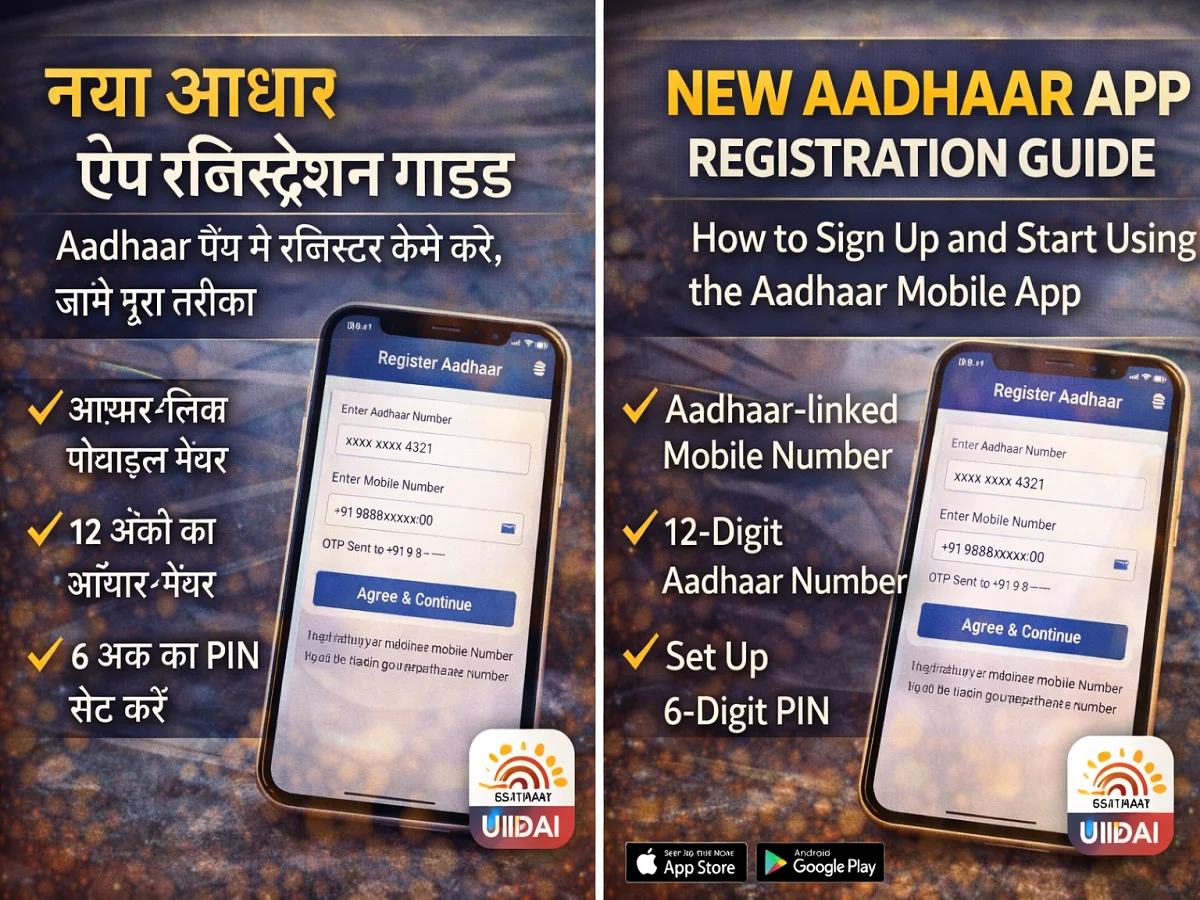
New Aadhaar App Registration Guide: How to register Aadhaar app in mobile, know the complete method

Unique Identification Authority of India (UIDAI) has introduced a new scheme for Aadhaar holders Aadhaar mobile app Has been launched. This app works as a digital platform, through which people can store and manage their Aadhaar related information securely.
this app Both Android and iOS platforms It is available on the Internet and aims to make Aadhaar services completely digital and easy.
However, before using the features of this app, users need to Registration is required. The good thing is that this process is completed in a few minutes.
What is the new Aadhaar app?
new aadhaar app one digital identity platform Which allows users to keep Aadhaar information safe in mobile.
Some of the key features of this app are:
- Aadhaar digital storage facility
- in one device Aadhaar profile of 5 family members option to add
- Facility to share Masked Aadhaar
- Instant identity verification by scanning QR code
- Facility to update mobile number and address
- Offline identity verification without quoting Aadhaar number
in this app Selective Share Feature is also provided, allowing users to decide what information to share.
What to prepare before Aadhaar app registration
Have the following things ready before starting registration:
- smartphone with internet connection
- mobile number linked to aadhaar
- 12 digit aadhaar number
- Front camera for face authentication
How to register in the new Aadhaar app
Step 1: Download the app
Google Play Store या Apple App Store से Download Aadhaar App।
Step 2: Open the app
Once the app is installed, open it and select your language.
Step 3: Accept the terms and conditions
By reading Terms and Conditions Agree Click on.
Step 4: Select Register Aadhaar
on home screen Register Aadhaar Select option.
Step 5: Enter Aadhaar Number
own 12 digit aadhaar number Enter.
Step 6: Verify mobile number
Enter the mobile number linked to Aadhaar and verify with OTP.
Step 7: Perform face authentication
Scan your face with the phone’s front camera and follow the on-screen instructions.
Step 8: Create a 6-digit PIN
for safety 6 digit PIN Set up.
After completion of registration, your Aadhaar information will appear on the home page of the app.

Comments are closed.