
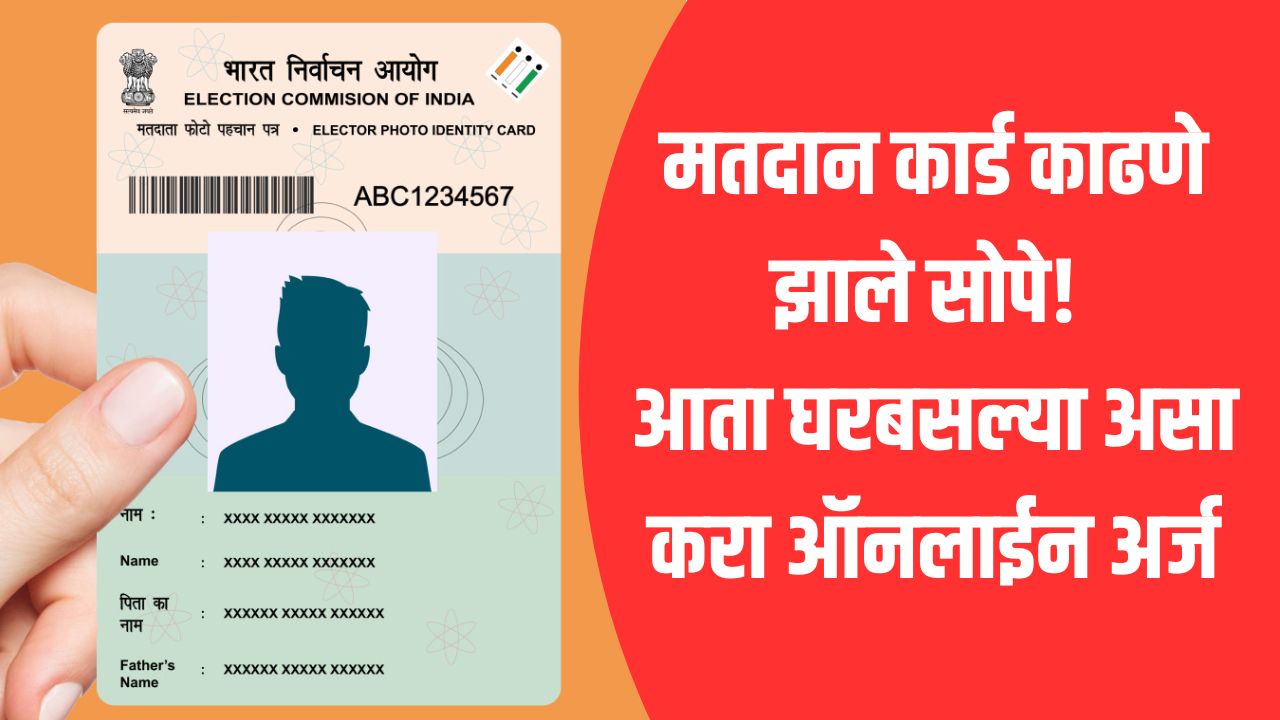
Voter ID Online Application: Voter Card Extraction Made Easier! Apply online now from home; Know the complete process

- The bugle of municipal elections has sounded!
- Voting on 15 January
- If you don’t have a name yet, get a voter card at home
How to get Voter ID online: Municipal elections in the state The bugle has sounded. Recently, the elections of municipalities and nagar panchayats have been held in the state and the results are out. Now the municipal elections are going to be held. Accordingly, voting will be held on January 15. The counting of votes will be held immediately on January 16. Meanwhile, yours to participate in this biggest celebration of democracy ‘Voting Card’ (Voting Card) is mandatory.
Voting card process is simple
If you have completed 18 years or your name is not yet in the electoral roll, then no need to worry. The Election Commission of India (ECI) has completely changed the voting card process and has now made Aadhaar based ‘e-Sign’ system mandatory. This will prevent fake applications and will bring transparency in the process.
What is ‘e-sign’ method?
Earlier it took time to verify the documents after applying. Now when submitting the application on the new portal, finally an OTP will be sent to the mobile with your Aadhaar link. By entering this OTP you can e-sign your application. This eliminates the need for any physical signature or physical visit to the office.
Documents required for new registration:
Photo: A recent passport size photograph (less than 2MB).
Proof of Age: Aadhaar Card, PAN Card or Birth Certificate.
Address Proof: Aadhaar Card, Bank Passbook, Electricity Bill or Ration Card.
Also Read: December Deadline: Complete ‘These’ 3 Important Works Before 31st December; Otherwise, there will be a big financial blow from January 1
How to Apply Online (Step-by-Step):
1. Register on the portal
First of all voters.eci.gov.in Visit this official website. If you don’t have an account, register using your mobile number and email id by clicking on ‘Sign Up’.
2. Fill Form 6 (Form 6).
After login click on ‘New Voter Registration’ option and select ‘Form 6’. In this select your State, District and Assembly Constituency accurately.
3. Personal information
Enter your name, father’s/husband’s name and address in Marathi and English. Upload your photo and proof of residence (eg Aadhaar card) in PDF or JPEG format.
4. Aadhaar and e-sign
Select ‘Aadhar Details’ in the application and enter your Aadhaar number. Before submitting the application, the option ‘e-Sign and Submit’ will appear at the end. Enter the OTP received on the mobile with Aadhaar link and verify it.
5. Save the reference number
After completing the application you will get a ‘Reference ID’. You can track the status of your application through this number.
Also Read: Income Tax Return: Haven’t received your ITR return yet? If not, know the procedure
When and how to get voting card?
After applying online your address will be verified by BLO. In about 10 to 15 days your name will be included in the electoral roll and your new digital voter card (EPIC) will be sent directly to your home via speed post. Also this application process is completely free.
Don’t worry if you lost your old voter card, you can download ‘e-EPIC’:
- Click on ‘Download e-Voter Card’ option on the portal.
- Enter your EPIC number and select the state.
- Download your digital voter card by entering the OTP received on the mobile. Its color print is accepted everywhere.

Comments are closed.