
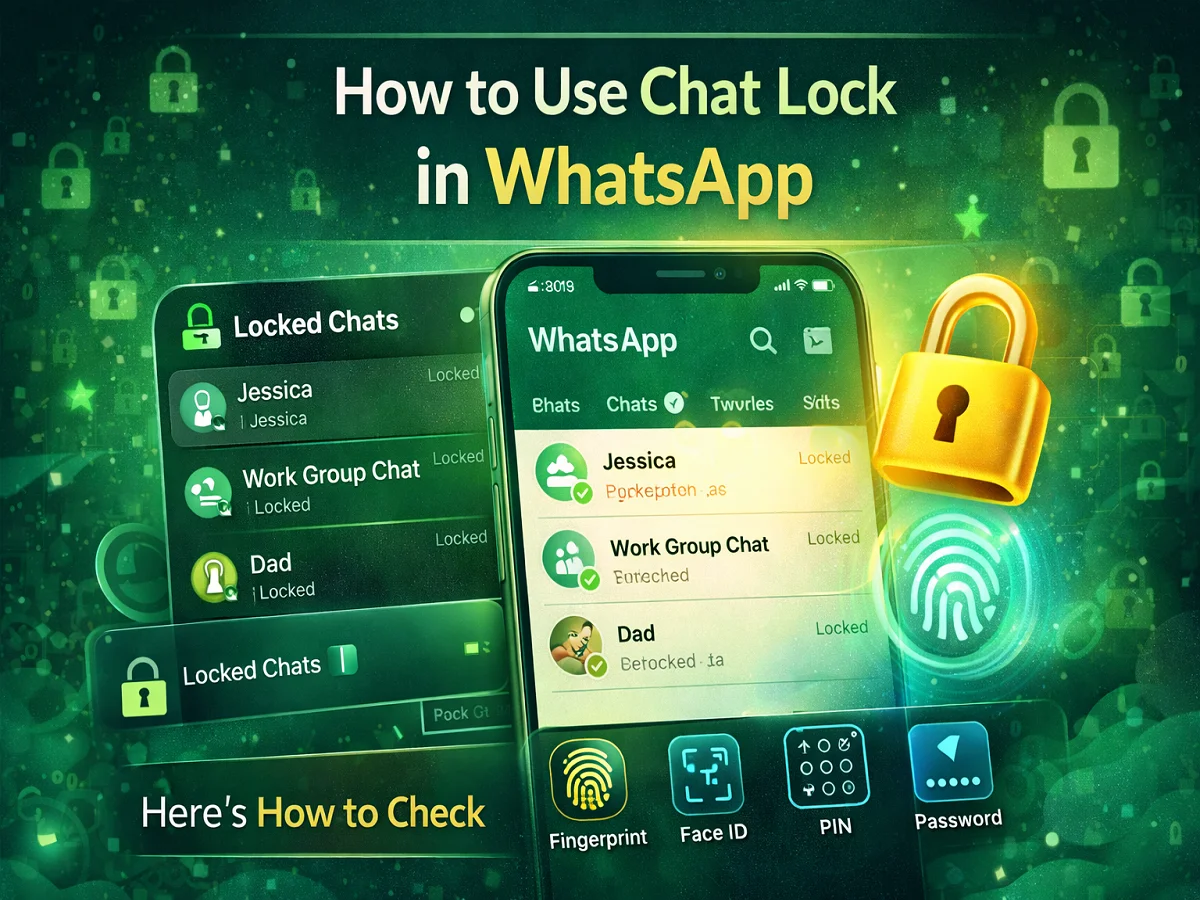

In today’s time, messaging apps on smartphones contain our personal conversations, photos and many important information. In such a situation, maintaining privacy becomes very important. Keeping this need in mind, WhatsApp Chat Lock feature Have presented.
WhatsApp already End-to-end encryption Keeps messages secure, but the Chat Lock feature helps keep your chats safe from other people using the phone.
With the help of this feature, users can Lock individual chats or group chats separately Can do. After being locked, that chat will appear in a separate chat list away from the normal chat list. Locked Chats section It goes into the phone, which can be opened only through the phone’s lock system.
Let us know how to use the Chat Lock feature of WhatsApp.
What does WhatsApp Chat Lock feature do?
Chat Lock feature allows users to keep their private conversations secure.
After activating this feature:
- chat Hides from the main chat list
- of message Notification preview doesn’t show
- chat a different Locked Chats is saved in the folder.
- to open it Fingerprint, Face ID, PIN or Password is needed
Important things before using Chat Lock
Keep these things in mind before using the Chat Lock feature:
- in your phone The latest version of WhatsApp must be installed
- near you Must have an active WhatsApp account
- in the phone Screen Lock (Fingerprint, PIN or Password) must be active
How to lock chat in WhatsApp
If you want to lock a specific chat, follow the steps below:
- in your phone Open WhatsApp app।
- That Contact or group chat Search for the app you want to lock.
- Open the chat and see above Tap on the contact’s name।
- scroll down and Lock Chat option Select.
- Turn on the Lock Chat toggle.
- Our Fingerprint, Face ID or PIN Authenticate with.
After this that chat will be locked and will not be visible in the normal chat list.
How to open locked chats in WhatsApp
All locked chats are saved in a separate section in WhatsApp.
to see them:
- Open WhatsApp app।
- on the chat screen swipe down from top।
- here you Locked Chats option Will be seen.
- tap on it and Verify with fingerprint or PIN।
After this all your locked chats will be visible.
Why is Chat Lock feature important?
This feature is especially useful for those who share their phone with others. This makes it easier to keep private conversations secure.
It can be used in these situations:
- To hide private or personal conversations
- To keep office or business chats secure
- To protect chats that contain sensitive information
WhatsApp’s Chat Lock feature gives users better control over their private conversations. This feature helps in keeping specific chats away from others’ view by locking them.
If you want to give extra security to your private chats, then definitely use the Chat Lock feature of WhatsApp.

Comments are closed.