
WhatsApp Security Alert: Is your account not logged in on any other device? Check immediately like this

In today’s digital era, WhatsApp has become an important part of people’s lives. From sending good morning messages as soon as you wake up in the morning to important office updates, most of the conversations happen through this app. Many important messages related to family, friends and work are shared on WhatsApp only.
But just as the use of WhatsApp has increased rapidly, similarly the cases of cyber fraud and online fraud are also increasing. Many times users do not even realize that their WhatsApp is logged in to another device. In such a situation, your personal information, chats and important data may be at risk.
If you also suspect that your WhatsApp is being used somewhere else, then there is no need to panic. By some easy methods you can find out whether your account is secure or not.
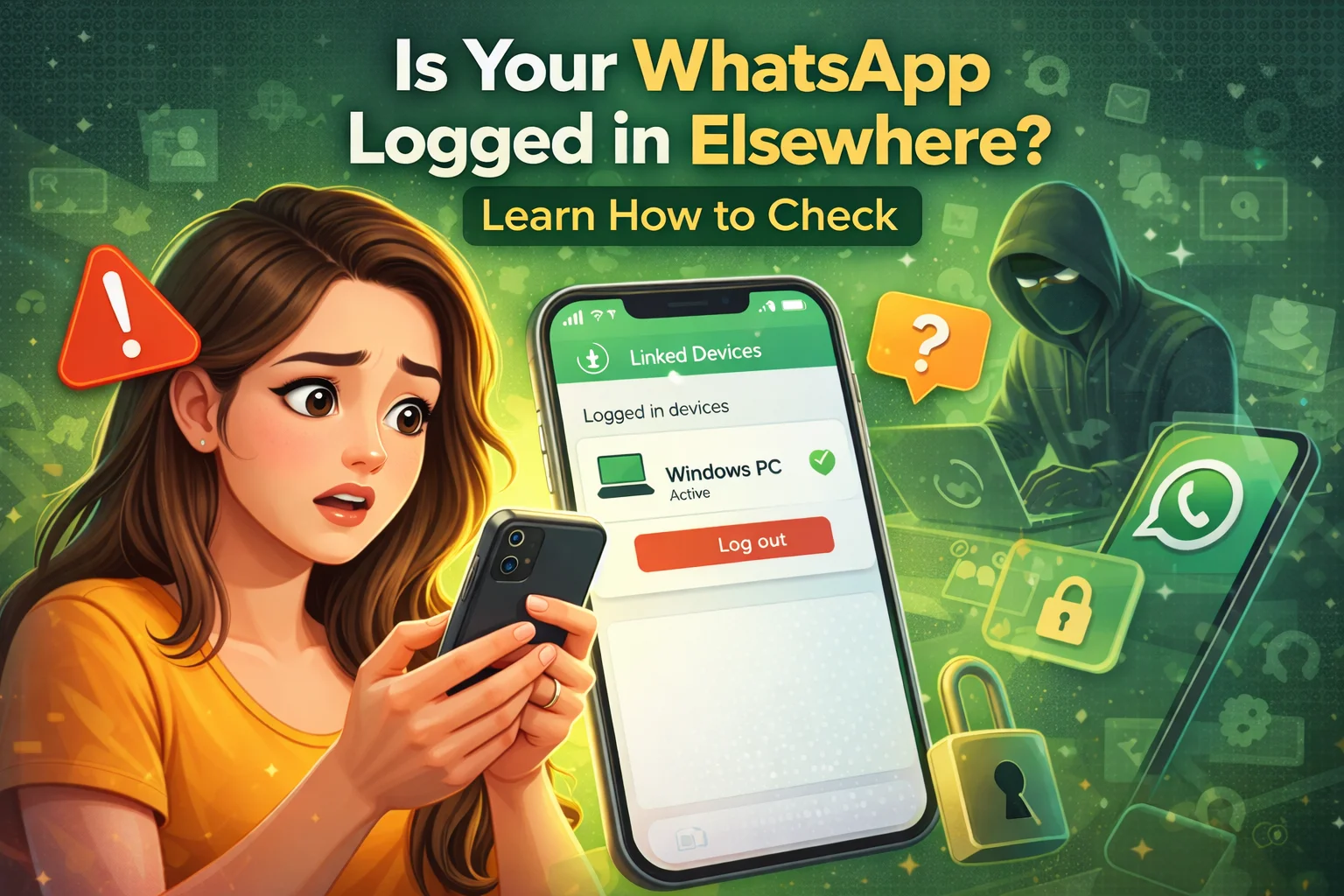
Please check by going to Linked Devices.
First of all you need to open your WhatsApp Linked Devices Settings should be checked.
There is a feature in WhatsApp through which you can login to your account on laptop or other device. Many times it also happens that someone runs your WhatsApp in his system by scanning the QR code from your phone without your permission.
To check this:
- Open WhatsApp
- Click on the three dots above
- Linked Devices choose option
Here you will see a list of all the devices where you have WhatsApp login. If you see an unknown device, immediately Log Out Do it.
Keep an eye on login related messages
WhatsApp sends many security related notifications and messages to your phone number.
If suddenly any information related to login comes on your number, then it should not be ignored. Many times hackers also try to access accounts in a similar manner.
Therefore, on receiving such messages, immediately go to the settings of WhatsApp and check whether your account is active on any other device.
Sudden WhatsApp logout can also be a sign
If your WhatsApp suddenly logs out without any reason, this could also be a warning.
In such a situation, many times the app will ask you to OTP Asks for. If you have not logged out yourself and still this is happening, then you should be careful.
This may be a sign that someone else is trying to access your account.
Also check your sent messages
Another easy way is to keep an eye on your chats.
If you see messages in your chats that you didn’t send yourself, it may be a sign that someone else is using your account.
Similarly, if a message is sent without you reading it Seen If it is visible, it may mean that your WhatsApp is open on another device.
Important tips to keep WhatsApp account secure
If you want to keep your WhatsApp secure, then keep these things in mind:
- Do not share OTP with anyone
- Keep Two-Step Verification on
- Check Linked Devices from Time to Time
- Beware of unknown links or messages
- Always use your phone with it locked
By adopting these easy precautions, you can keep your WhatsApp account safe from hacking and cyber fraud.

Comments are closed.