
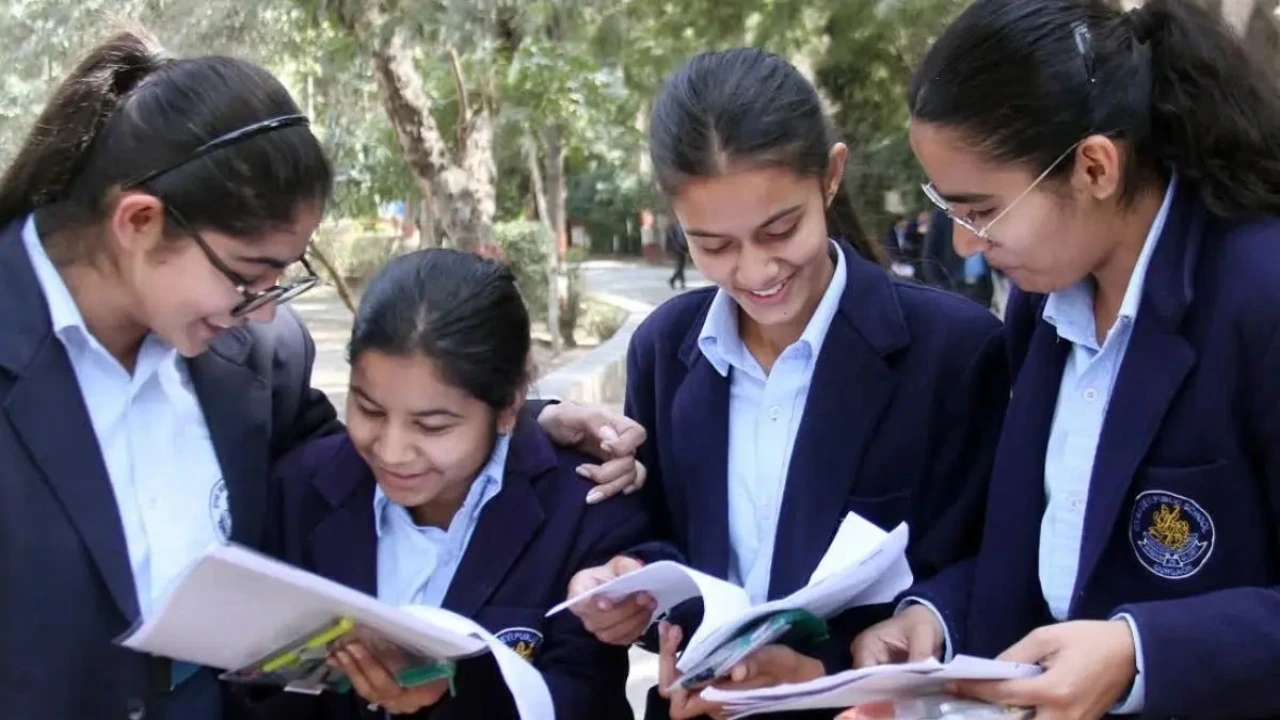
When will CBSE Board 12th Result be released? Marksheet will be downloaded directly from this link, know the process

CBSE Board 12th Result: According to media reports, the evaluation process has been completed. Data uploading work has started, which is in the final stage. That means results are expected soon.
When will CBSE Board 12th Result come?
CBSE Board 12th Result: When will CBSE 12th board result be released? Everyone’s eyes are fixed on this. According to the information, the wait for the results is in the final stages. That means the result can be released any time. About 18 lakh students from across the country had appeared for the CBSE 12th board examination. The candidates are now waiting for the result. Know here where and how you can see your result.
No official information has been revealed yet regarding CBSE 12th board result. But it is believed that it may be released in the last week of April or the first week of May. If you have also given the exam and want to check the result, then keep your roll number, school code and admit card ID ready. So that you can check the results immediately after coming.
When will the result be released
According to media reports, the evaluation process has been completed. Data uploading work has started, which is in the final stage. That means results are expected soon. To check the result, go to the official website of the board cbse.gov.in or resultscbse.nic.in.
Also read: Central employees fight, dearness allowance increased by 2%, approval from Modi cabinet
How will you be able to check your result?
- To check CBSE 12th board result, visit the official website results.cbse.nic.in, cbseresults.nic.in or cbse.gov.in.
- When the new window opens, click on Class XII Result.
- Enter your roll number and date of birth here.
- The result will appear on your screen. If you want, you can download it and keep a print out for future.
What to do to see the marksheet?
- If you want to see the marksheet immediately after the result, then you can go to DigiLocker.
- For this, first install DigiLocker app or go to the official website.
- Verify the account through Aadhar card.
- After the result is clear, select CBSE option and enter your roll number, 6-digit security pin (which you have received from the school). Your mark sheet will start showing. You can download it.

Comments are closed.