
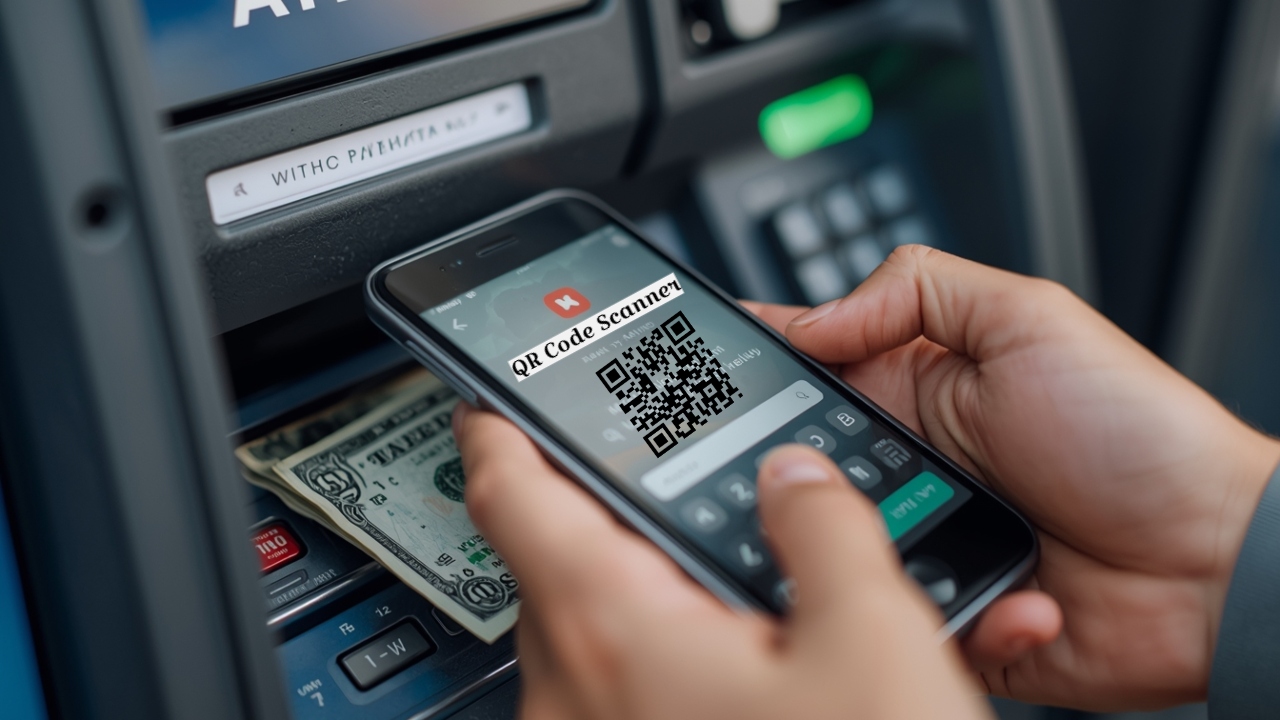
Withdrawal of money from ATM has become easier, now without debit card you will get cash only from mobile

QR Code ATM Withdrawal: In today’s digital age, banking services are changing rapidly. Earlier, a debit card was necessary to withdraw money from ATM, but now it is not so. Now you can withdraw cash from the machine even without ATM card. Yes, if you have UPI app on your smartphone, you can withdraw money from ATM by just scanning the QR code. Many banks now offer the option to withdraw UPI cash or scan QR code at their ATMs. This has not only made it easier to withdraw money, but the risk of cyber fraud like card cloning and skimming has also reduced considerably.
What is the facility of withdrawing ATM cash from UPI?
Withdrawal of cash from ATM using UPI is considered a new and secure method of digital banking. Instead of a debit card, your mobile phone and UPI app is used. In this process, “UPI Cash Withdrawal” Option appears. After selecting it, the machine generates a QR code. The user then scans the QR code using the UPI app on their mobile device.
After scanning the QR code, when the user enters his UPI PIN, the transaction is completed and the cash is withdrawn from the ATM machine. This method is considered fast, easy and secure as no physical card is used in it.
Benefits of withdrawing money through UPI
The biggest advantage of withdrawing cash from ATM using UPI is that you do not need to carry your debit card. Even if your card is lost or stolen, you can easily withdraw money. This method is also considered safer. This significantly reduces the risk of cyber fraud like card cloning or skimming. Another big advantage is that you are saved from the hassle of repeatedly inserting your card into the ATM or typing your PIN. Simply scanning a QR code is the whole process.
How to withdraw money from ATM through UPI
To withdraw cash through UPI, some easy steps have to be followed:
- First, go to an ATM that supports UPI cash withdrawal.
- Select UPI Cash option on the ATM screen.
- Enter the amount you want to withdraw.
- Then a QR code will appear on the screen.
- Scan the QR code using any UPI app on your phone.
- After scanning, enter the UPI PIN on your phone and confirm the transaction.
- Once the transaction is complete, the money will be withdrawn from the ATM.
Keep these important things in mind before using
Before withdrawing cash using UPI, make sure that the ATM you are using supports UPI. Additionally, you must also have an active and updated UPI app on your phone and a working internet connection. Most ATMs allow withdrawal of only ₹5,000 to ₹10,000 at a time using this feature.
Also read: Women’s Day 2026: Mobile will be useful in difficult times, every woman must have these 3 safety apps in her phone
You can withdraw money from YONO SBI even without card
If you have a bank account in SBI (State Bank of India), then you can withdraw money from ATM without debit card using YONO SBI app. This feature is called YONO Cash. You first request to withdraw cash from YONO SBI mobile app. After that, you can easily withdraw money from ATM. The special thing about YONO Cash is that it does not require any physical card. Users simply log into the app, enter the amount, and create a 6-digit reference number and PIN.
Then, by entering the same number and PIN in SBI ATM, the cash is withdrawn. This feature allows a maximum withdrawal of ₹20,000 at a time and is available at many SBI ATMs and YONO Cash points across the country.

Comments are closed.