
Your IndiGo flight didn’t take off? Here’s how you can claim quick refunds or book another flight

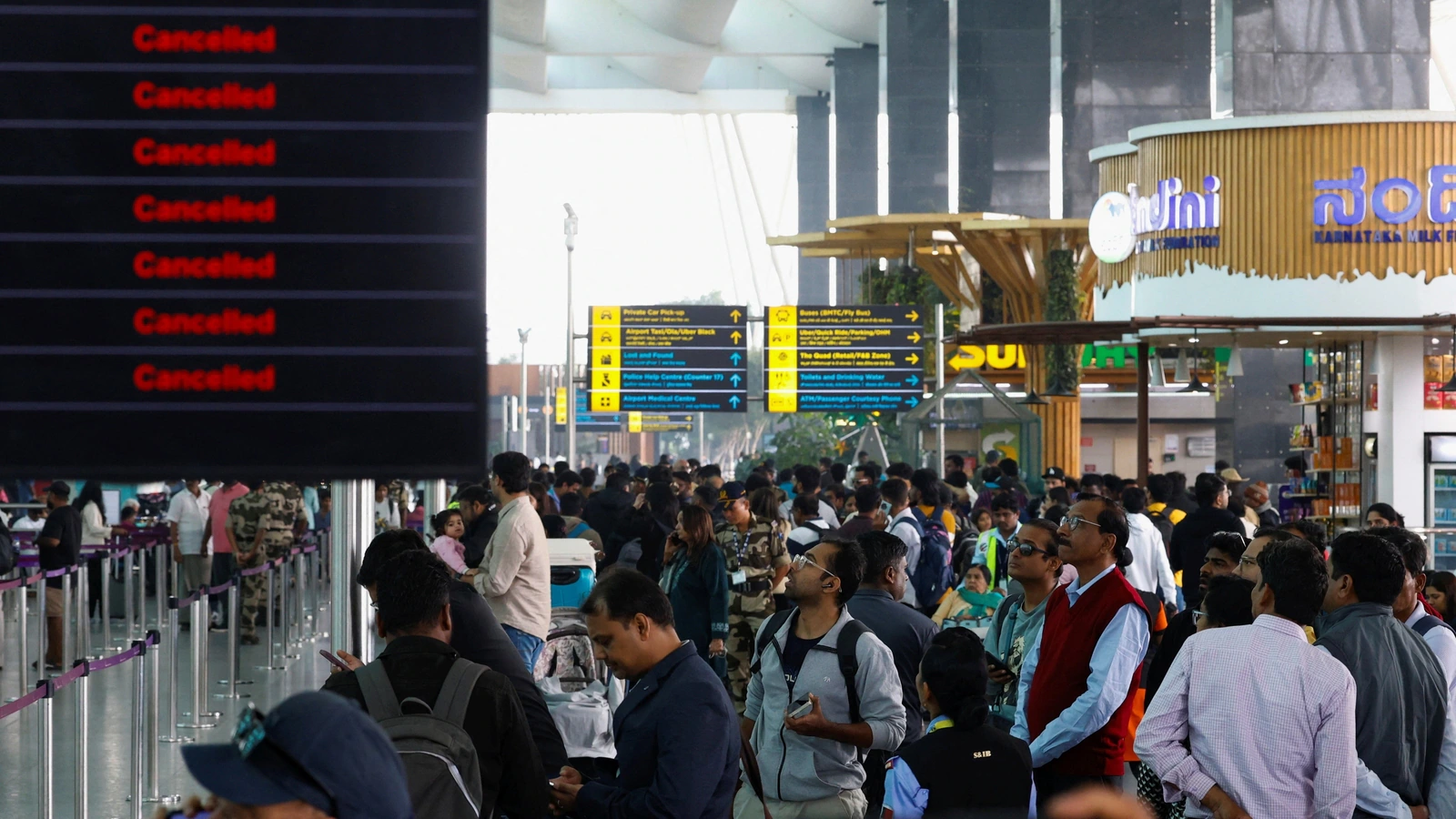
Many passengers across the country are adjusting their travel plans after IndiGo cancelled several domestic flights. The cancellations follow India’s updated Flight Duty Time Limitations (FDTL) rules, which now set tighter limits on pilot working hours. As airlines adapt to these requirements, IndiGo has suspended all its domestic departures from several major airports in India, leaving many passengers unable to board their scheduled flights and stranded at the Airport for hours.
If you booked your ticket in advance and find your flight was marked as cancelled, you can still recover your fare or choose the next available flight. Here is an easy, step-by-step guide to help you claim your refund without delay.
Also read: Samsung may keep the Exynos 2600 chip exclusive to South Korea for Galaxy S26 series: Report
How to Apply for a Refund on Your Cancelled IndiGo Flight
1. Check your flight status
- Start by confirming whether your flight has been cancelled.
- Visit the IndiGo website or open the mobile app.
- Go to the Manage Booking section.
- Enter your PNR or booking reference and last name.
- Verify the current status of your flight.
2. Select your preferred option
- IndiGo offers two choices for cancelled flights:
- Full refund of your ticket.
- Free rebooking on the next available flight.
- Choose the option that works best for your travel plans.
Also read: Apple appoints Meta’s Newstead as general counsel amid executive changes
3. Submit your refund request
- If you choose the refund option:
- Visit IndiGo’s online Refunds Page.
- Select Cancellation/Refund for Cancelled Flight.
- Enter your PNR, email ID and passenger details.
- Submit the form to start the refund process.
4. Refunds for online payments
If you paid through a digital method, IndiGo will return the amount to the same payment source. Processing usually takes 5–7 business days.
5. Refunds for cash payments
If you purchased your ticket in cash:
- Visit the airport ticket counter where you made the booking.
- Carry your ticket and a valid ID to complete the process.
Also read: IndiGo flights disrupted by new FDTL rules: What it is and how to check your flight live status
6. Bookings made through agents or travel portals
If you booked through a third-party portal or travel agent, the refund will be issued to them. Contact your agent directly if the refund is delayed.
7. Track your refund
- IndiGo sends a confirmation email once your refund is processed.
If the refund takes more than 7-10 business days, contact IndiGo’s support team through the website, app, or call centre. You may also refer to DGCA norms for more clarity on passenger rights.

Comments are closed.