Looking for a way to turn your photos into videos without spending money? You’re not alone. Thousands of people search for free image to video AI tools every day, hoping to create engaging content without the hefty price tag of professional software.
In this guide, we’ll compare the best free options available right now. We’ll cover what each tool does well, where they fall short, and help you pick the right one for your specific needs. Whether you’re creating social media content, personal projects, or just experimenting with AI, there’s a free option that works for you.
What to Look for in a Free Image to Video AI App
Before diving into specific tools, let’s establish what actually matters.
- Output quality: Does the video look smooth and professional?
- Free tier limits: How many videos can you create without paying?
- Ease of use: Can you figure it out in five minutes?
- Export options: Can you download without watermarks?
- Mobile access: Can you create on your phone?
Free tools always have limitations. The question is whether those limitations block what you’re trying to accomplish.
Top 5 Free Image to Video AI Apps Compared
Here are the best options available right now.
Pollo AI Image to Video
Pollo AI stands out by offering multiple AI models in one platform. Instead of choosing just one technology, you get access to Veo 3, Kling AI, Seedance, Hailuo AI, and many others—all from a single dashboard.
What’s free: New users receive credits to test the platform. You can generate several videos to explore different models and find what works best for your content.
Strengths:
- Access to 50+ AI video models
- High-quality motion and consistency
- Built-in audio generation
- Available as both web platform and mobile app
- Supports human faces well
Best for: Creators who want flexibility and professional results. The app version makes it easy to create videos directly from phone photos.
RunwayML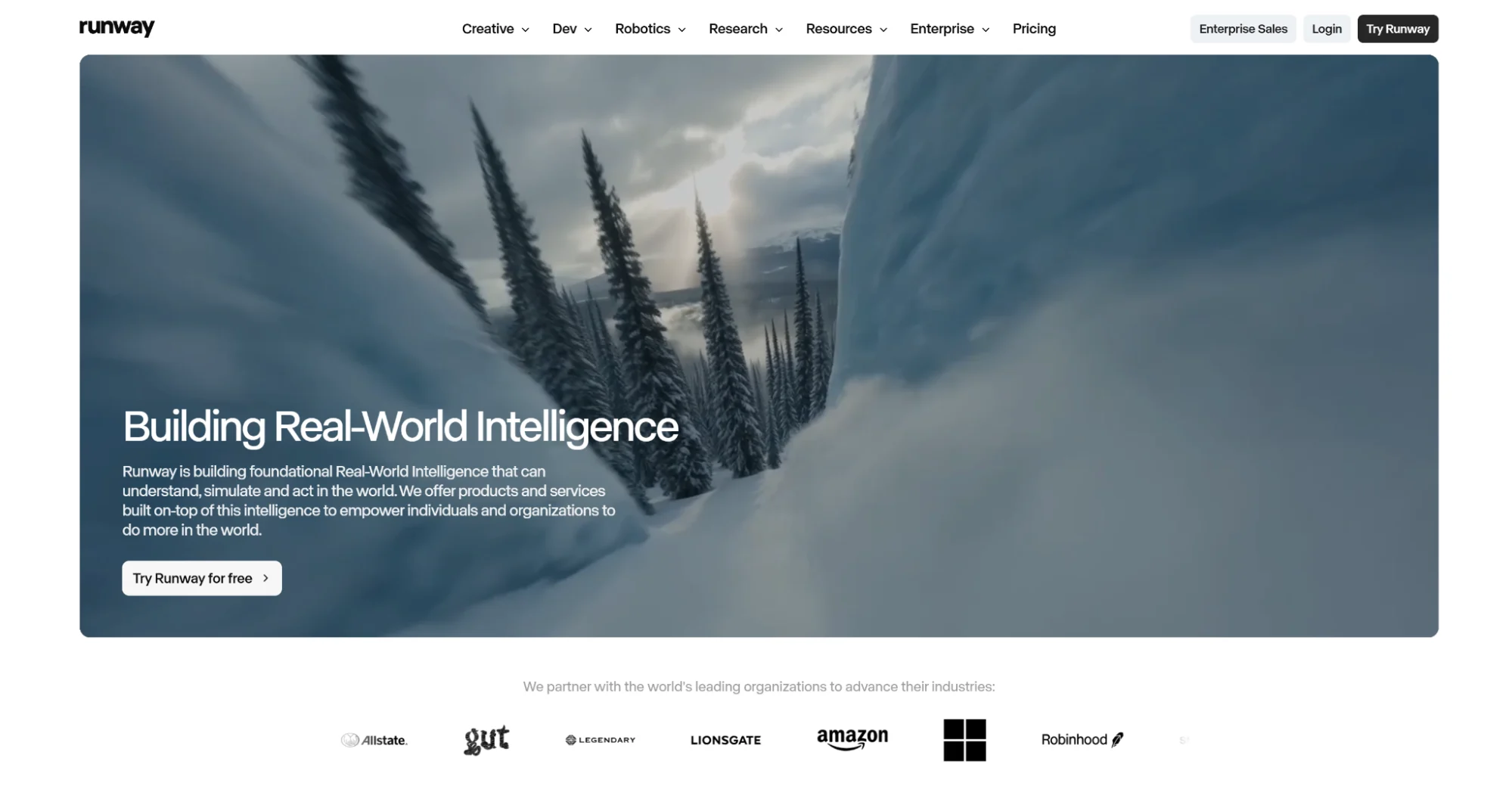
Runway offers a free tier with limited generations. The interface is clean and beginner-friendly.
What’s free: Limited credits for new accounts. Watermarks appear on free exports.
Strengths:
- Intuitive interface
- Good motion quality
- Regular updates
Limitations: Free credits run out quickly. Watermarks on free videos can be distracting.
Best for: Users who want to test before committing to a subscription.
Pika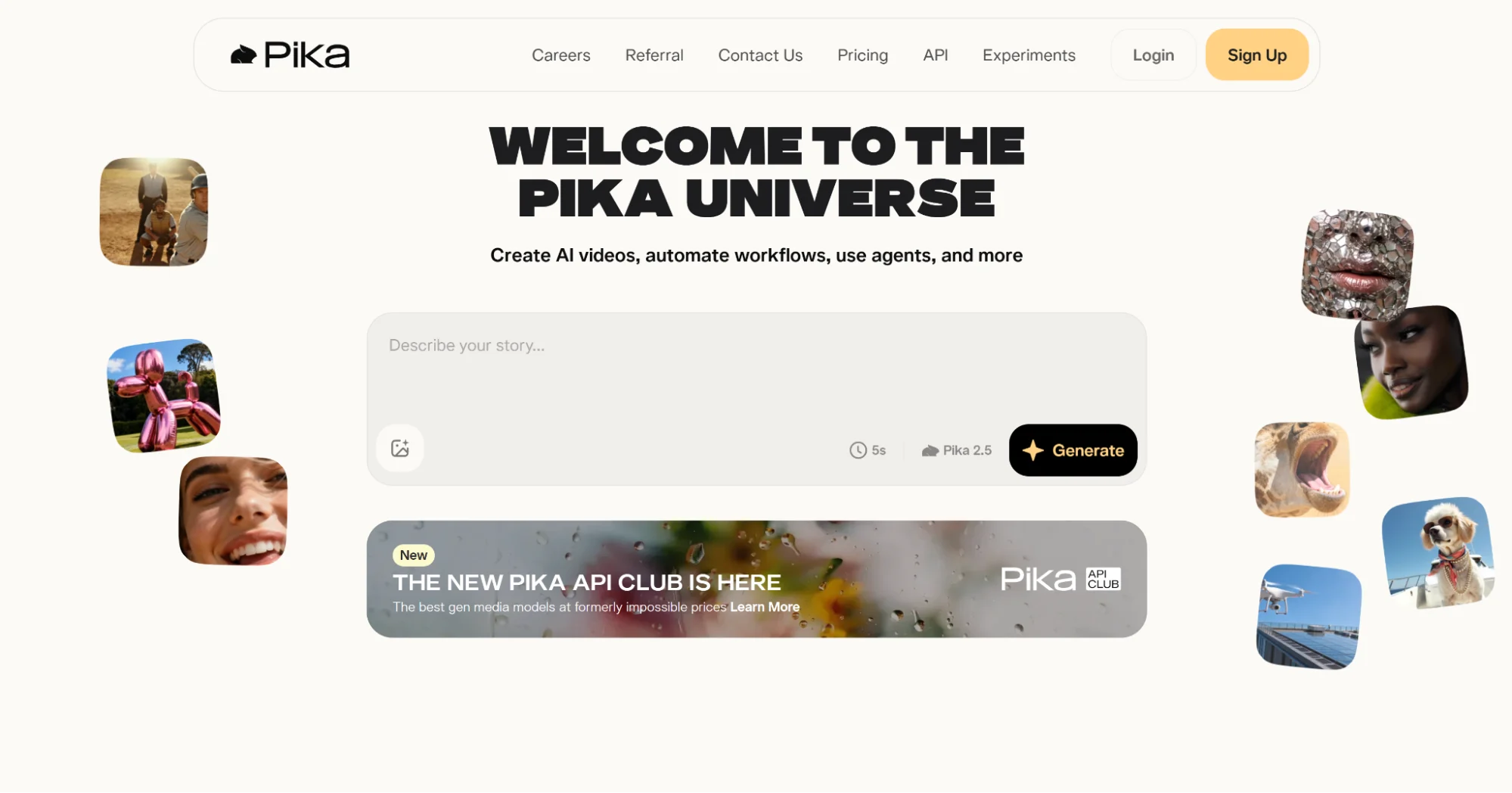
Pika provides a straightforward image to video AI experience with a generous free option.
What’s free: Daily free generations with some restrictions on length and quality.
Strengths:
- Simple to use
- Decent output quality
- Active community
Limitations: Lower resolution on free tier. Limited control over motion.
Best for: Casual users making short clips for social media.
PixVerse
PixVerse offers free generations with a focus on creative and stylized outputs.
What’s free: Limited daily generations. Basic features accessible without payment.
Strengths:
- Unique visual styles
- Good for artistic content
- Mobile-friendly
Limitations: Less realistic motion. Fewer customization options.
Best for: Artists and creators wanting stylized rather than realistic results.
Forward AI
Luma provides dream machine technology for image animation with a free access tier.
What’s free: Limited monthly generations. Queue times can be longer for free users.
Strengths:
- Impressive visual quality
- Good understanding of depth
- Handles complex scenes
Limitations: Slower generation for free users. Limited generations per month.
Best for: Users prioritizing quality over quantity.
How to Get the Most from Free Tiers
Free credits are limited. Here’s how to maximize them.
Plan Before You Generate
Don’t waste free generations on test runs. Think through what you want before clicking generate:
- Choose your best photo first
- Write your prompt carefully
- Consider what motion makes sense
Each generation should count toward something you’ll actually use.
Start with Simple Images
Complex scenes are harder for AI to animate well. Save your free credits for images with:
- Clear, single subjects
- Good lighting
- Simple backgrounds
- High resolution
You’ll get better results and waste fewer attempts.
Write Specific Prompts
Vague prompts produce unpredictable results. Be clear about:
- What should move
- How fast or slow
- The direction of movement
- The overall mood
“Woman slowly turns head left and smiles softly” works better than “make her move.”
Use Multiple Platforms
Nothing stops you from using free tiers across several tools. Create a few videos on Pollo AI, a few on Pika, a few on Luma. You’ll learn which platform suits your style while maximizing your free output.
Mobile Apps vs. Web Platforms
Some image to video AI tools work better on phones than others.
Why Mobile Matters
- Create videos from photos you just took
- Edit during commutes or downtime
- Share directly to social media
- No computer required
Pollo AI offers a video creator app that mirrors the web experience. You get the same access to multiple AI models, the same quality output, and the same ease of use—all from your phone.
Other tools primarily focus on web browsers, which works fine but adds extra steps when your photos live on your phone.
Start Creating Today
Free image to video AI tools have never been better. You can produce content that would have required professional software and skills just two years ago.
Pick one tool from this list, upload a photo, and create your first video. The learning happens by doing. Once you’ve made a few videos, you’ll know exactly what you need and which platform delivers it best.
Your photos are already waiting. Turn them into something that moves.