
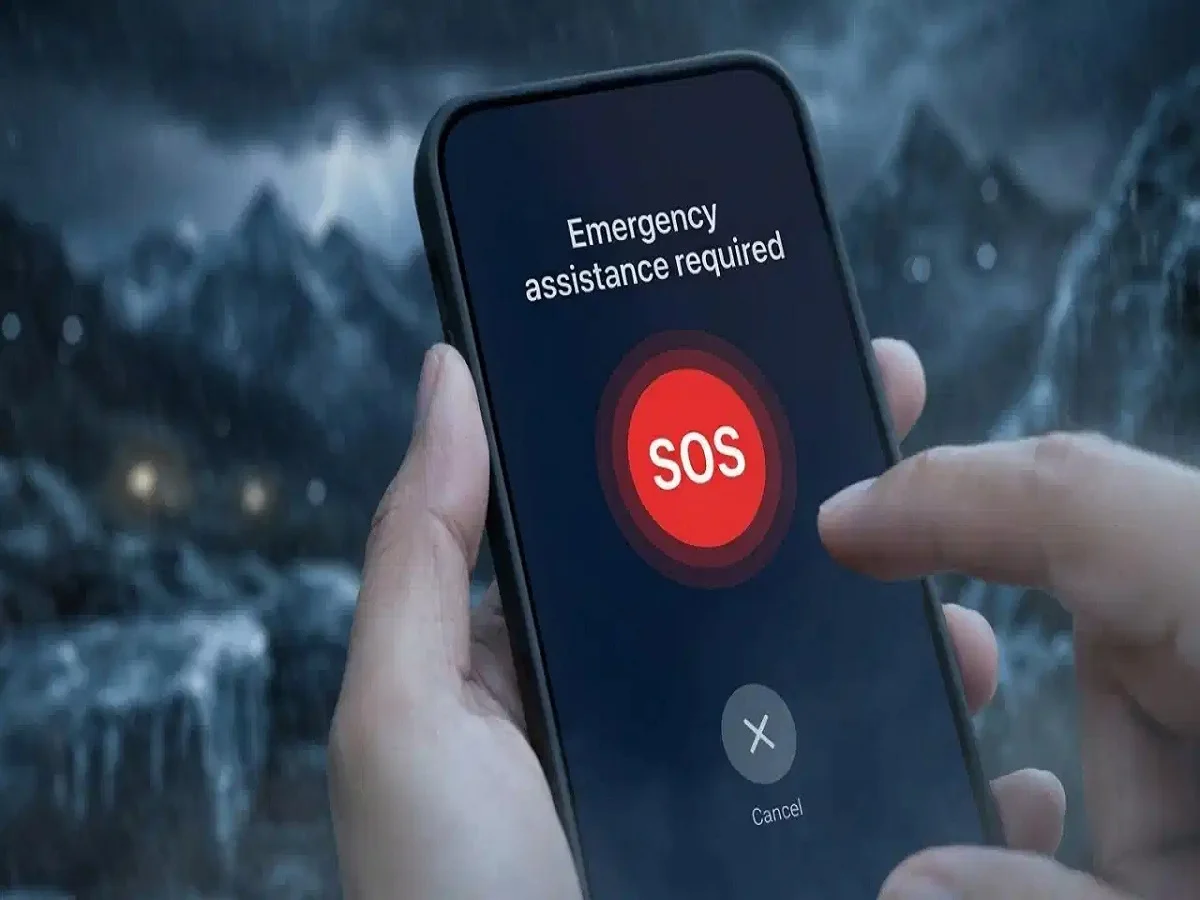

Friends, in today’s modern era, smartphones have become an important part of our lives, which is not only a medium of communication but also makes many of your tasks easier, it can also prove to be life-saving in difficult situations. But an often overlooked tool is the Emergency SOS feature. Whether you’ve been in an accident, have a medical emergency, or are stuck in a dangerous situation, this feature can instantly alert your loved ones and share your location, ensuring you get immediate help when you need it most. Let us know how you can set it-
How to set up Emergency SOS on Android
Go to your phone’s Settings
Open Safety and Emergency section
Tap on Emergency Contacts
Add one or more trusted contacts
Many brands like Samsung and Xiaomi offer some even better alternatives to Emergency SOS:
Turn on SOS by pressing the Power button several times
Send messages automatically to contacts
Share your current location instantly
These features ensure that during any emergency, your contacts get the information they need without any delay.
How to turn on Emergency SOS on iPhone
Open the Health app
Tap on your profile
Select Medical ID
Tap Edit and add Emergency Contacts as per your relationships
In case of any emergency:
Press and hold the Power button (or use a special combination of buttons)
The phone will alert Emergency Services and share your current location with selected contacts.
Why is Emergency SOS so important?
Sends instant alerts to emergency contacts
Shares your current location
Can sound a loud alarm to attract people’s attention
Helps in accidents, health problems or unsafe situations

Comments are closed.